Tinder
Meet New People & Date Singles
iOS
Lifestyle
Dating
Tinder App UI design
Tinder App UI design
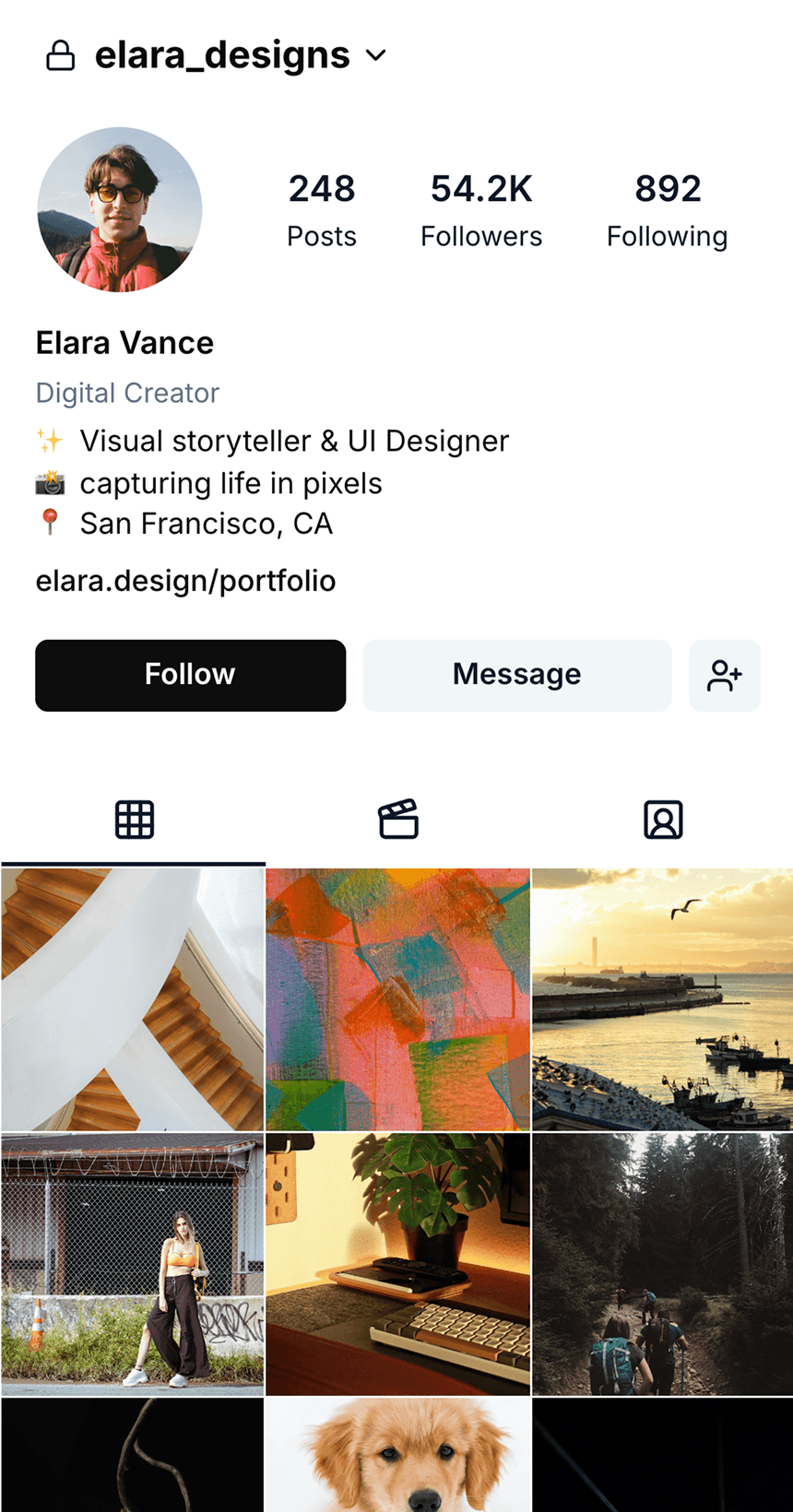
Tinder is a dating app that connects users based on location. It matches users who like each other and helps find dates based on mutual interest.
Tinder is a dating app that connects users based on location. It matches users who like each other and helps find dates based on mutual interest.
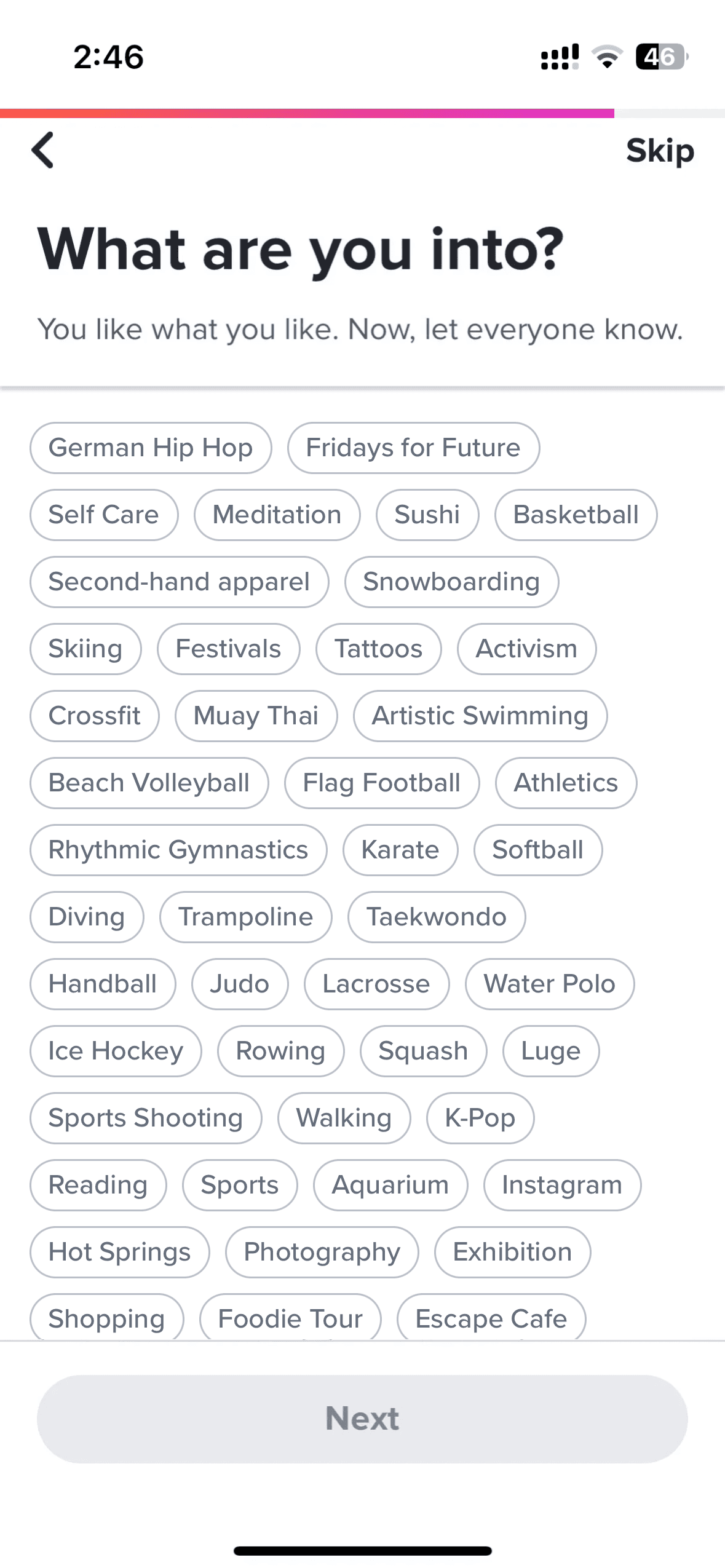
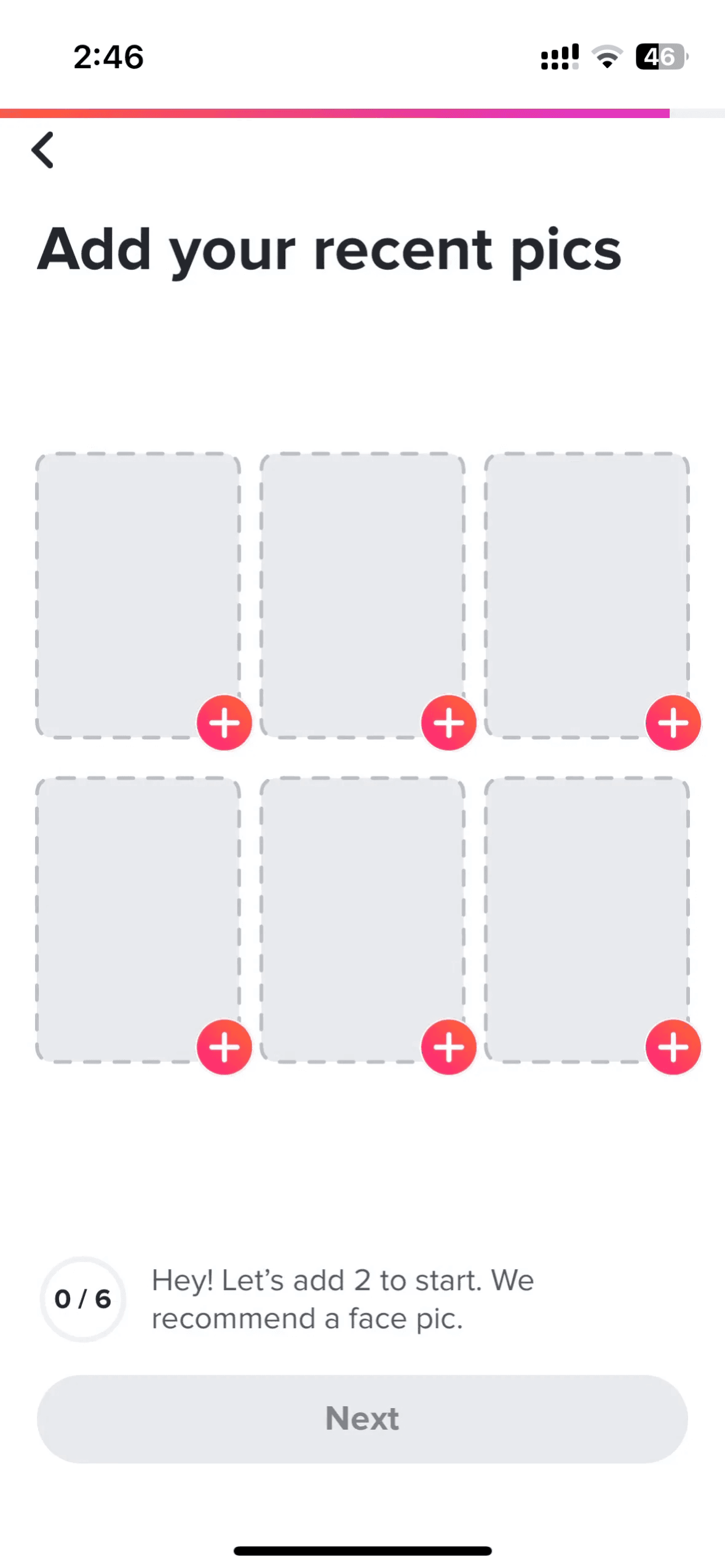
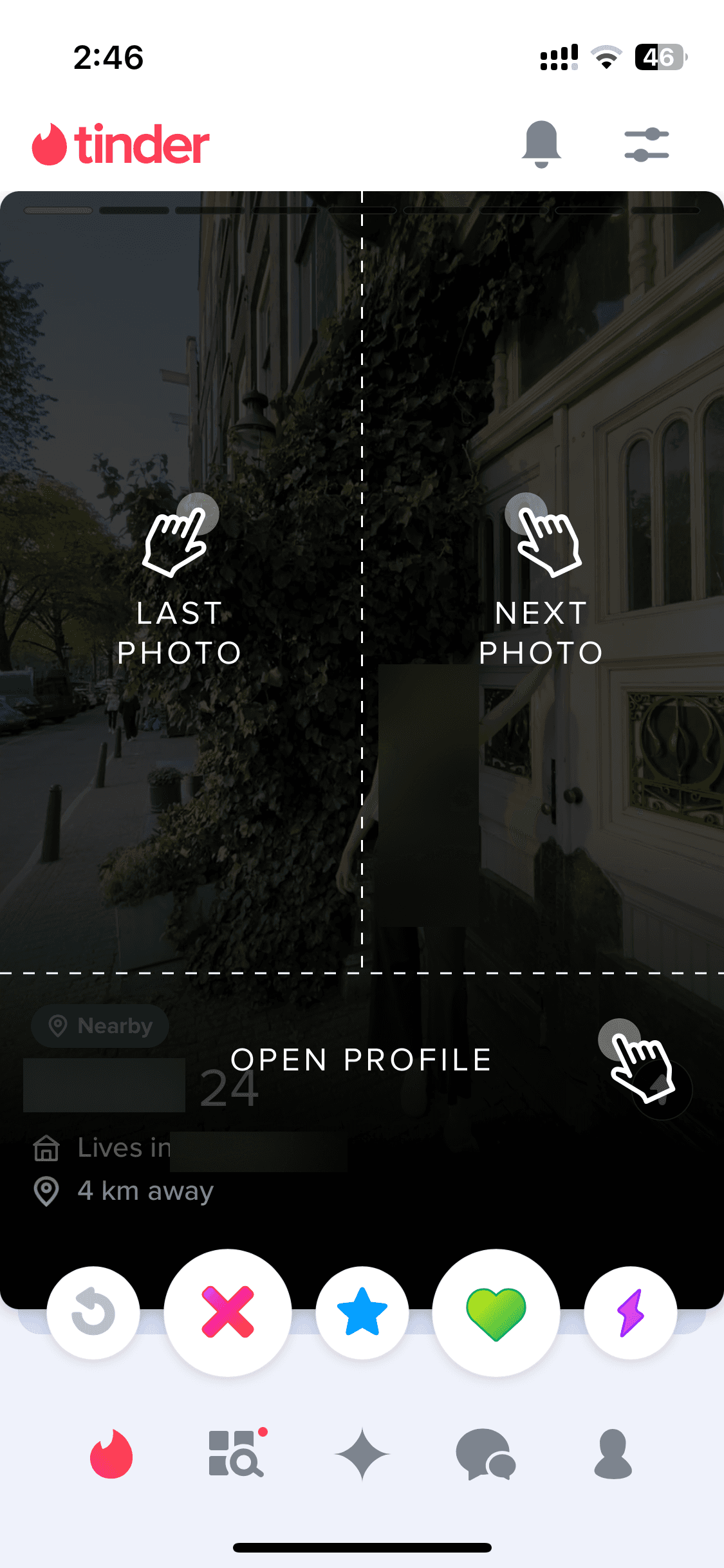
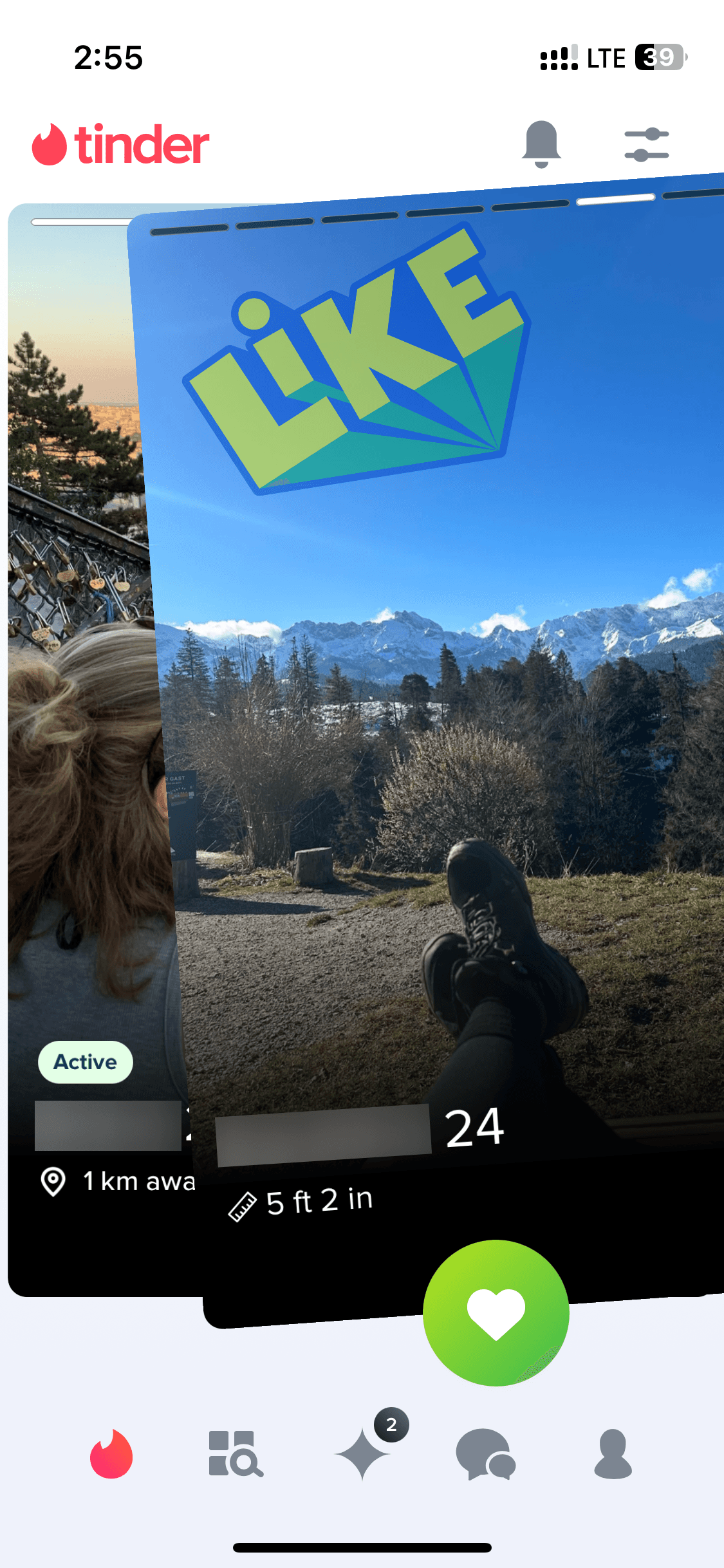
It revolutionized dating apps' design with a swipe-based interface. Browse Tinder app screens — from onboarding, matching and more — on our free Mobbin Alternative!
It revolutionized dating apps' design with a swipe-based interface. Browse Tinder app screens — from onboarding, matching and more — on our free Mobbin Alternative!
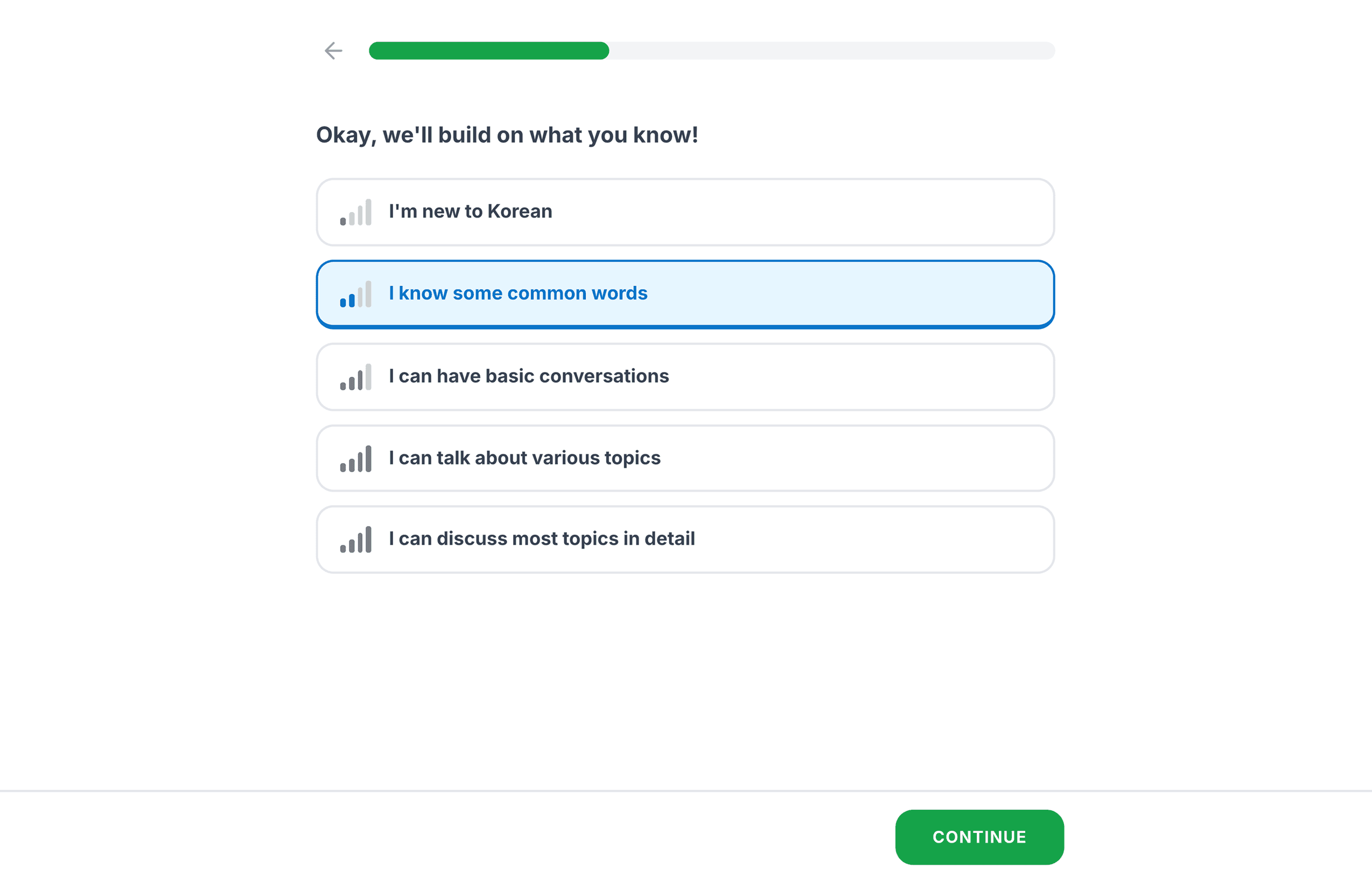
Onboarding
Onboarding
12 screens

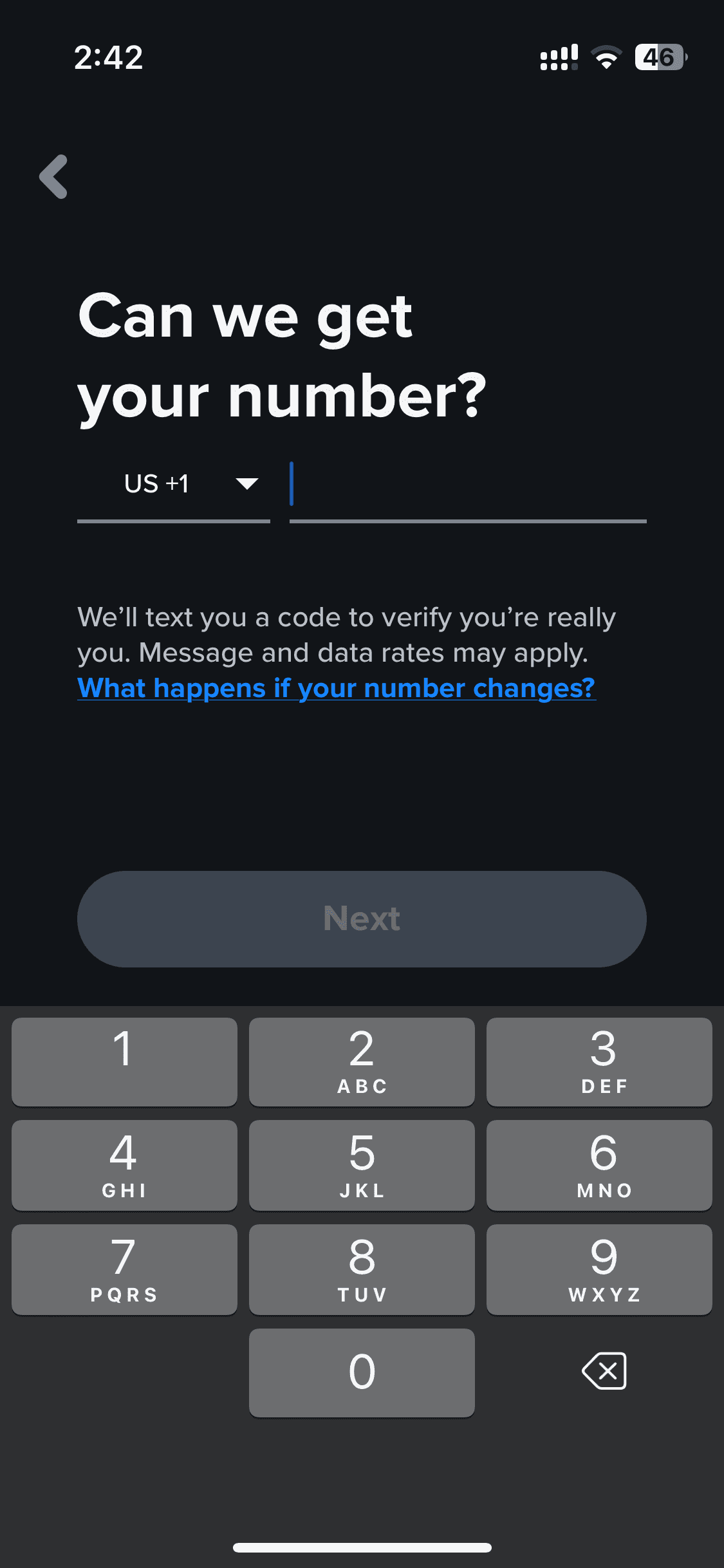
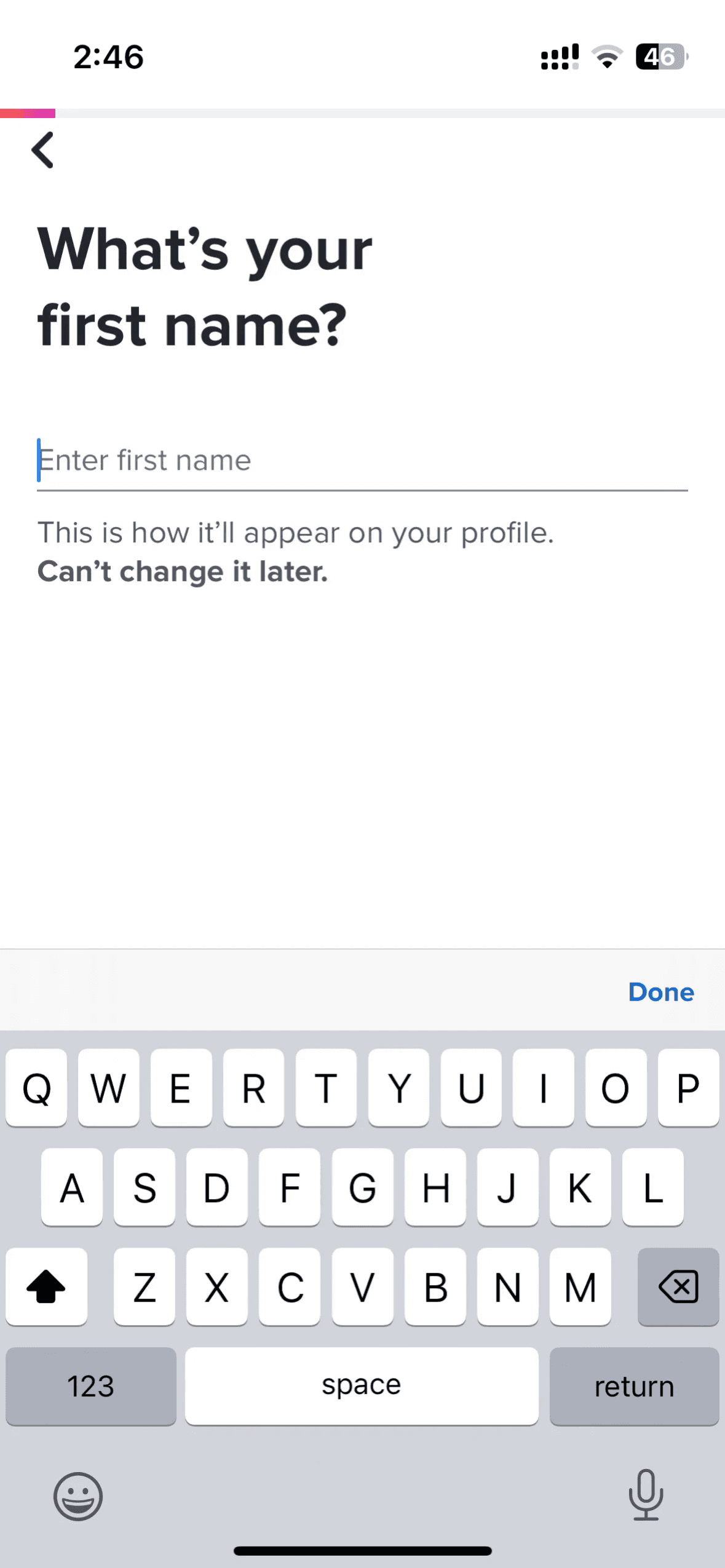
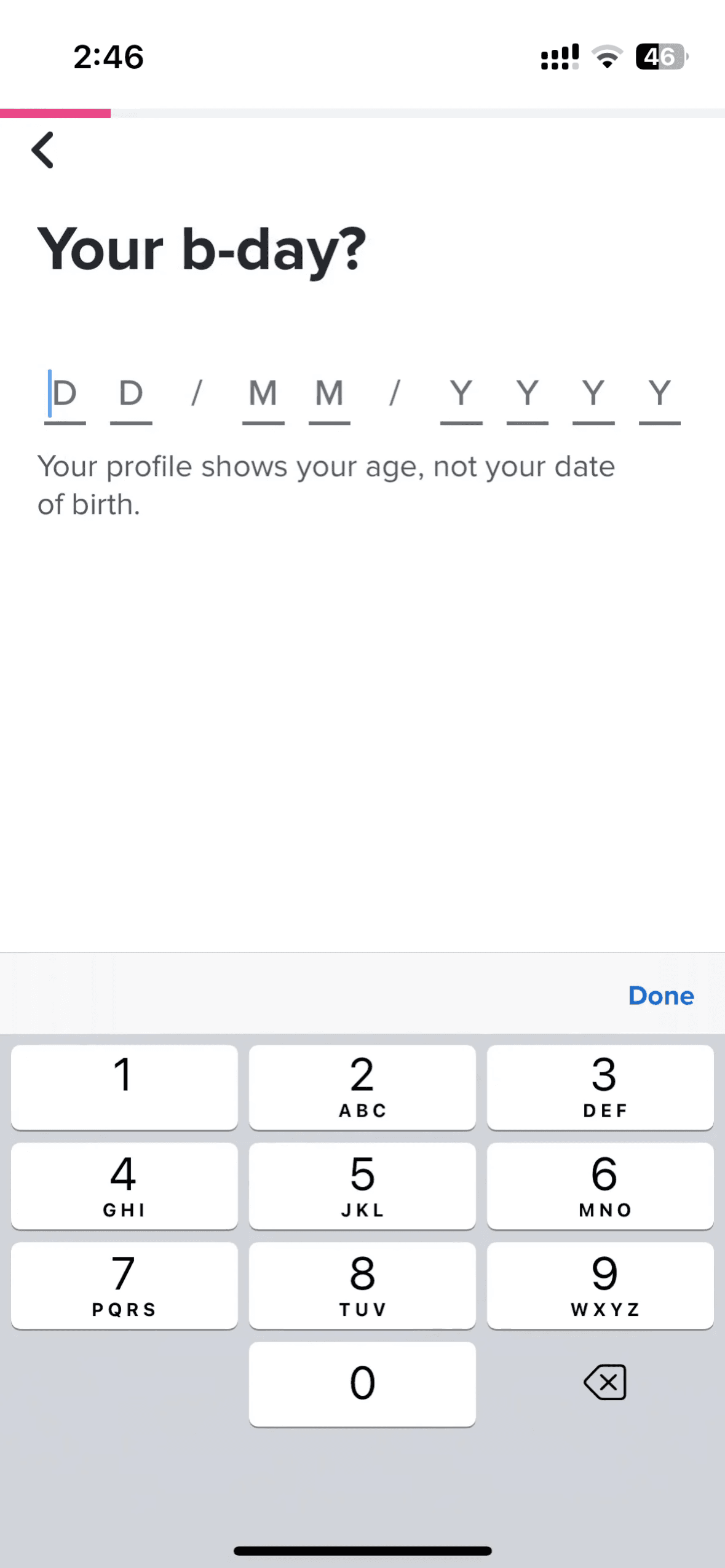
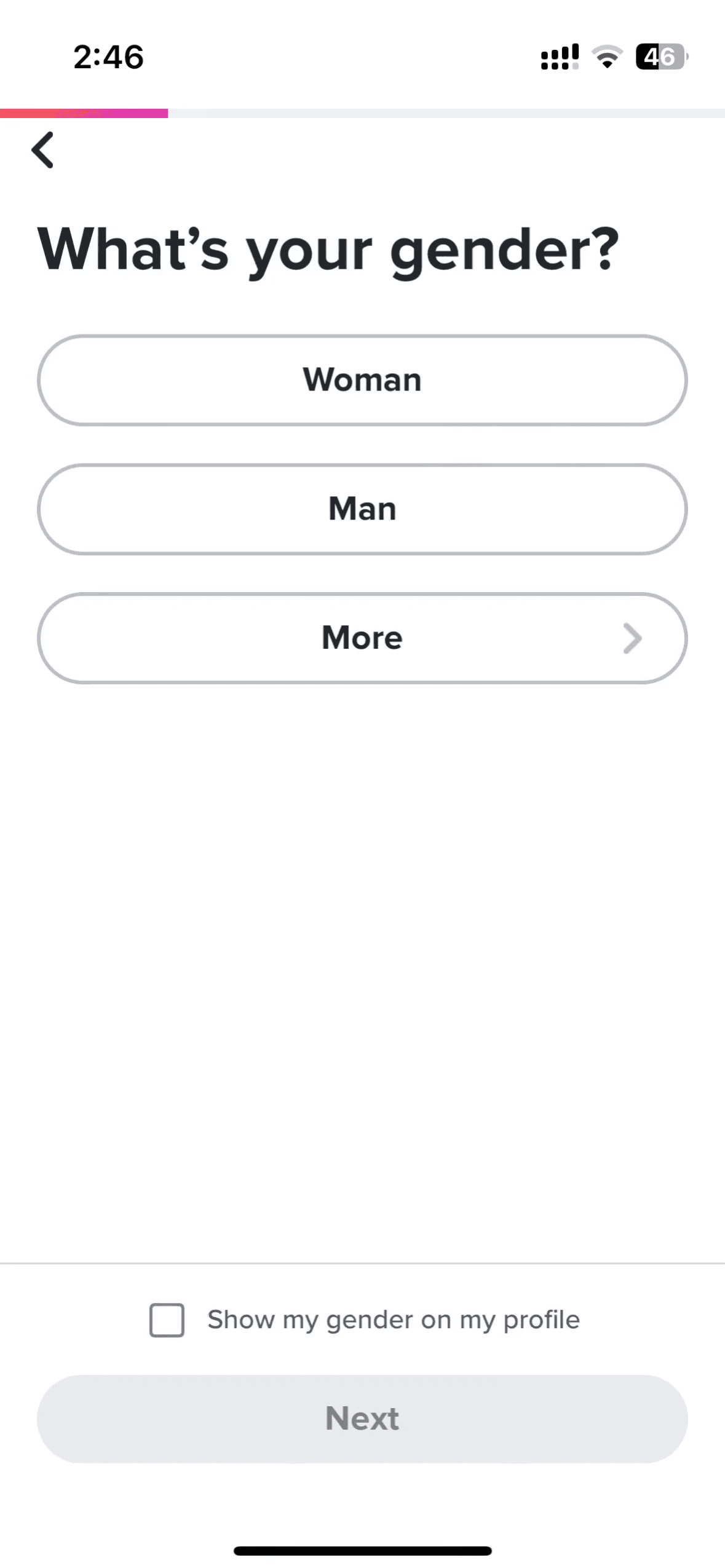
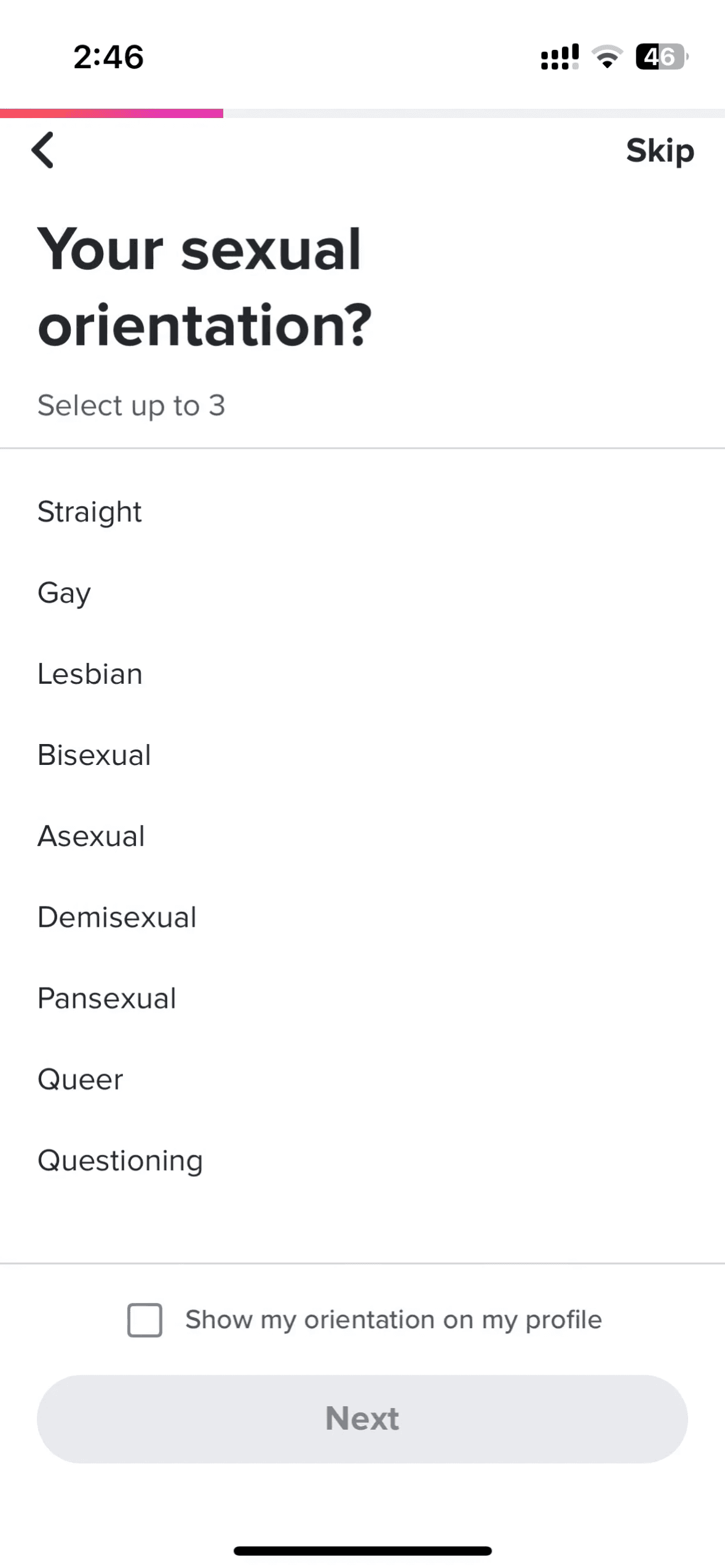
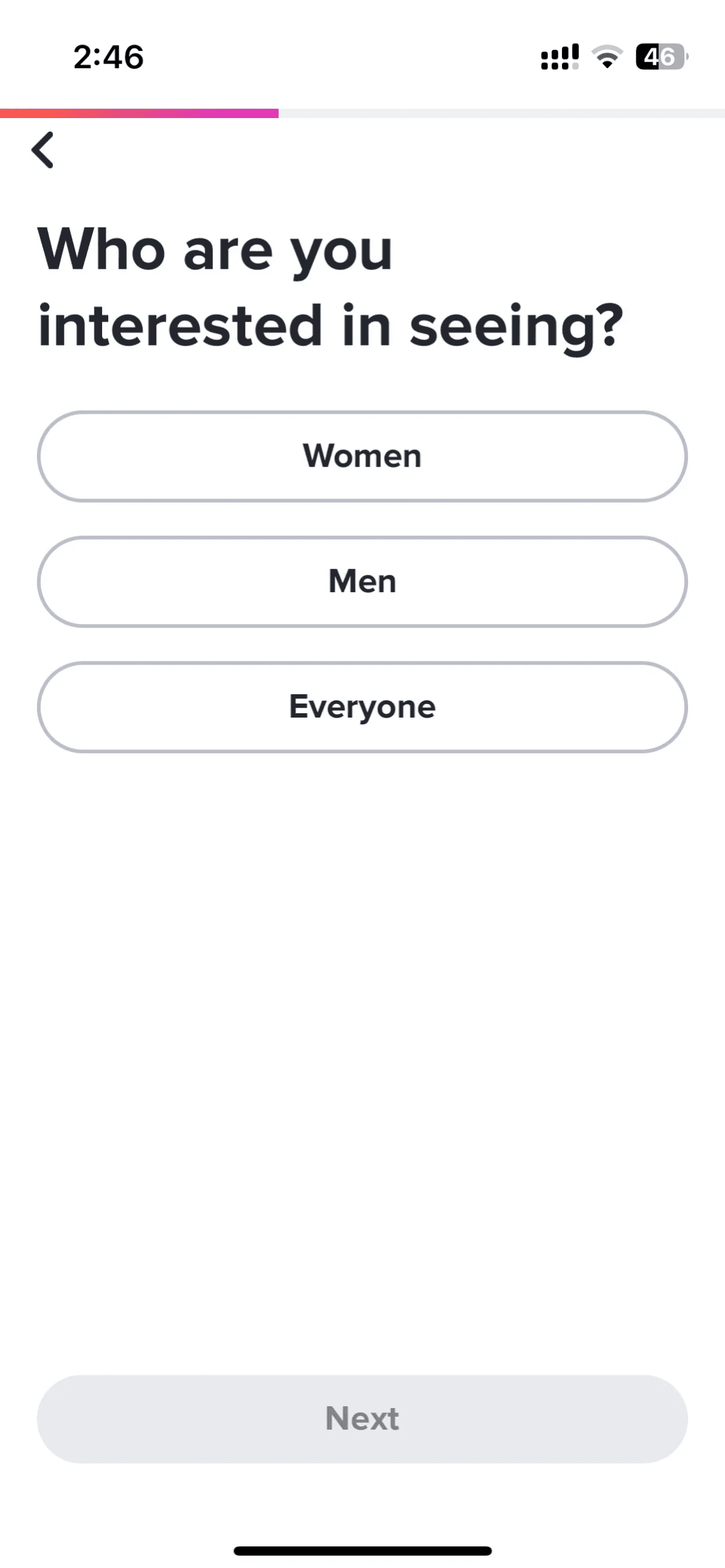
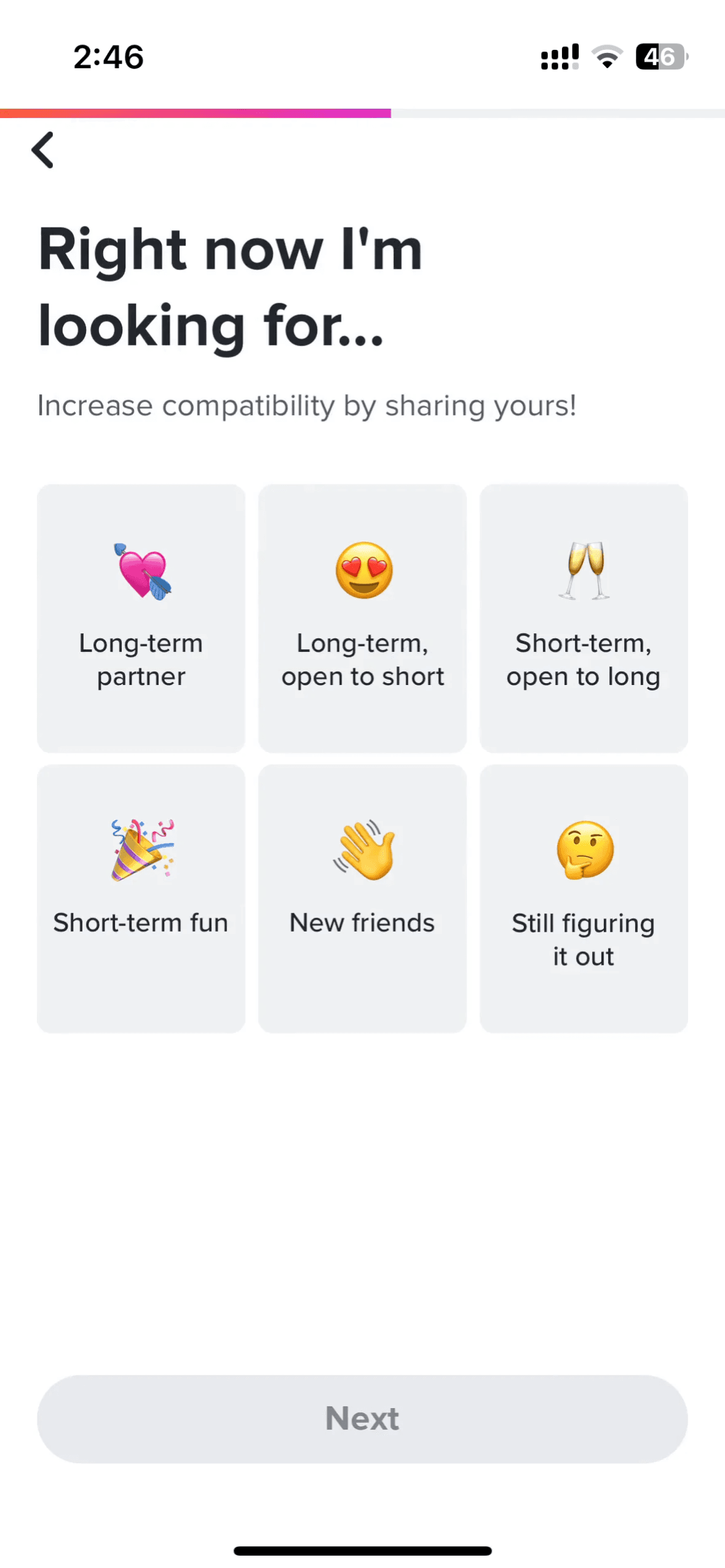
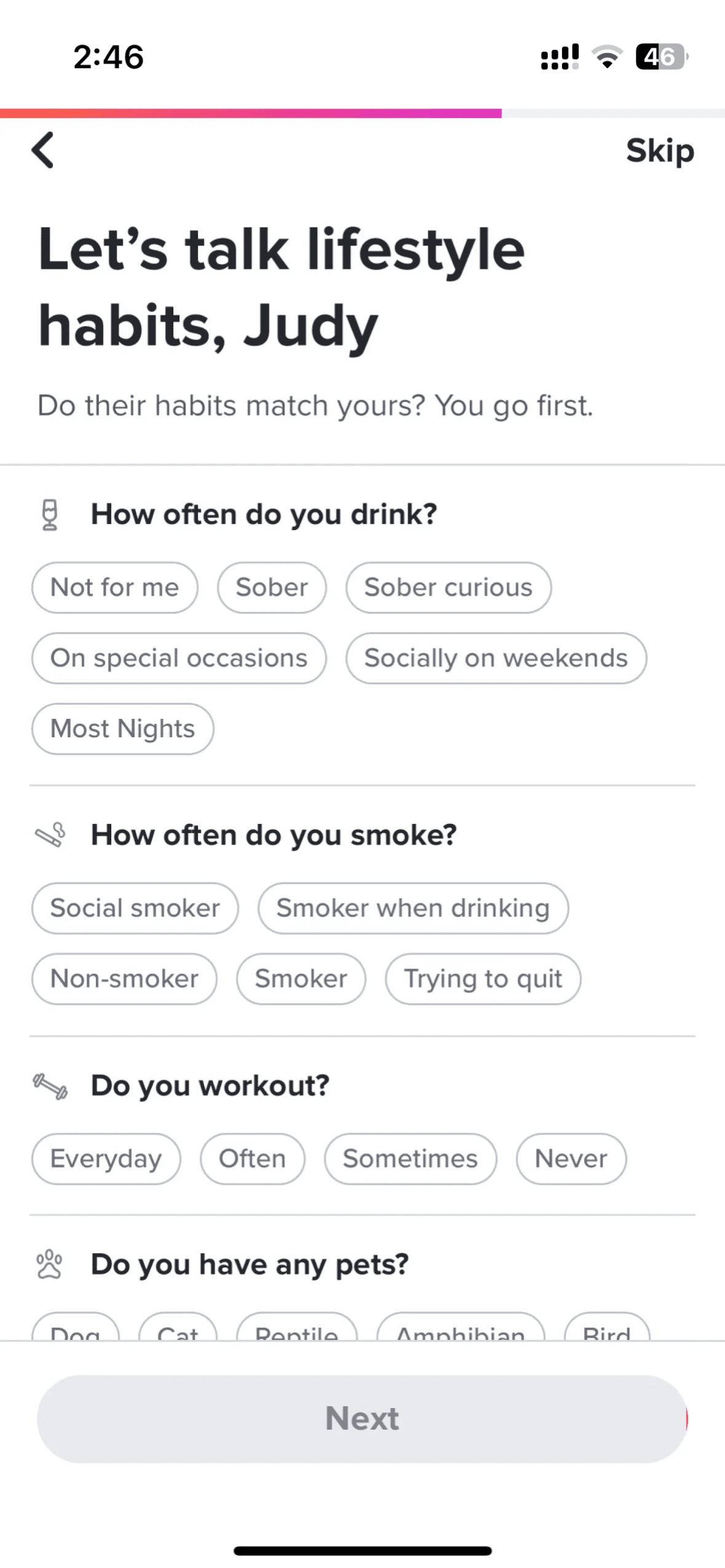
How to reference Tinder screens with Banani AI?
1
Copy a UI Screen
Select to download or copy a UI screen you like.
Select to download or copy a UI screen you like.
2
Edit UI with AI
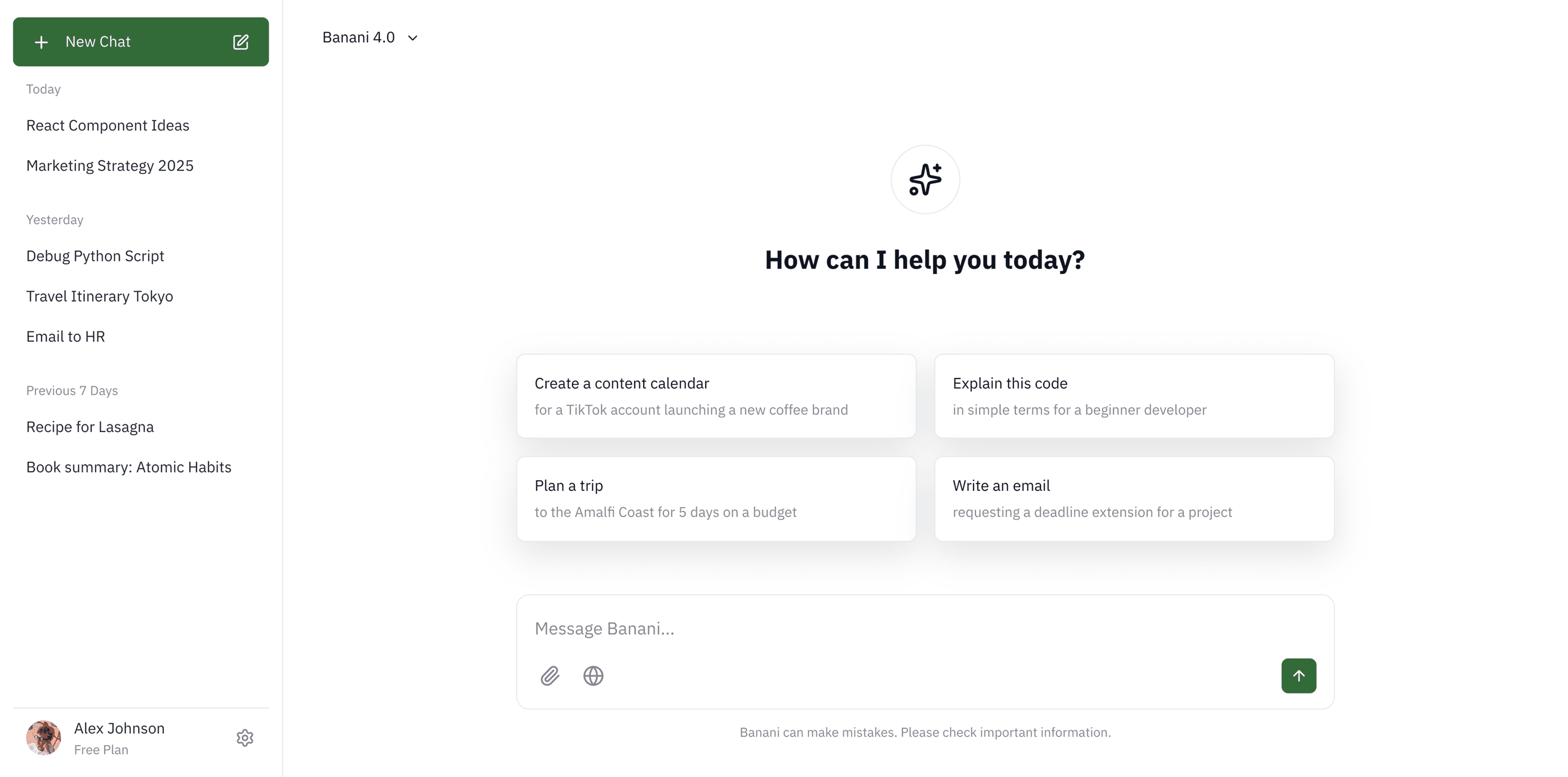
Upload in Banani and type the changes you want.
Upload in Banani and type the changes you want.
2
Get wireframes
Upload in Banani and type the changes you want.
3
Figma or Code Export
Export the new design as Figma or clean HTML/CSS.
Export the new design as Figma or clean HTML/CSS.
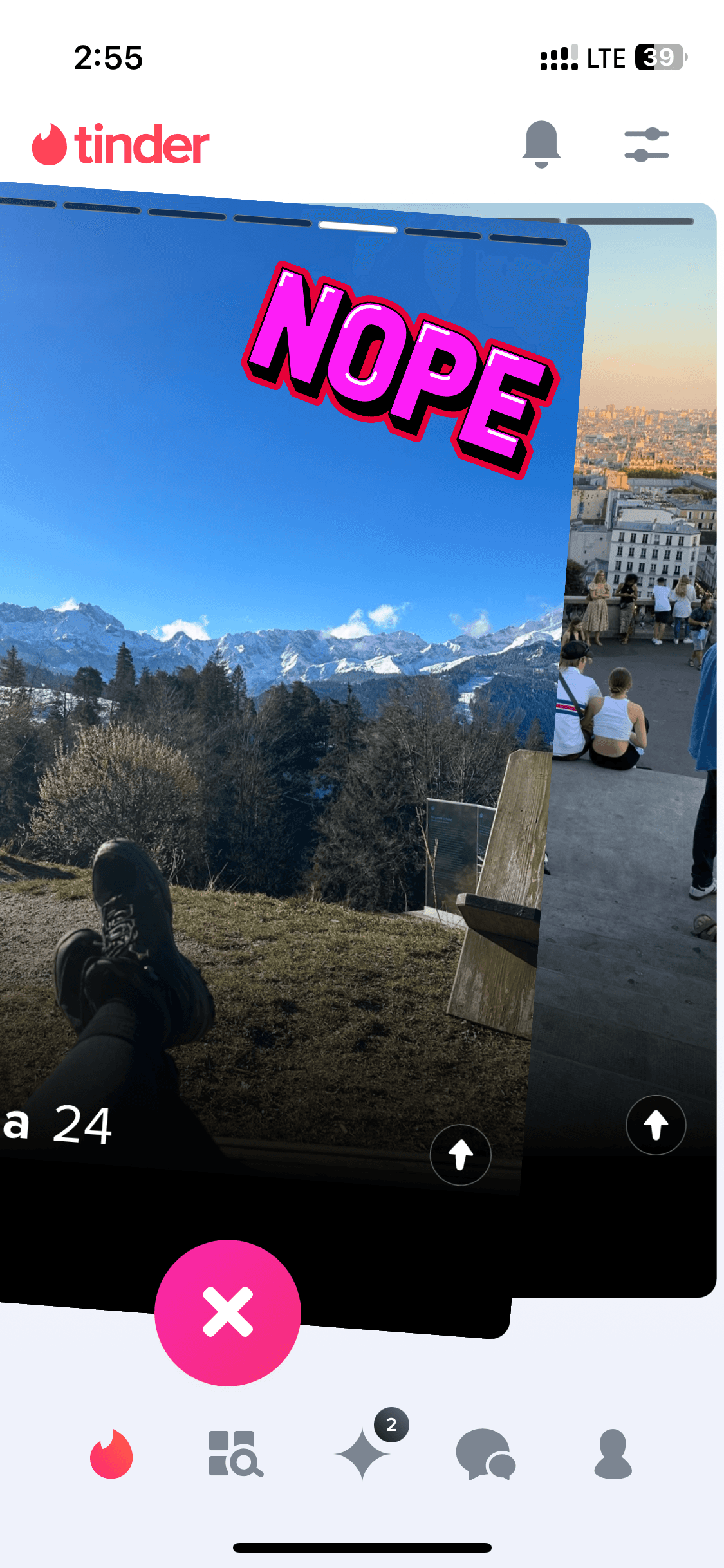
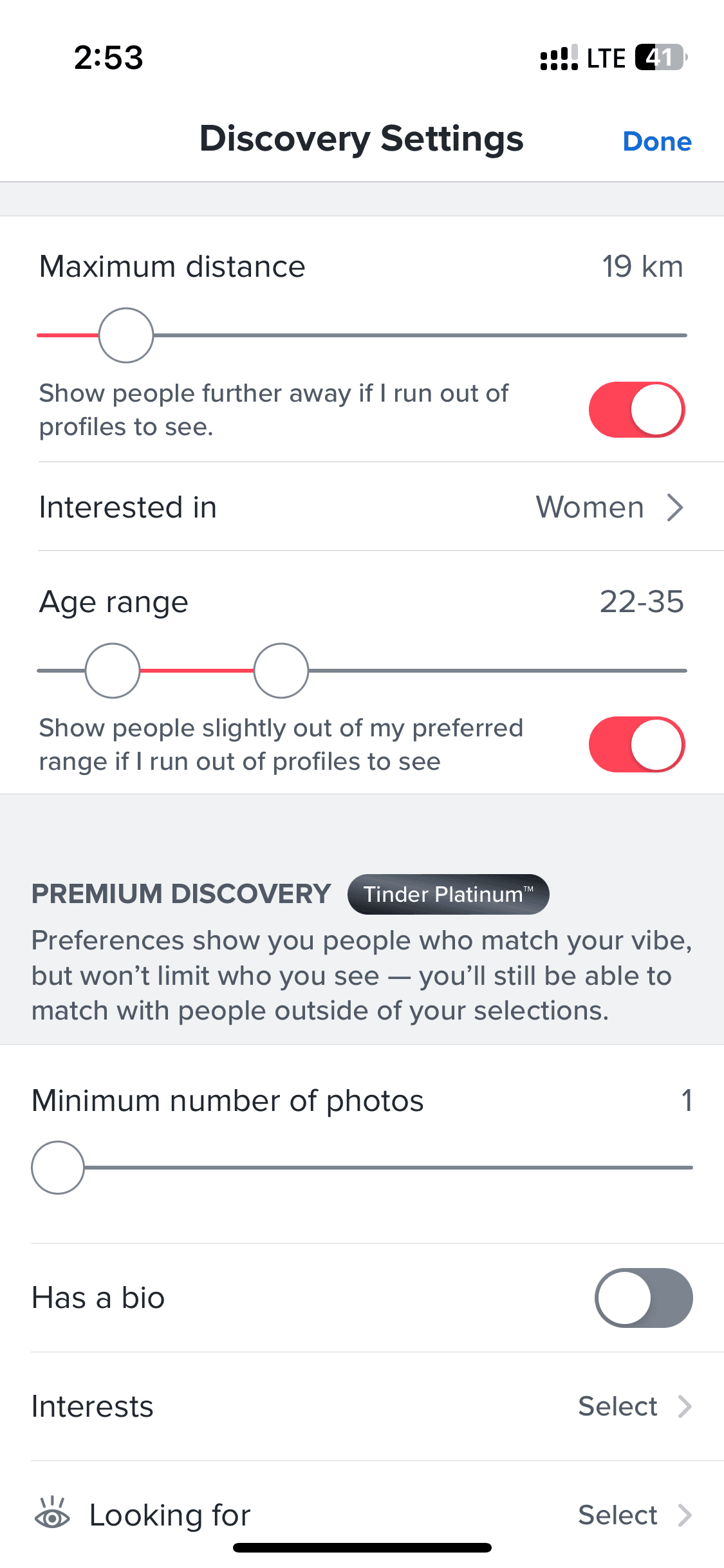
Browsing
Browsing
7 screens

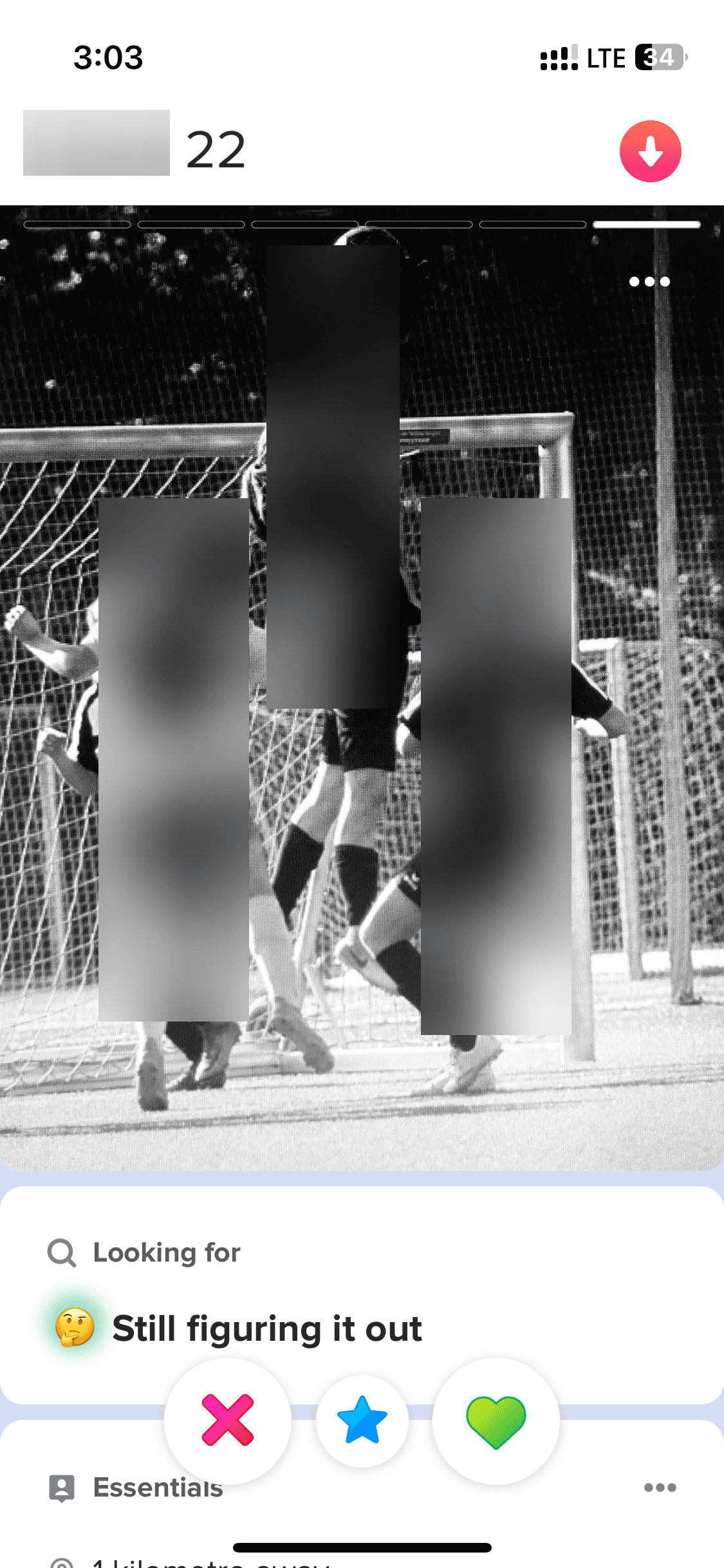
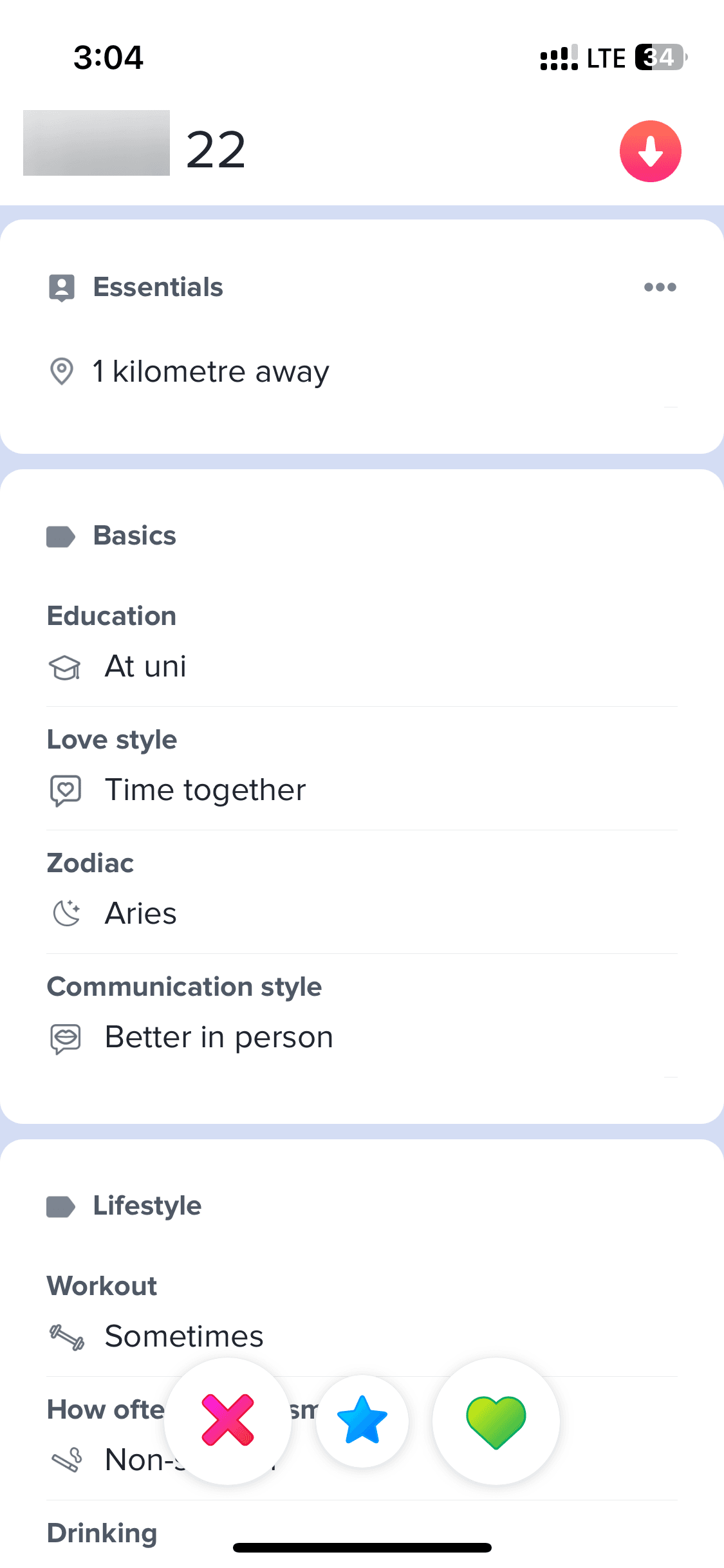
Profile
Profile
5 screens
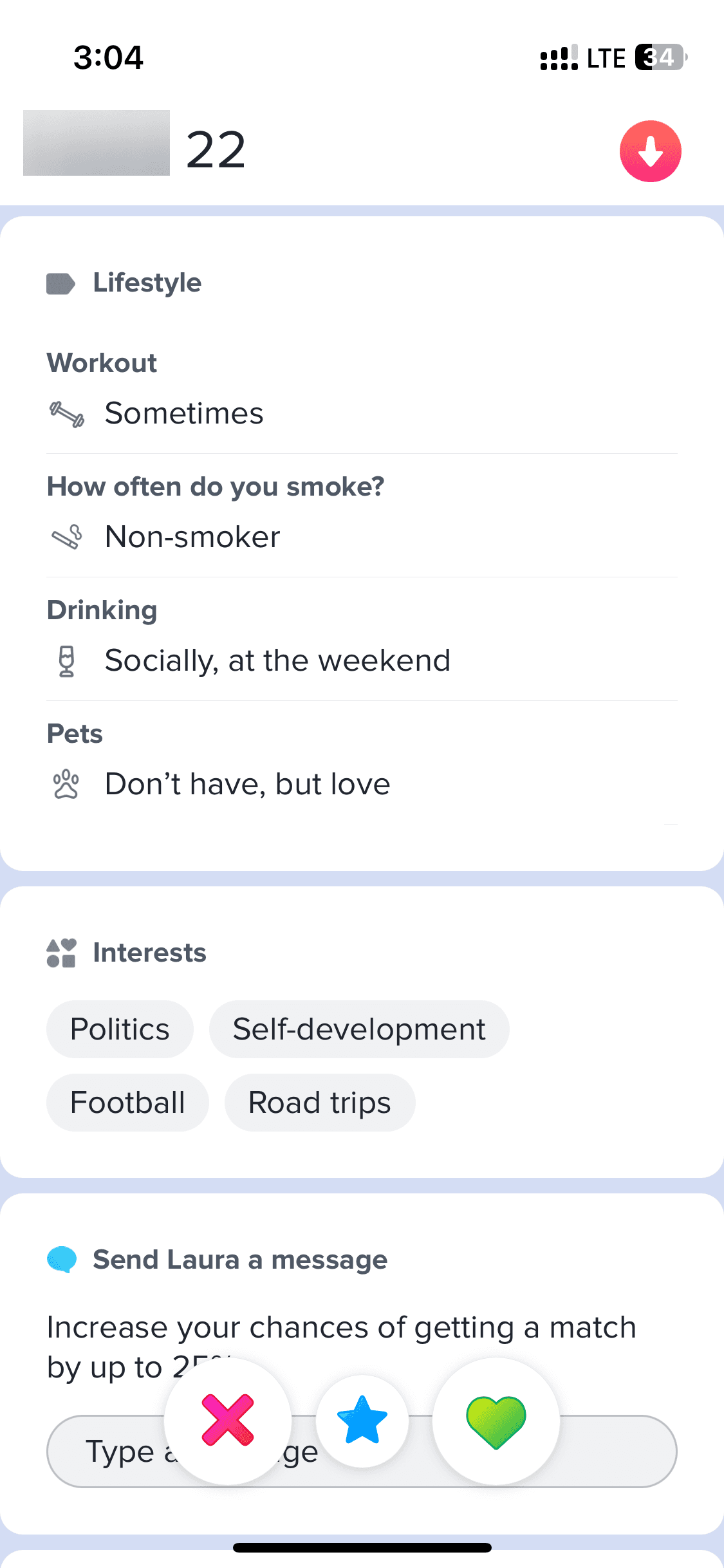
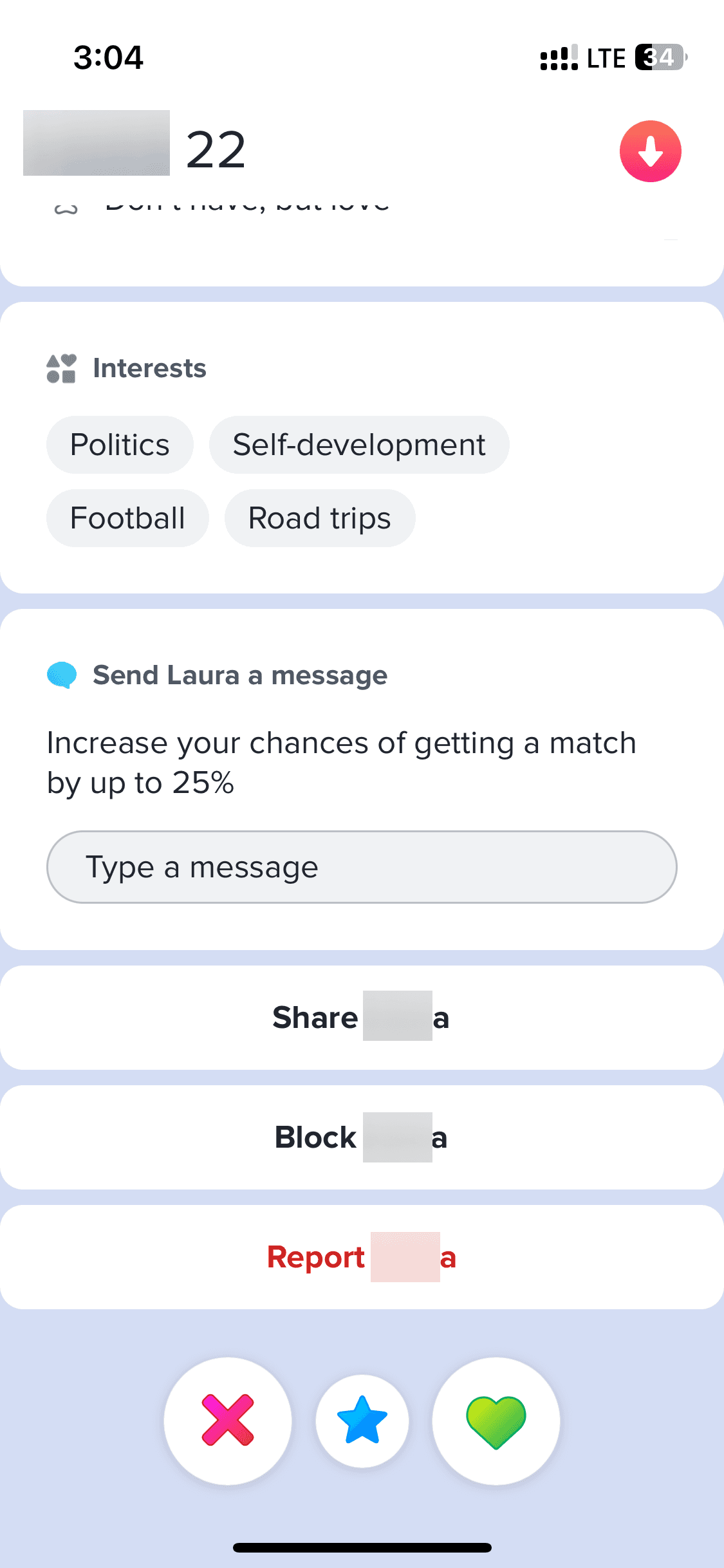
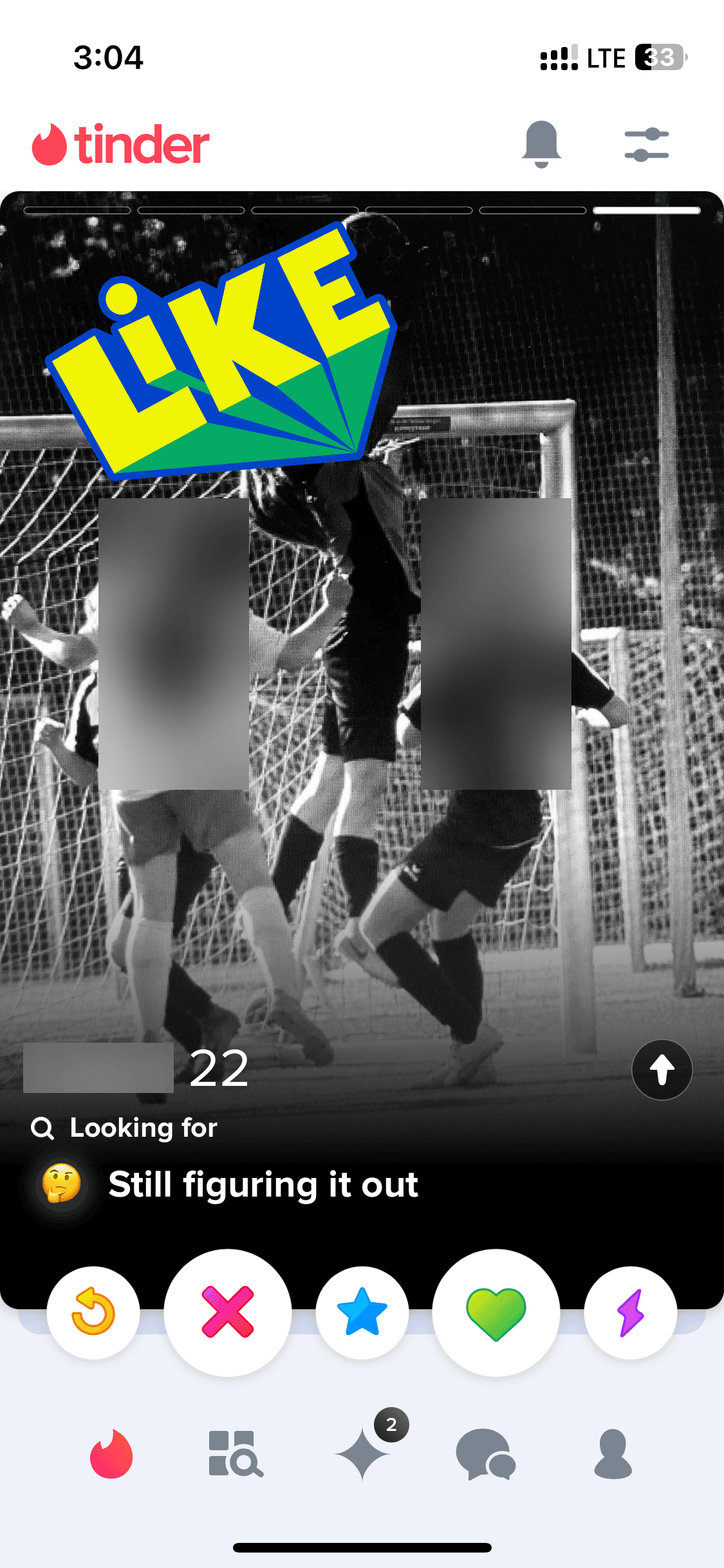
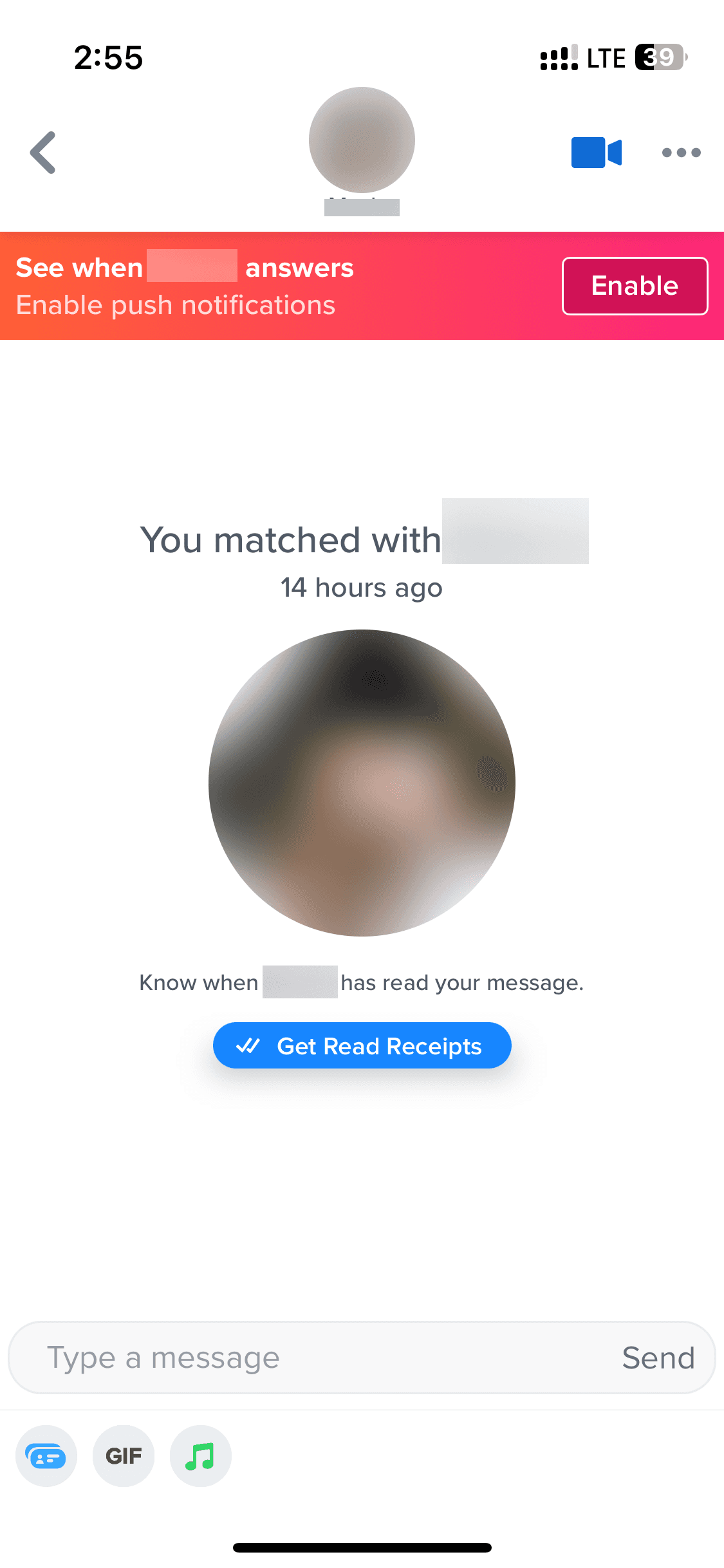
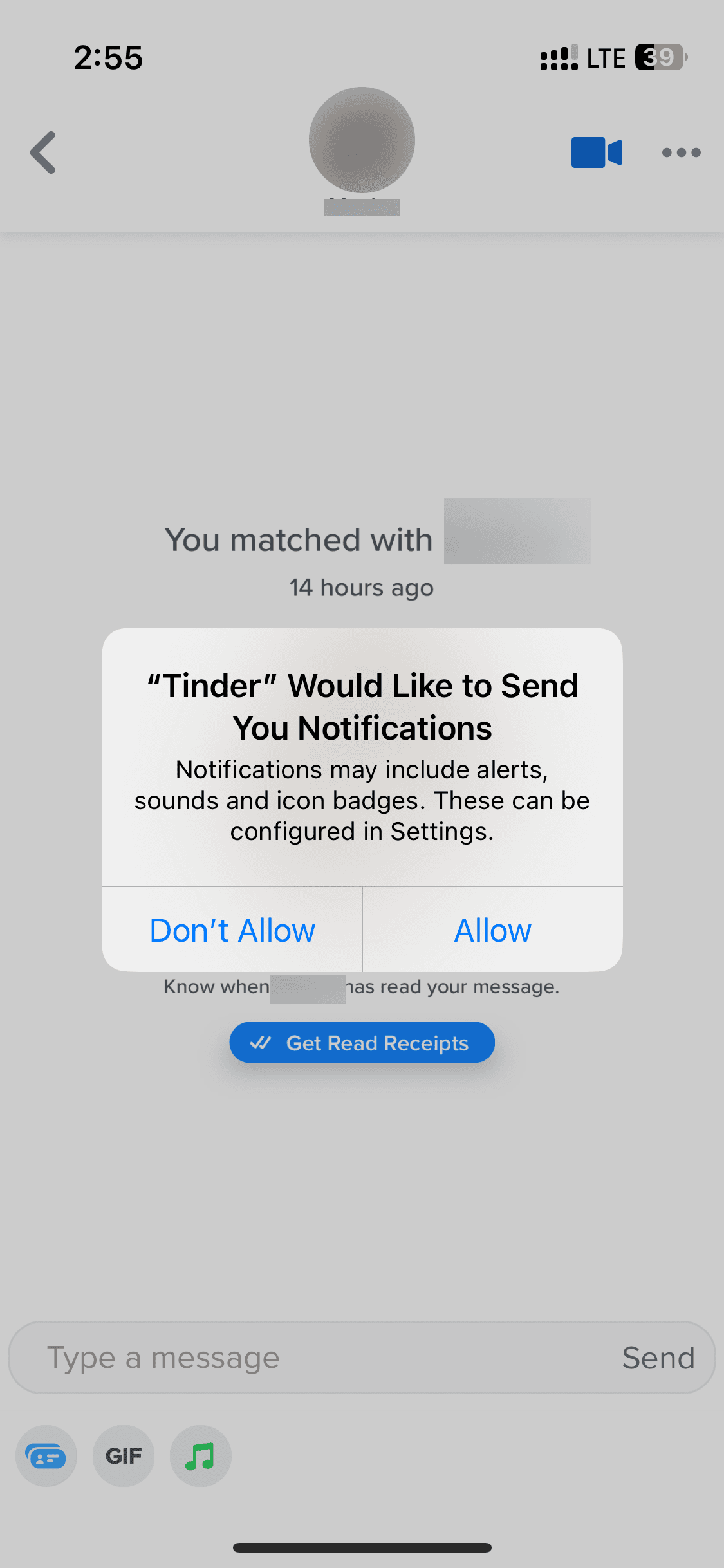
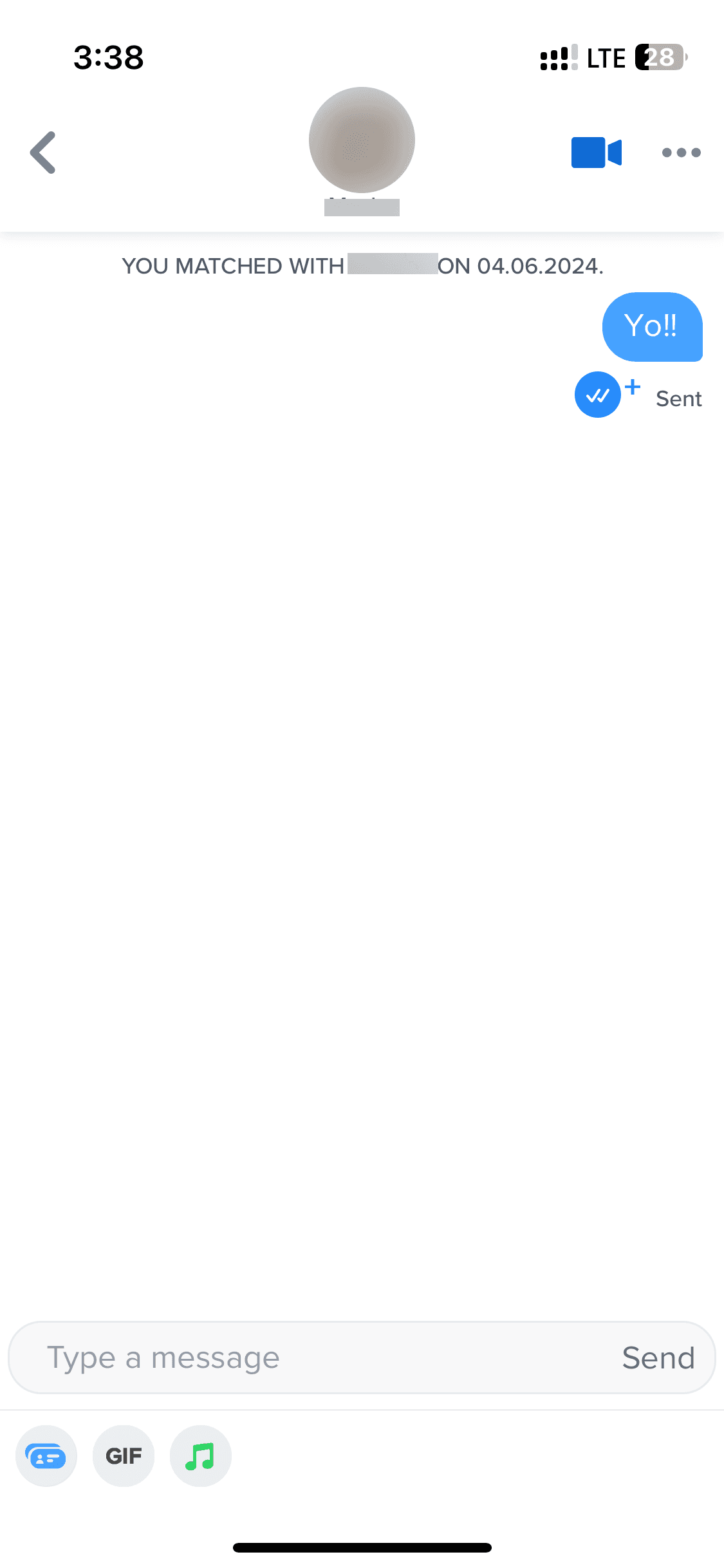
Chat
Chat
4 screens
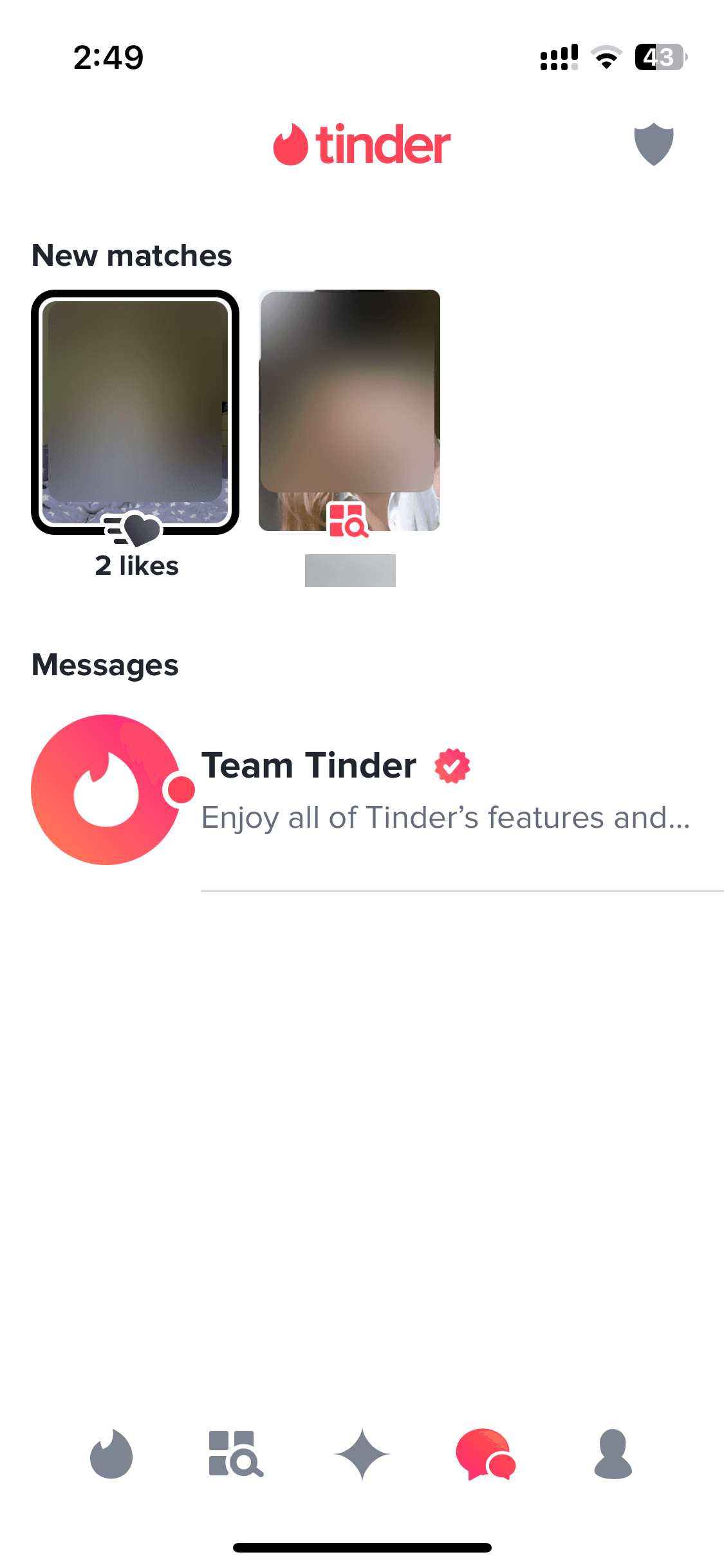




Recently added
View all
Tinder
NEW
Meet New People & Date Singles

Calm
Sleep, Meditation, Relaxation

Threads
Share ideas & trends with text

Blinkist
Learn something new every day

ChatGPT
The official app by OpenAI

Airbnb
Vacation Rentals & Experiences

Things 3
Organize your life

Arc Search
Find it, Faster
FAQs on Tinder UI
Why reference Tinder UI for app design?
Tinder is one of the most influential UI designs in consumer tech. It pioneered the swipe-based interaction pattern, which has since been a standard across dating apps. (And now even being applied in hiring, and shopping apps.) Beyond the swipe, Tinder's UI is a masterclass in profile-first design: large imagery, minimal text, and frictionless decision-making at every step.
So, if you're designing any app where users evaluate options quickly (e.g. people, products, or content), Tinder's UI screens are excellent references.
Tinder is one of the most influential UI designs in consumer tech. It pioneered the swipe-based interaction pattern, which has since been a standard across dating apps. (And now even being applied in hiring, and shopping apps.) Beyond the swipe, Tinder's UI is a masterclass in profile-first design: large imagery, minimal text, and frictionless decision-making at every step.
So, if you're designing any app where users evaluate options quickly (e.g. people, products, or content), Tinder's UI screens are excellent references.
Is Tinder UI available on Mobbin?
Yes, Tinder screens are available on Mobbin. However, Mobbin's free tier limits how many screens you can view, save, or download. Better to browse Tinder UI on free Mobbin alternatives, where you can find other dating apps templates too.
Yes, Tinder screens are available on Mobbin. However, Mobbin's free tier limits how many screens you can view, save, or download. Better to browse Tinder UI on free Mobbin alternatives, where you can find other dating apps templates too.
Why use Banani AI as a Mobbin alternative to view Tinder screens UI?
On Banani, Tinder's full UI — onboarding, browsing, profile, and chat — is free to browse with no sign-up required.
But the bigger reason is what our Mobbin alternative can do after: copy any Tinder screen, upload it to Banani, and edit it to fit your own app — just by chatting with our AI. You can even export your new screens, inspired by Tinder, as a Figma file or clean HTML/CSS code.
On Banani, Tinder's full UI — onboarding, browsing, profile, and chat — is free to browse with no sign-up required.
But the bigger reason is what our Mobbin alternative can do after: copy any Tinder screen, upload it to Banani, and edit it to fit your own app — just by chatting with our AI. You can even export your new screens, inspired by Tinder, as a Figma file or clean HTML/CSS code.