




AI wireframe generator

AI wireframe generator

Use AI to generate and edit wireframes in seconds. Forget about difficult wireframing software or drawing them on napkins.

Use AI to generate and edit wireframes in seconds. Forget about difficult wireframing software or drawing them on napkins.

In toolkits of builders from

In toolkits of builders from

The fastest way to create wireframes

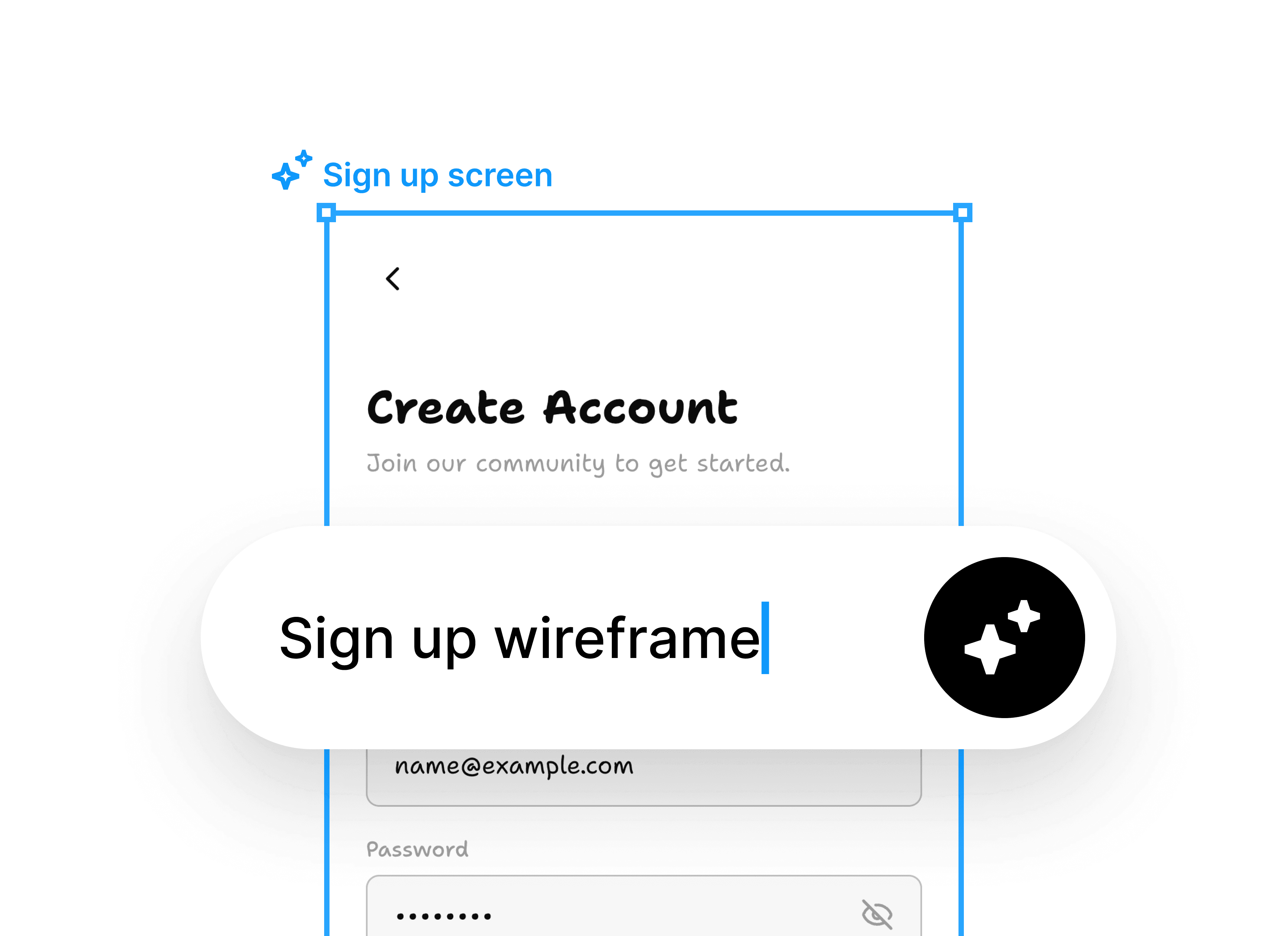
Prompt-to-wireframe

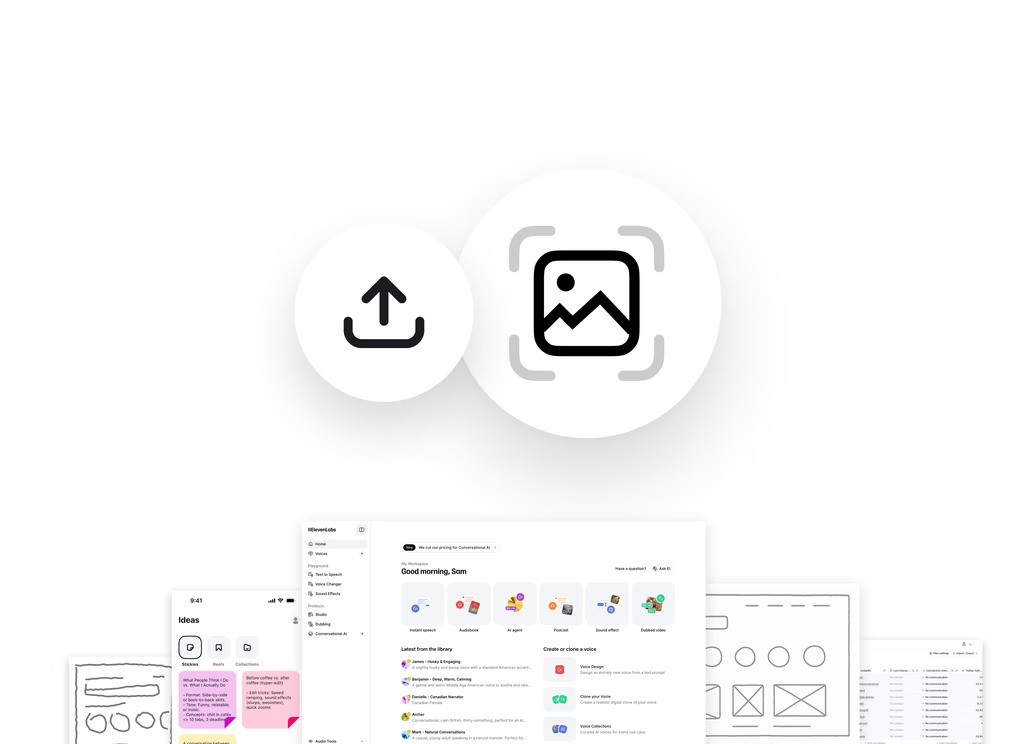
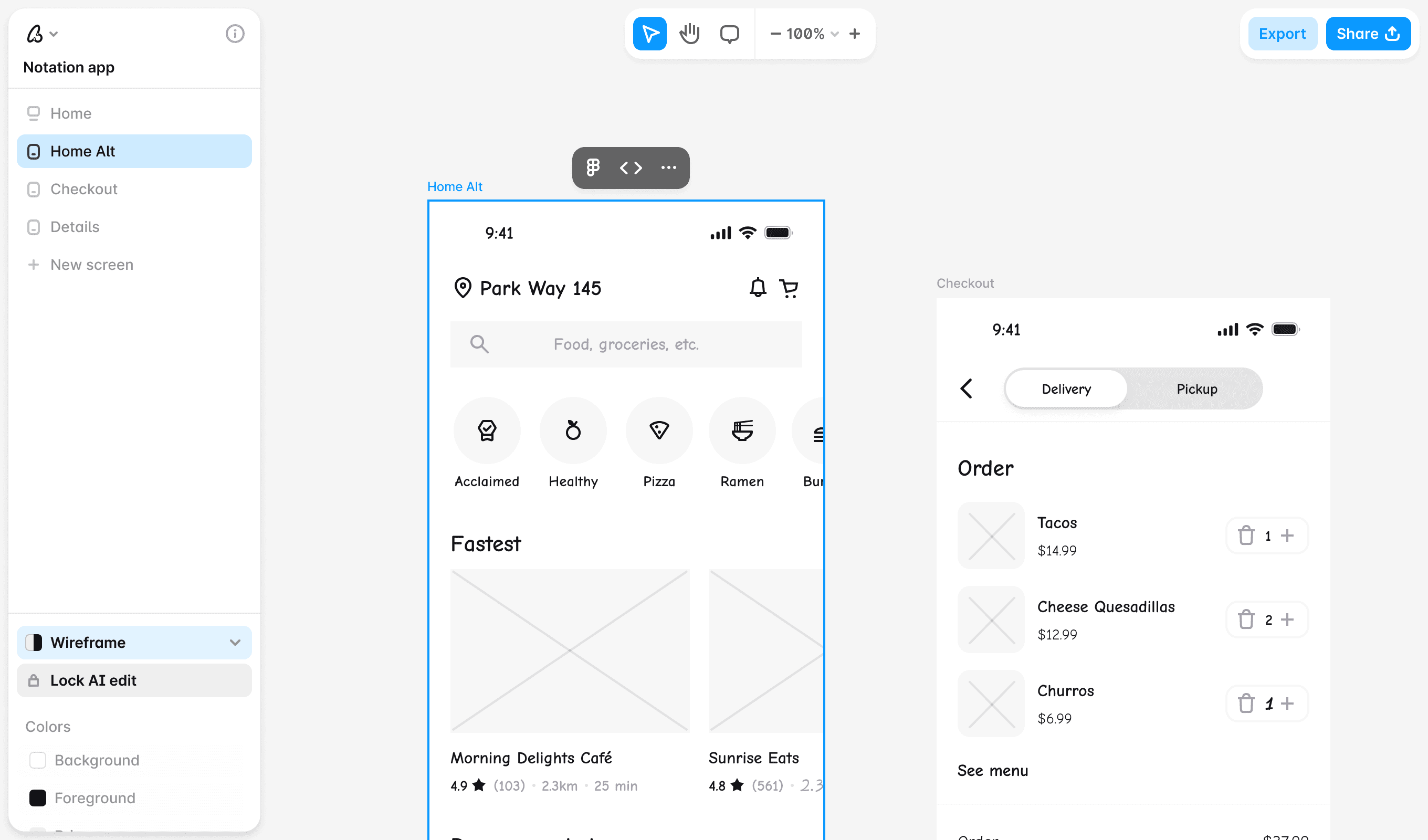
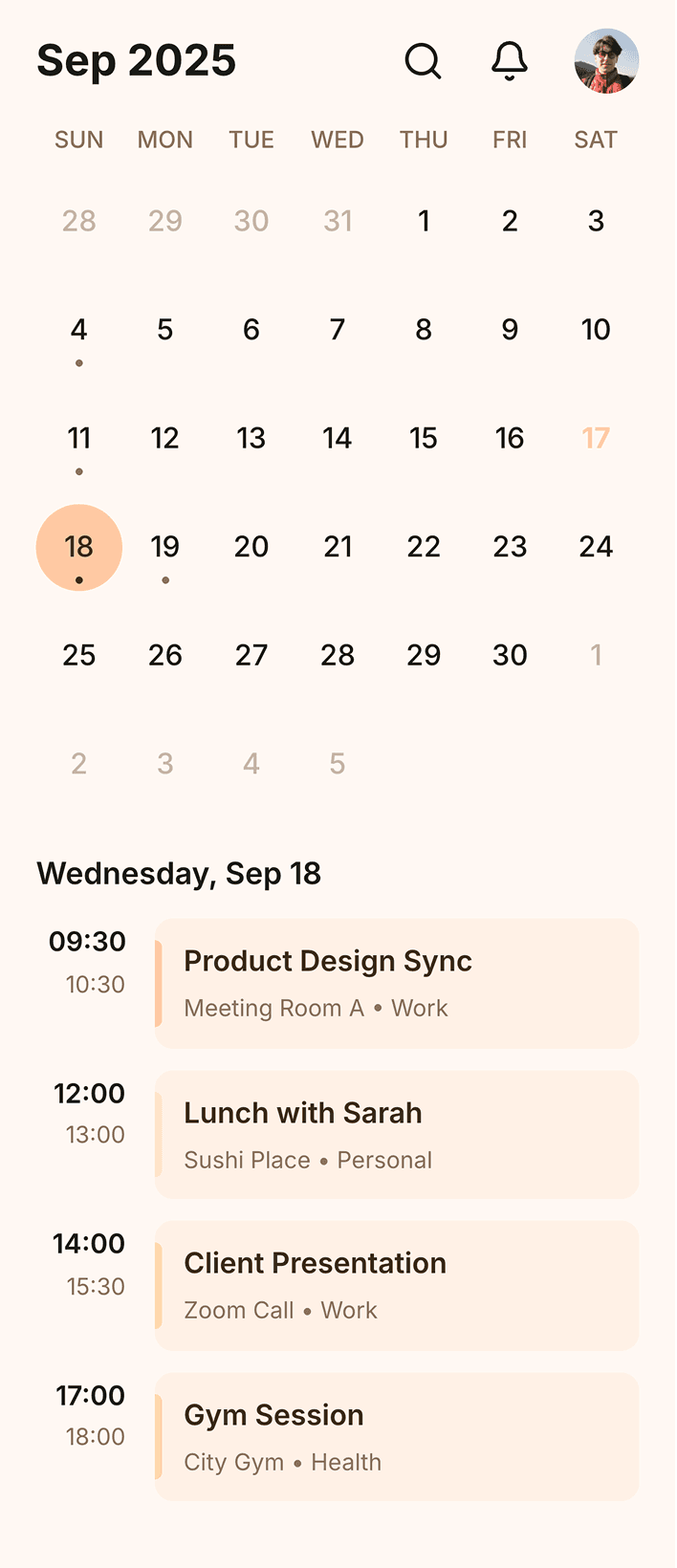
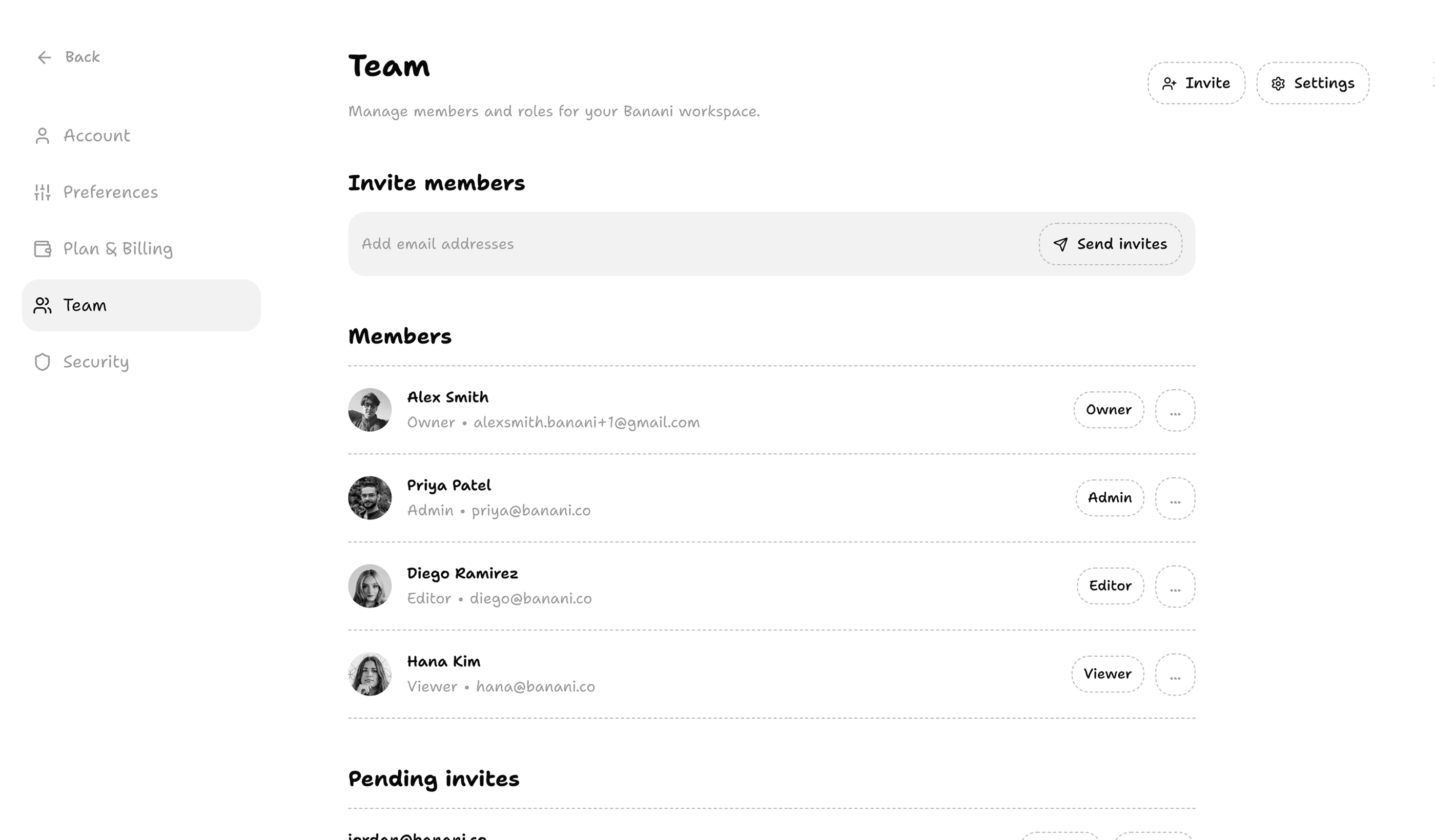
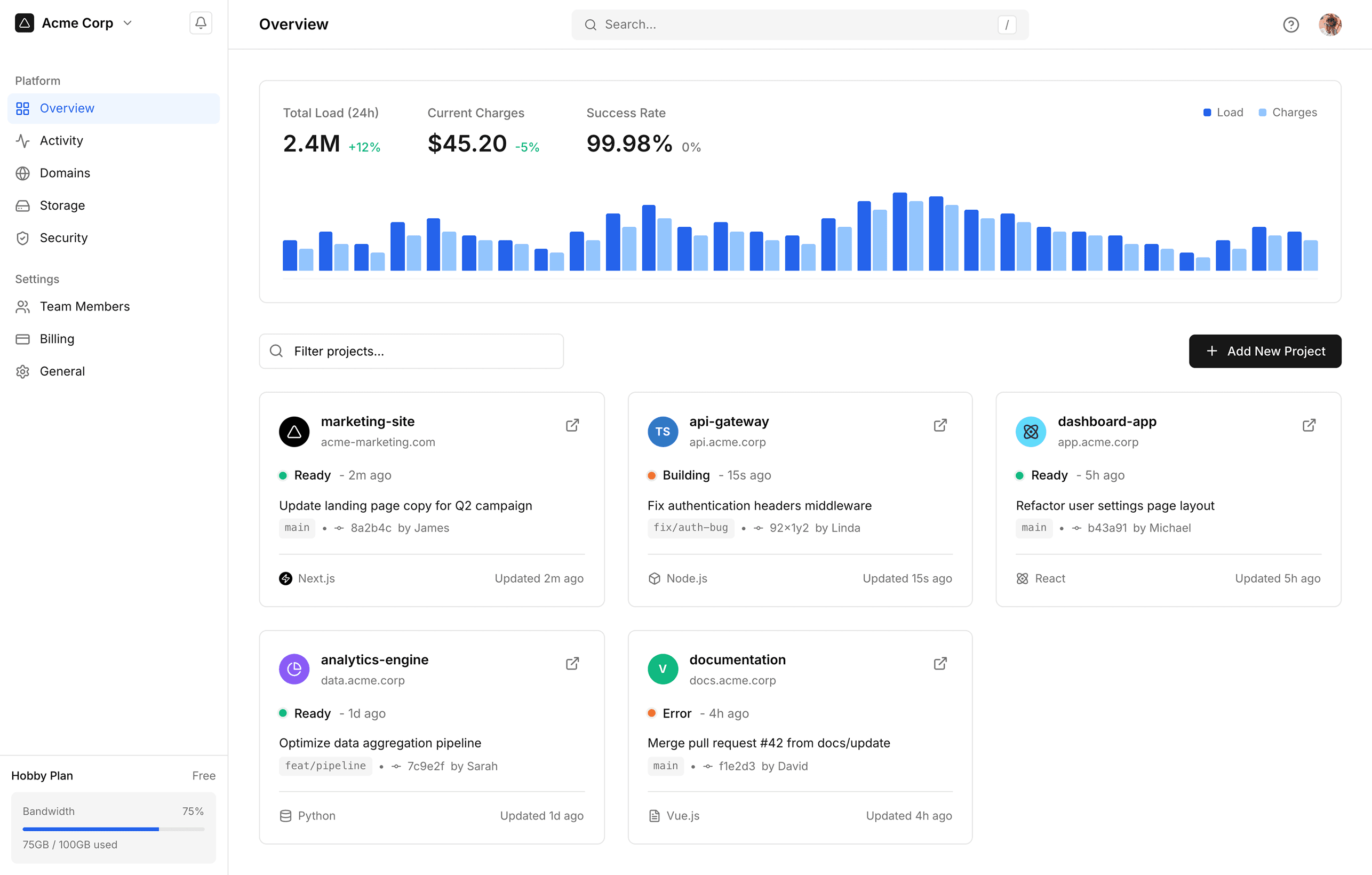
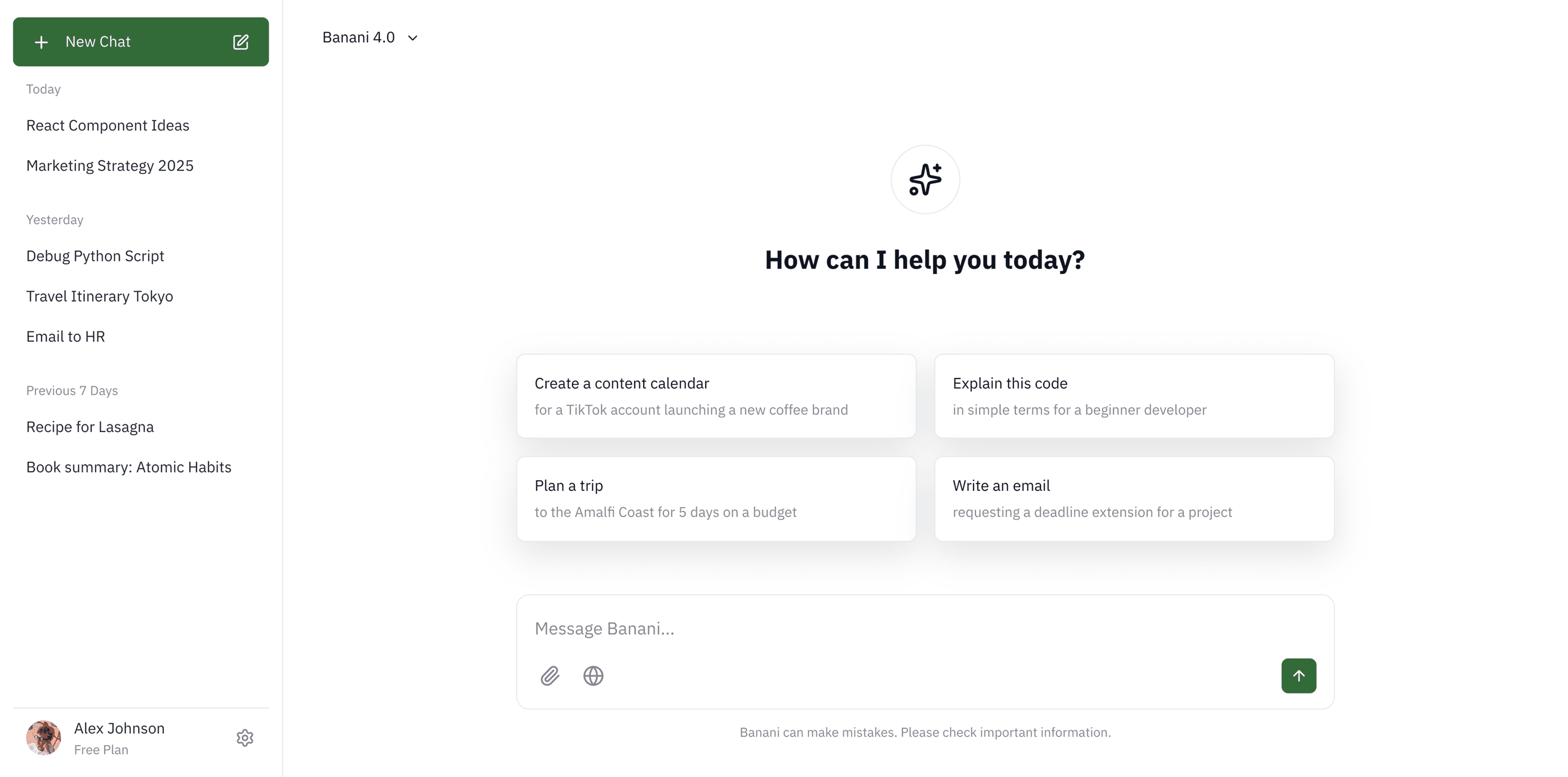
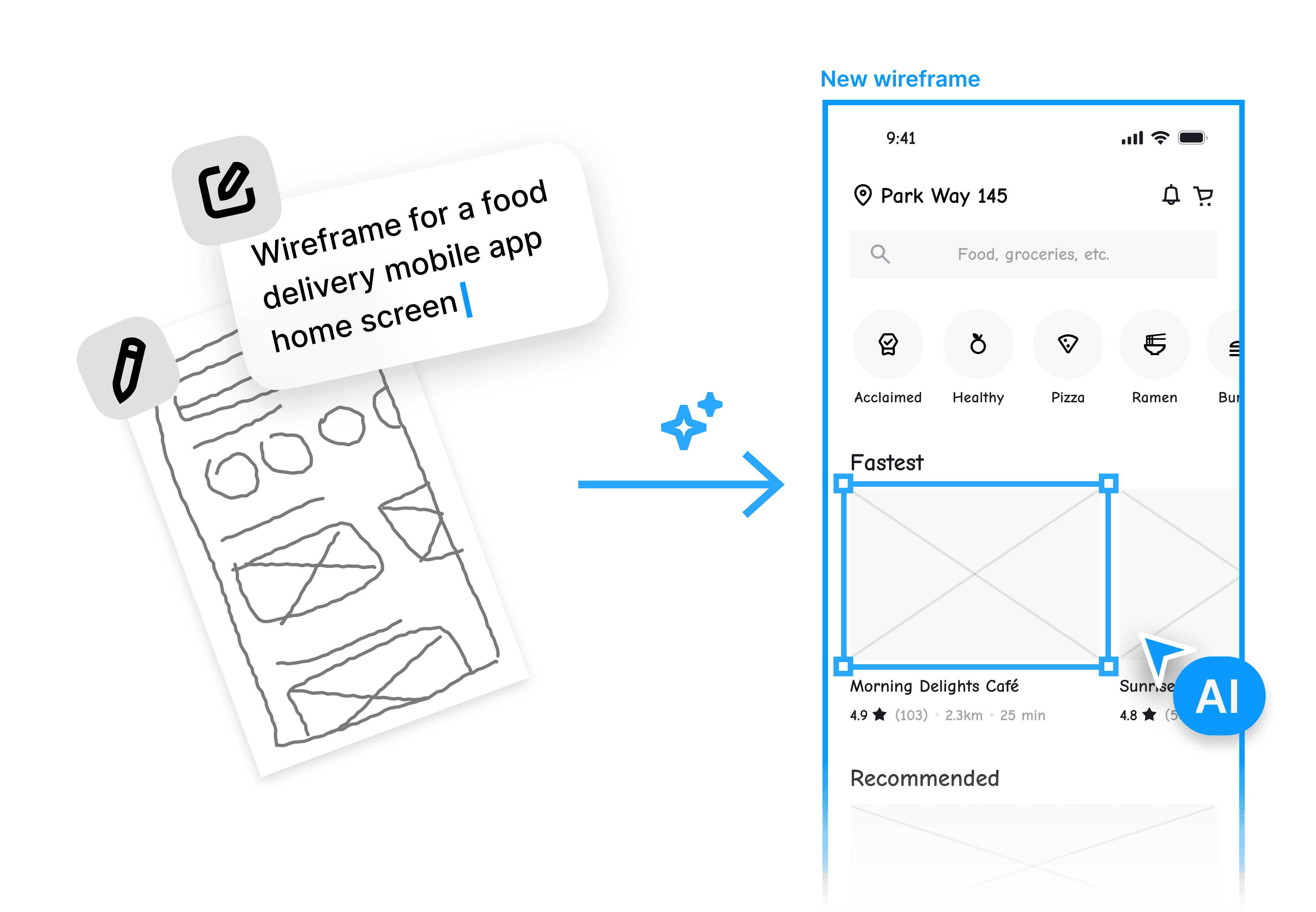
Generate wireframes from text or image references. Our AI understands it all and helps visualise your idea.

Generate wireframes from text or image references. Our AI understands it all and helps visualise your idea.

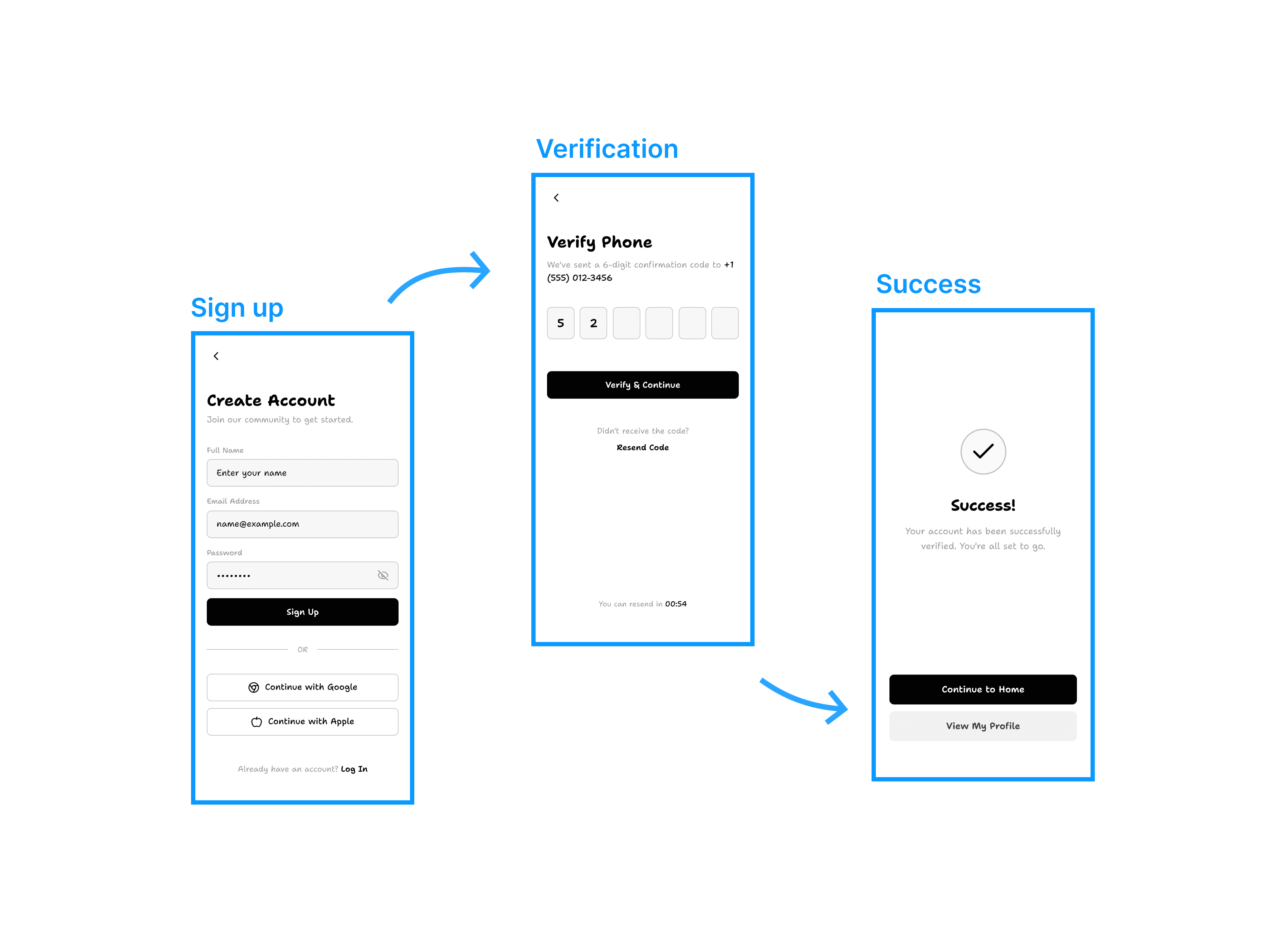
Generate flows & variants

Visualise full user flows with wireframes, or explore multiple layout directions with variants. All without complicated prompting.

Visualise full user flows with wireframes, or explore multiple layout directions with variants. All without complicated prompting.

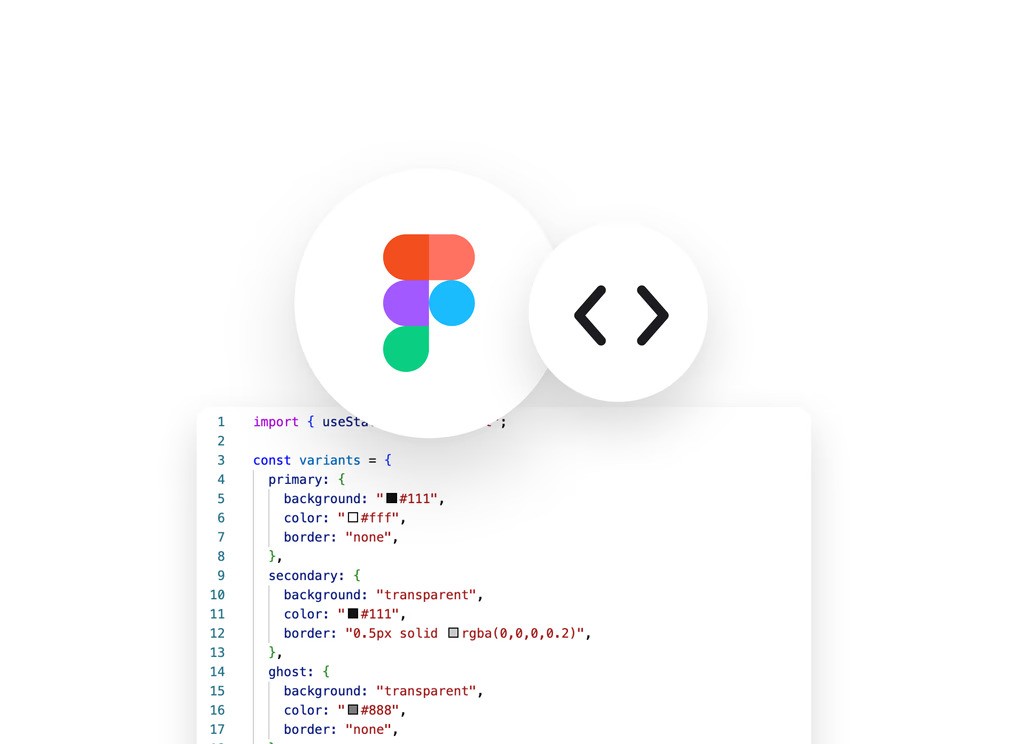
Export as image/Figma

Move wireframes directly into your Figma project with copy-paste. Export them in the most common image formats.

Copy-paste individual components or a full design system directly into your Figma file.

Move wireframes directly into your Figma project with copy-paste. Export them in the most common image formats.

Convert to high-fidelity

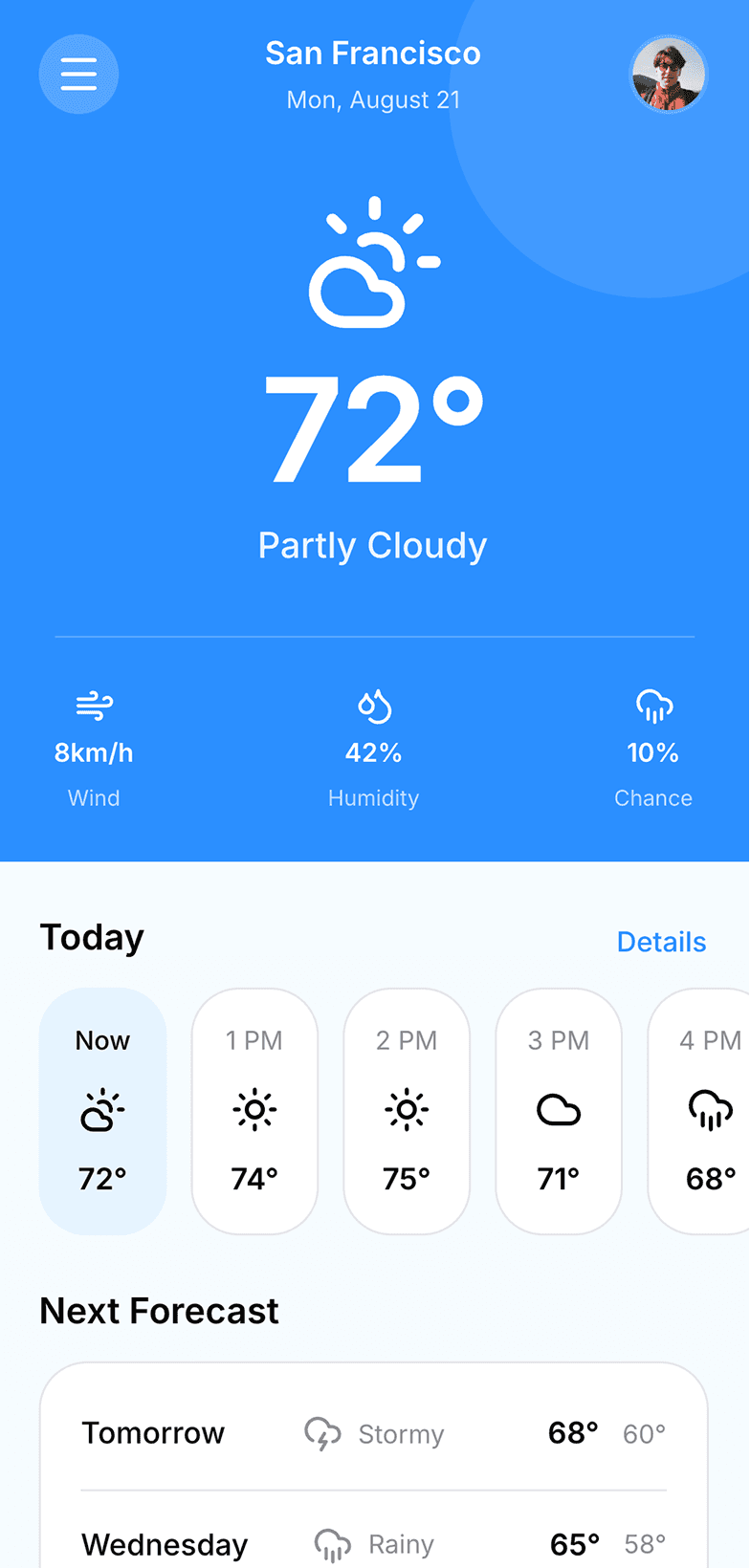
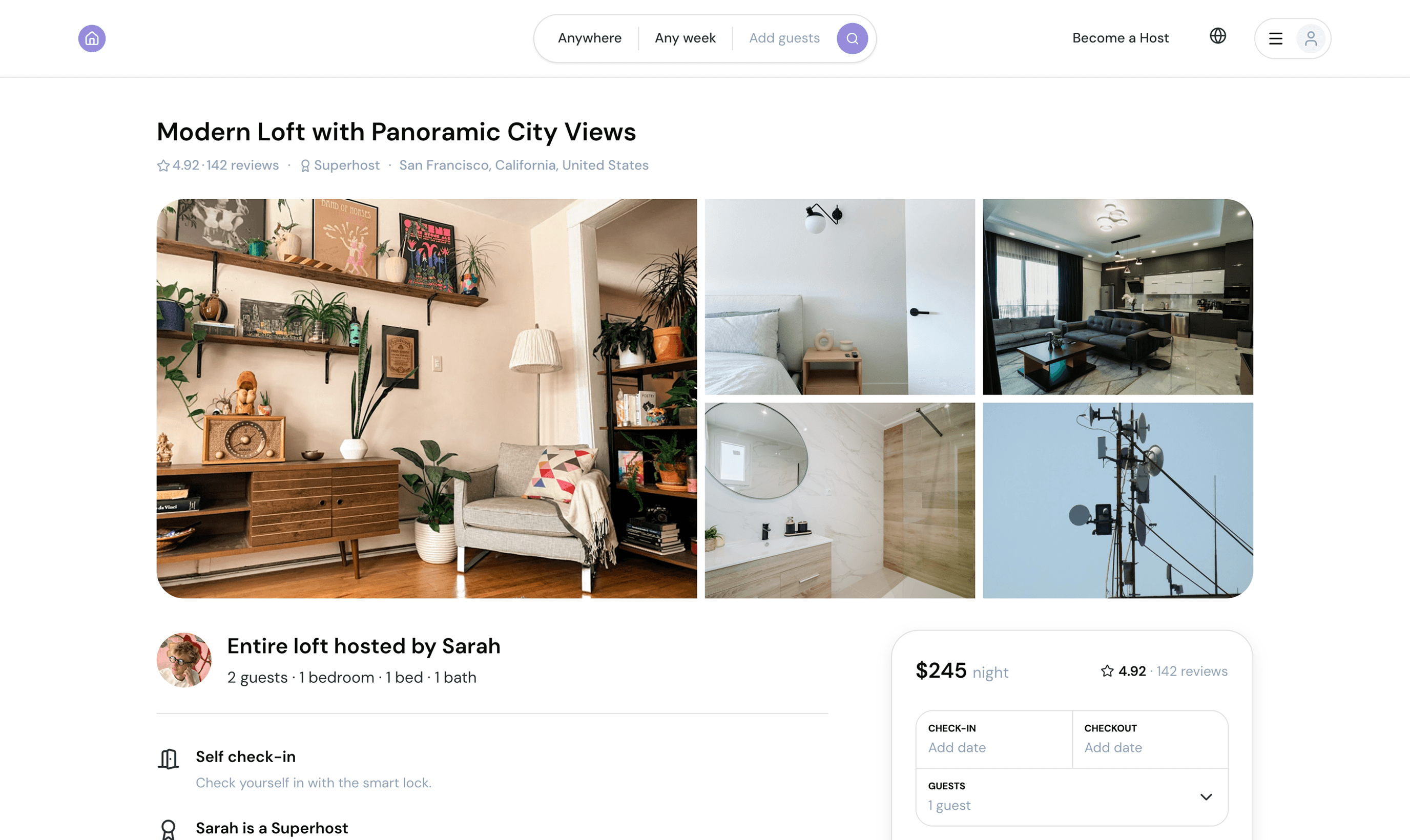
Switch between low and high fidelity, convert your wireframes to on-brand UIs in one click. Or go full mockup mode without text, you decide.

Switch between low and high fidelity, convert your wireframes to on-brand UIs in one click. Or go full mockup mode without text, you decide.

Edit wireframes using AI

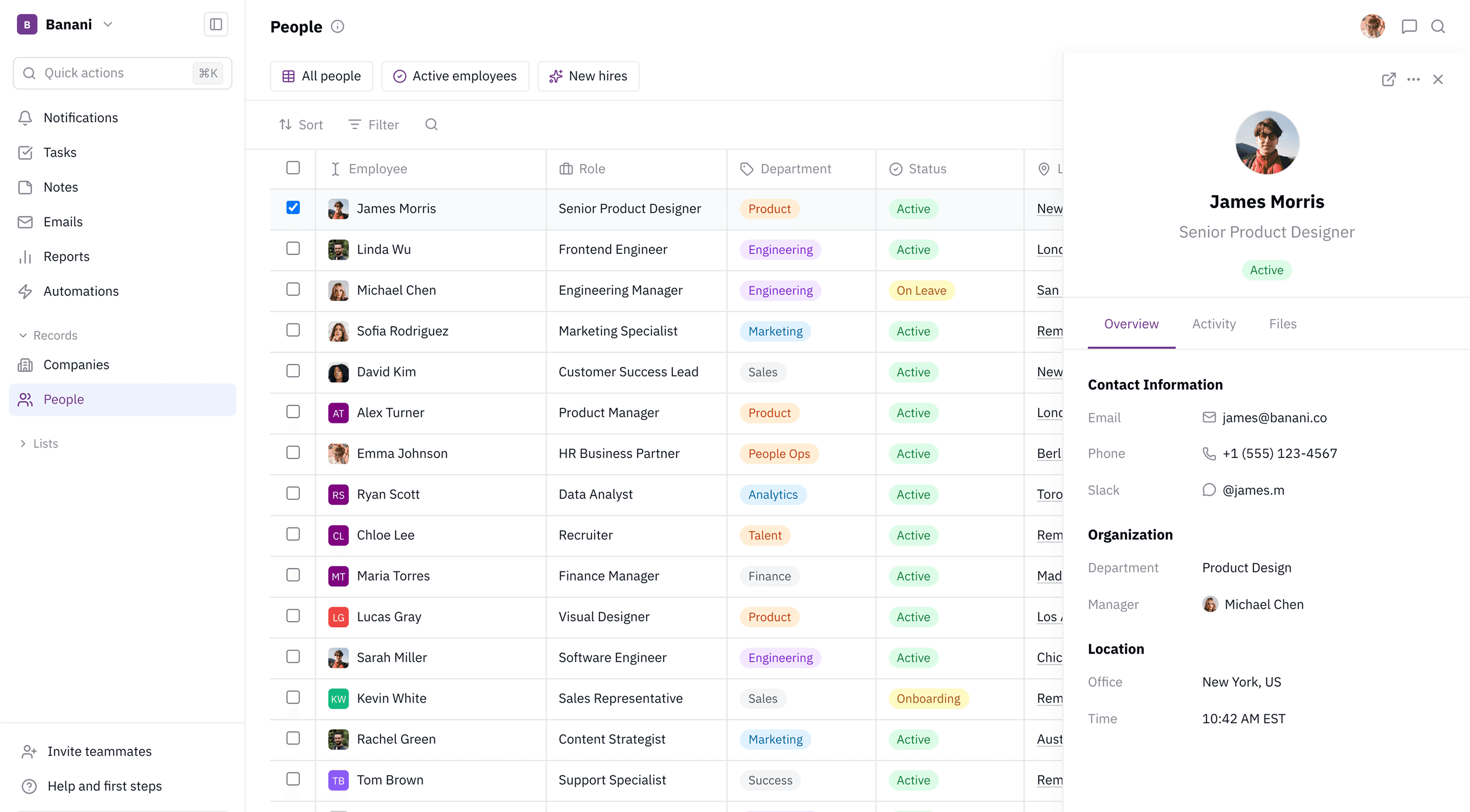
Organise and modify wireframes in our canvas-based editor. Use both artificial intelligence and manual editing features for small tweaks. 

Organise and modify wireframes in our canvas-based editor. Use both artificial intelligence and manual editing features for small tweaks. 

How to generate wireframes with AI

1

1

Write prompt

Describe a wireframe or a full user flow. Attach an image or other layout references.

Describe a wireframe or a full user flow. Attach an image or other layout references.

2

2

Get wireframes

Our AI will generate one or multiple wireframes.

Our AI will generate one or multiple wireframes.

3

3

Edit and refine

Make edits to generated wireframes using AI or by directly manipulating designs yourself.

Make edits to generated wireframes using AI or by directly manipulating designs yourself.

4

4

Share or export

Share your wireframes via preview links or as a prototype. Export to Figma or as images.

Share your wireframes via preview links or as a prototype. Export to Figma or as images.

Millions of wireframes already generated by our users

Millions of wireframes already generated by our users

Designers and developers, startup founders and indie hackers, and small and large teams use Banani's AI-first design editor.

Designers and developers, startup founders and indie hackers, and small and large teams use Banani's AI-first design editor.

Mack

I jumped straight in without any tutorials and got really nice results, fast

I jumped straight in without any tutorials and got really nice results, fast

Qendrim

Banani was a turning point for us in adding AI into our actual design workflow

Banani was a turning point for us in adding AI into our actual design workflow

Matt

We can just type what we need and get it!

We can just type what we need and get it!

Get started now

Wireframing should take days of your life. Bring your design ideas to life and align on product direction in seconds with Banani.

Wireframing should take days of your life. Bring your design ideas to life and align on product direction in seconds with Banani.

What is a wireframe?

Wireframes are rough visualisations of the interface, good enough so you can align with your team or stakeholders on the direction, user experience, and layouts you want to move forward.

Wireframes are rough visualisations of the interface, good enough so you can align with your team or stakeholders on the direction, user experience, and layouts you want to move forward.

How to make a good wireframe?

Wireframes should be focused on functionality and content that users will see in the final design or product. In short, focus on usability and think about user needs. Visuals are secondary.

Wireframes should be focused on functionality and content that users will see in the final design or product. In short, focus on usability and think about user needs. Visuals are secondary.

How to create a wireframe?

You can make wireframes literally on paper or by using legacy design/wireframing editors. With our AI wireframe generator, it's easier than ever before. Type your idea, and our AI will generate multiple wireframes from a single prompt.

You can make wireframes literally on paper or by using legacy design/wireframing editors. With our AI wireframe generator, it's easier than ever before. Type your idea, and our AI will generate multiple wireframes from a single prompt.

What are wireframing tools?

Wireframing tools are tools designed to help users create wireframes. Usually, they focus on the speed of prototyping your design idea, so you can present the idea, and not a finalised look.

Wireframing tools are tools designed to help users create wireframes. Usually, they focus on the speed of prototyping your design idea, so you can present the idea, and not a finalised look.