AI prototype generator
AI prototype generator
Generate design prototypes using natural language and references you like. Prototype faster with our AI-first tool.
Generate design prototypes using natural language and references you like. Prototype faster with our AI-first tool.
In toolkits of builders from
In toolkits of builders from





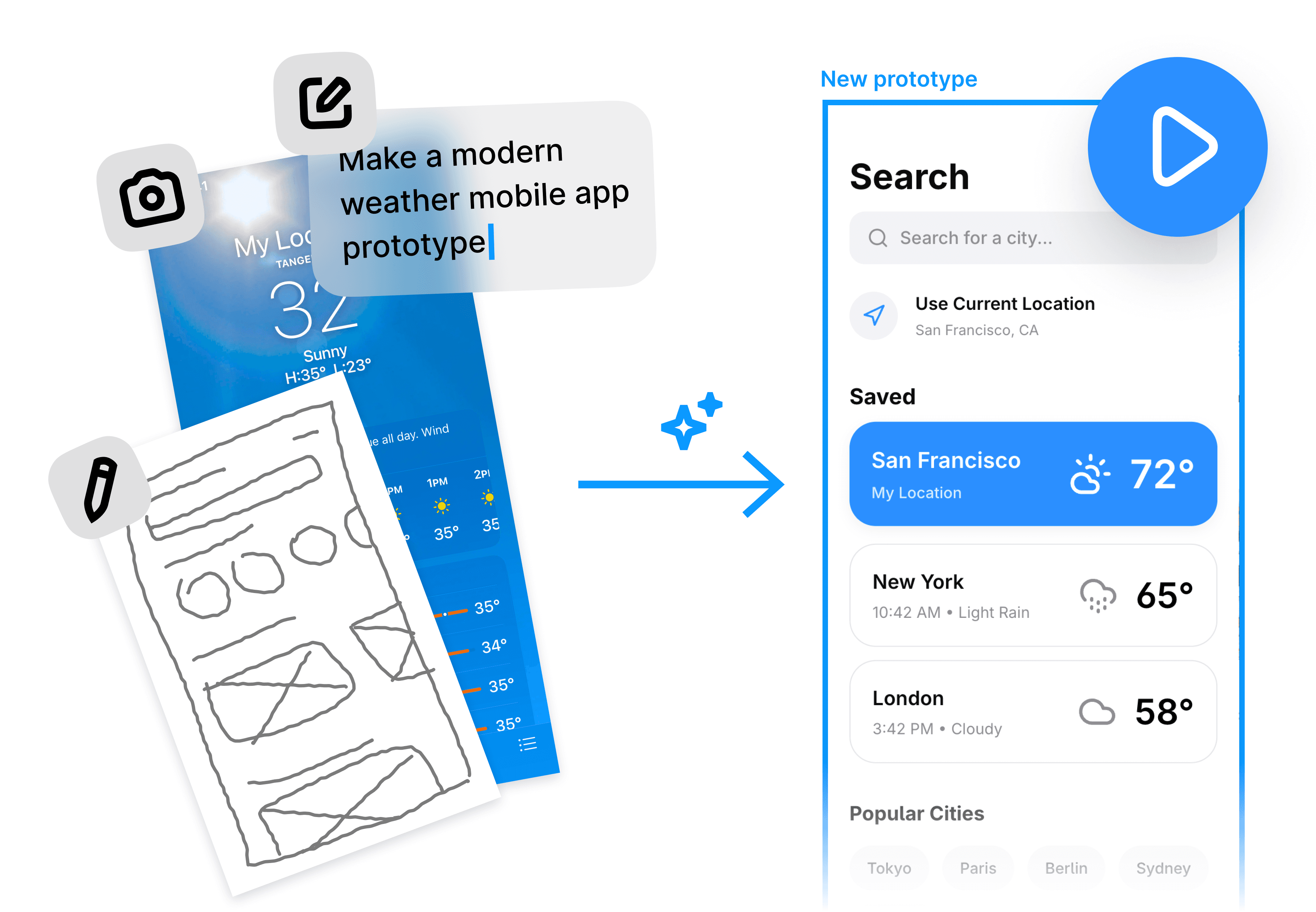
Turn ideas into beautiful prototypes with AI
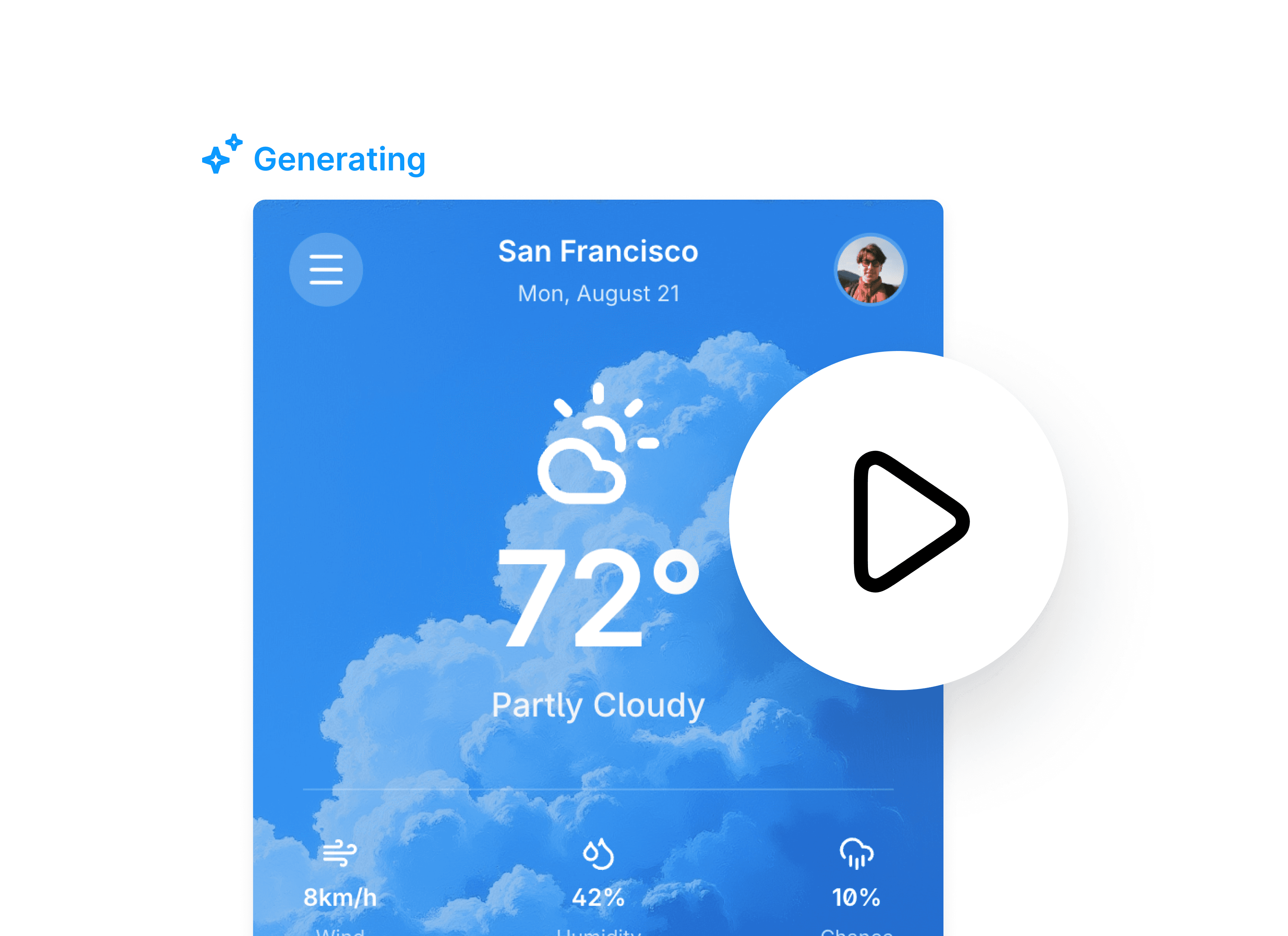
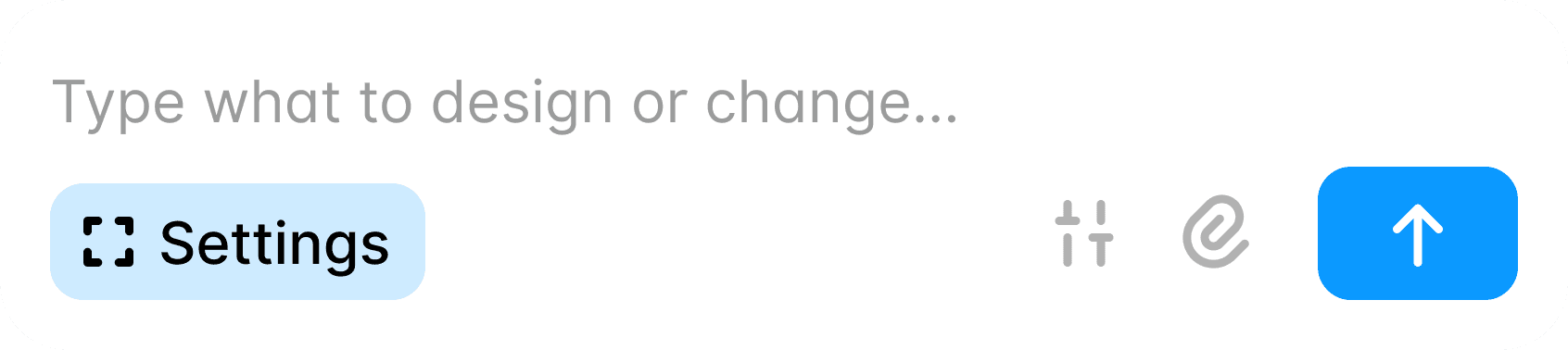
Generate prototypes using natural language
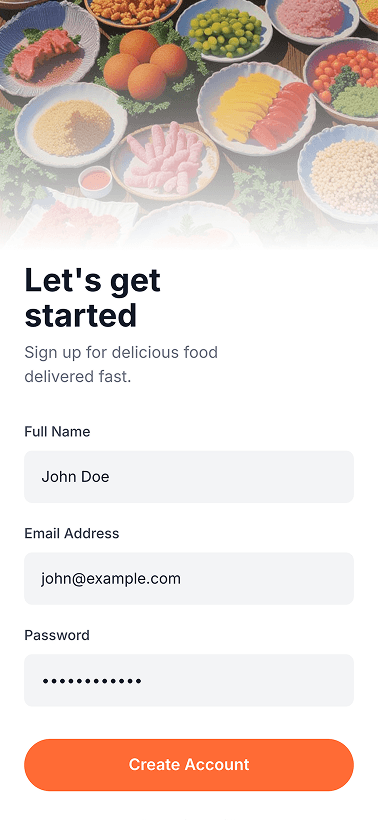
Get multiple screens that visualize your product idea from a single prompt. Our AI turns your prompts and references into high-fidelity prototypes.
Get multiple screens that visualize your product idea from a single prompt. Our AI turns your prompts and references into high-fidelity prototypes.
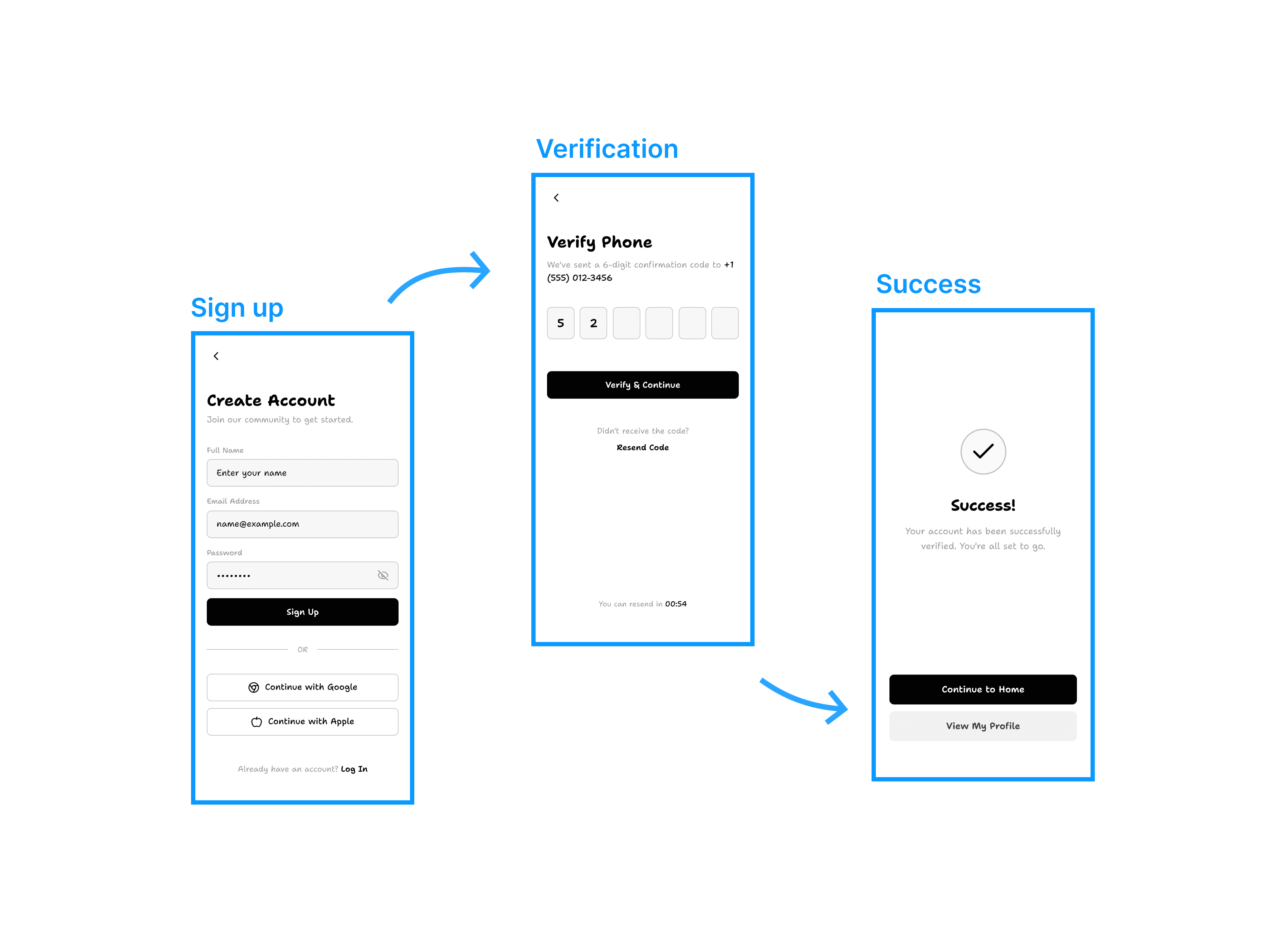
Iterate and preview how they work
Click through the prototype flow and see how it works or feels from a user perspective. Share it via link with your team, stakeholders, or for user-testing.
Click through the prototype flow and see how it works or feels from a user perspective. Share it via link with your team, stakeholders, or for user-testing.
Export as image, Figma, or directly to code
Happy with the prototype and ready to hand it off? Move it directly to Figma in 1 click. Use our code export or MCP to implement them into your code base.
Happy with the prototype and ready to hand it off? Move it directly to Figma in 1 click. Use our code export or MCP to implement them into your code base.
Copy-paste individual components or a full design system directly into your Figma file.
Use your own brand assets and design styles
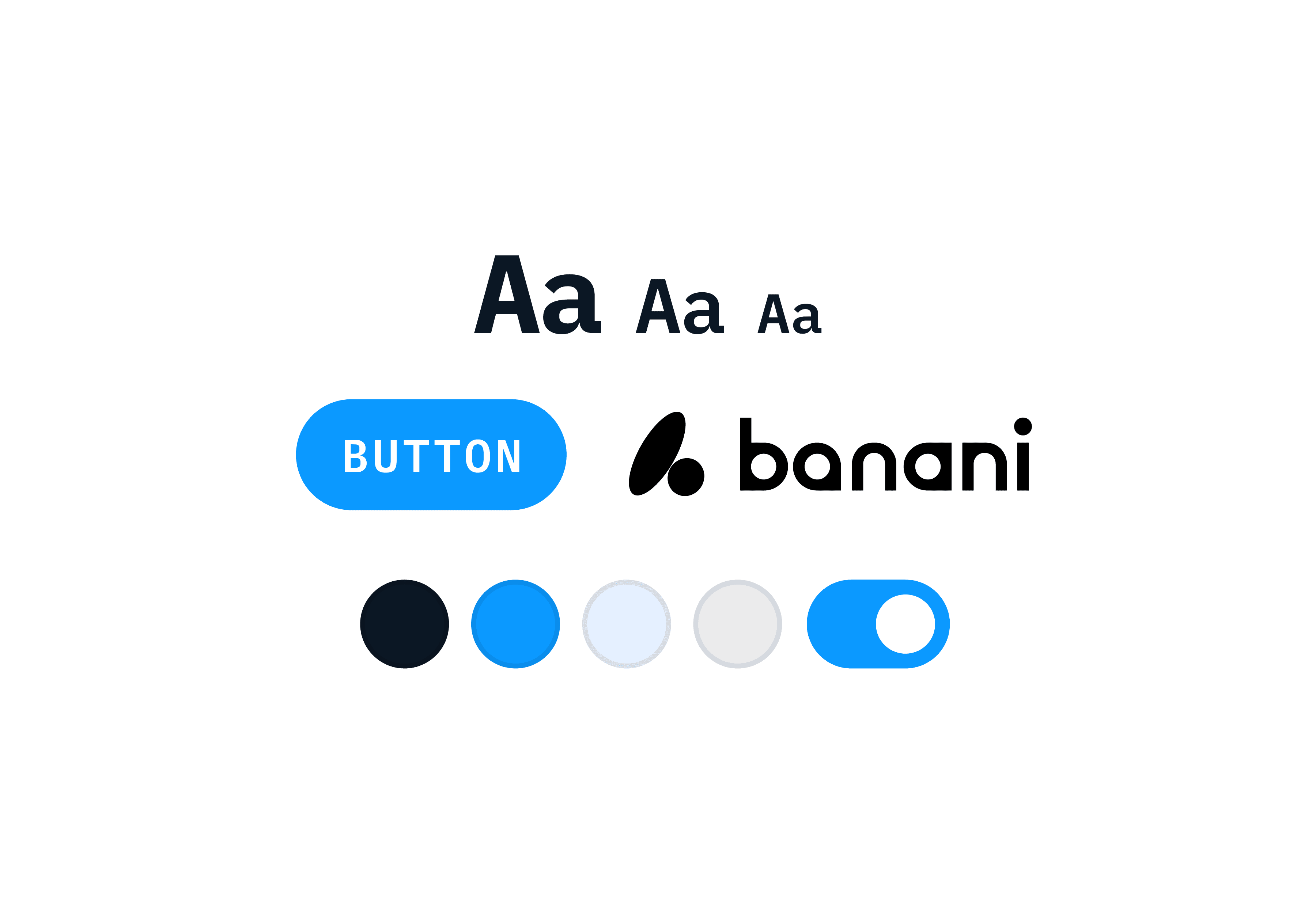
Have existing design tokens or assets like logos, illustrations, or photos? Bring them and generate on-brand UI. Don't have? Use our free built-in image generation!
Have existing design tokens or assets like logos, illustrations, or photos? Bring them and generate on-brand UI. Don't have? Use our free built-in image generation!
Edit prototypes using AI
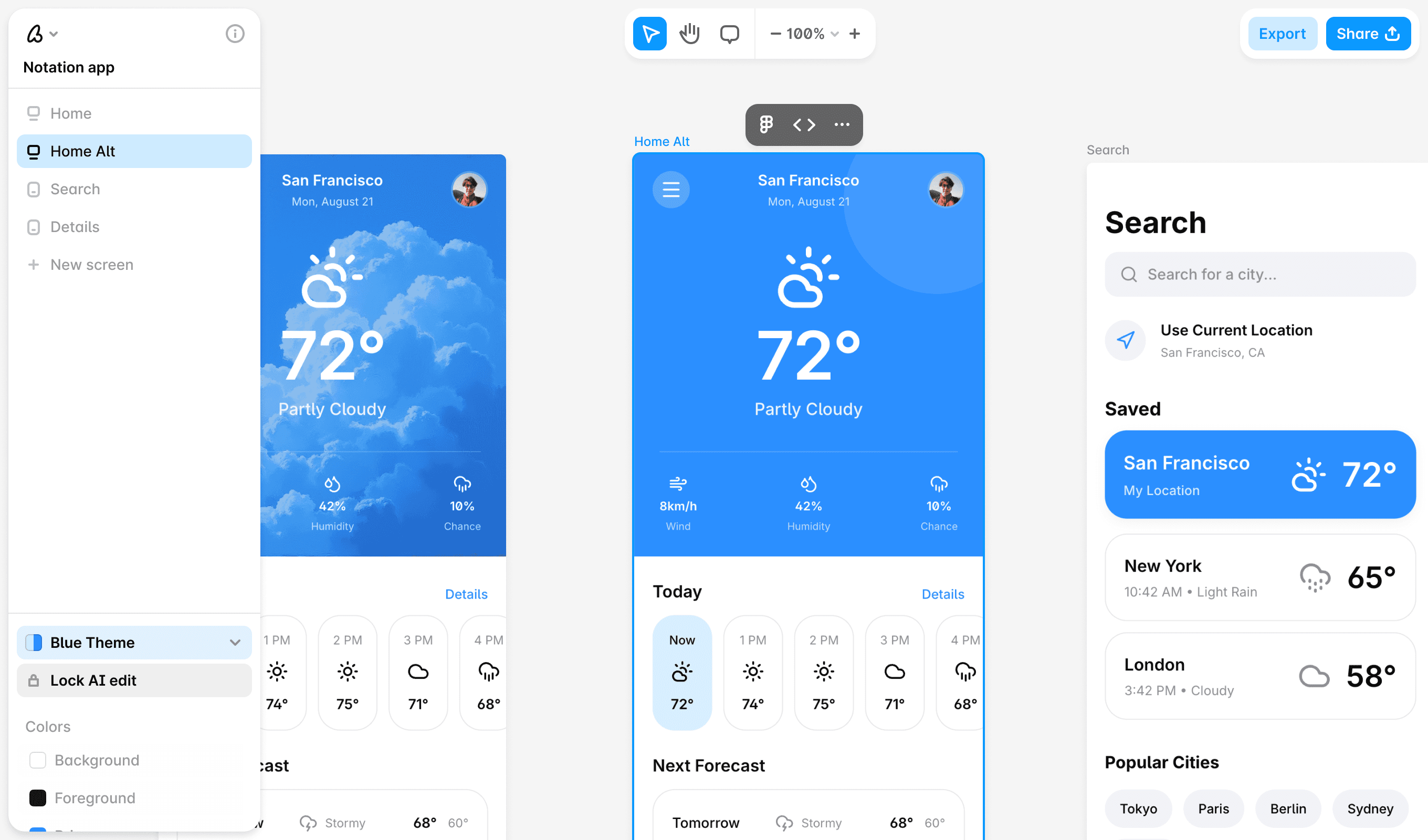
Unlike other vibe-coding tools, you get a bird's-eye view of all screens inside your prototype with our canvas-based editor.
Unlike other vibe-coding tools, you get a bird's-eye view of all screens inside your prototype with our canvas-based editor.
Loved by 100k+ users and companies
Loved by 100k+ users and companies
Designers and developers, small and large teams, products and agencies use Banani AI to go from idea to prototype in minutes.
Designers and developers, small and large teams, products and agencies use Banani AI to go from idea to prototype in minutes.

Mack
I jumped straight in without any tutorials and got really nice results, fast
I jumped straight in without any tutorials and got really nice results, fast

Qendrim
Banani was a turning point for us in adding AI into our actual design workflow
Banani was a turning point for us in adding AI into our actual design workflow

Matt
We can just type what we need and get it!
We can just type what we need and get it!
How to generate a prototype with AI
1
1
Write prototype idea
Just describe what you need in the form of a text prompt, PRD, or something as simple as one image reference.
Just describe what you need in the form of a text prompt, PRD, or something as simple as one image reference.
2
2
Get prototype
Get interactive and editable UI designs that are linked to a presentable prototype from the start.
Get interactive and editable UI designs that are linked to a presentable prototype from the start.
3
3
Edit and refine
Make edits to screens inside your prototype using our AI features. Generate additional screens to fully finish your idea.
Make edits to screens inside your prototype using our AI features. Generate additional screens to fully finish your idea.
4
4
Share or export
Share your prototype with the link, invite your teammates to see the overview on canvas, export it to code, Figma, or as images.
Share your prototype with the link, invite your teammates to see the overview on canvas, export it to code, Figma, or as images.
Got an idea for an app design? Whether mobile or desktop, we have an AI for it.
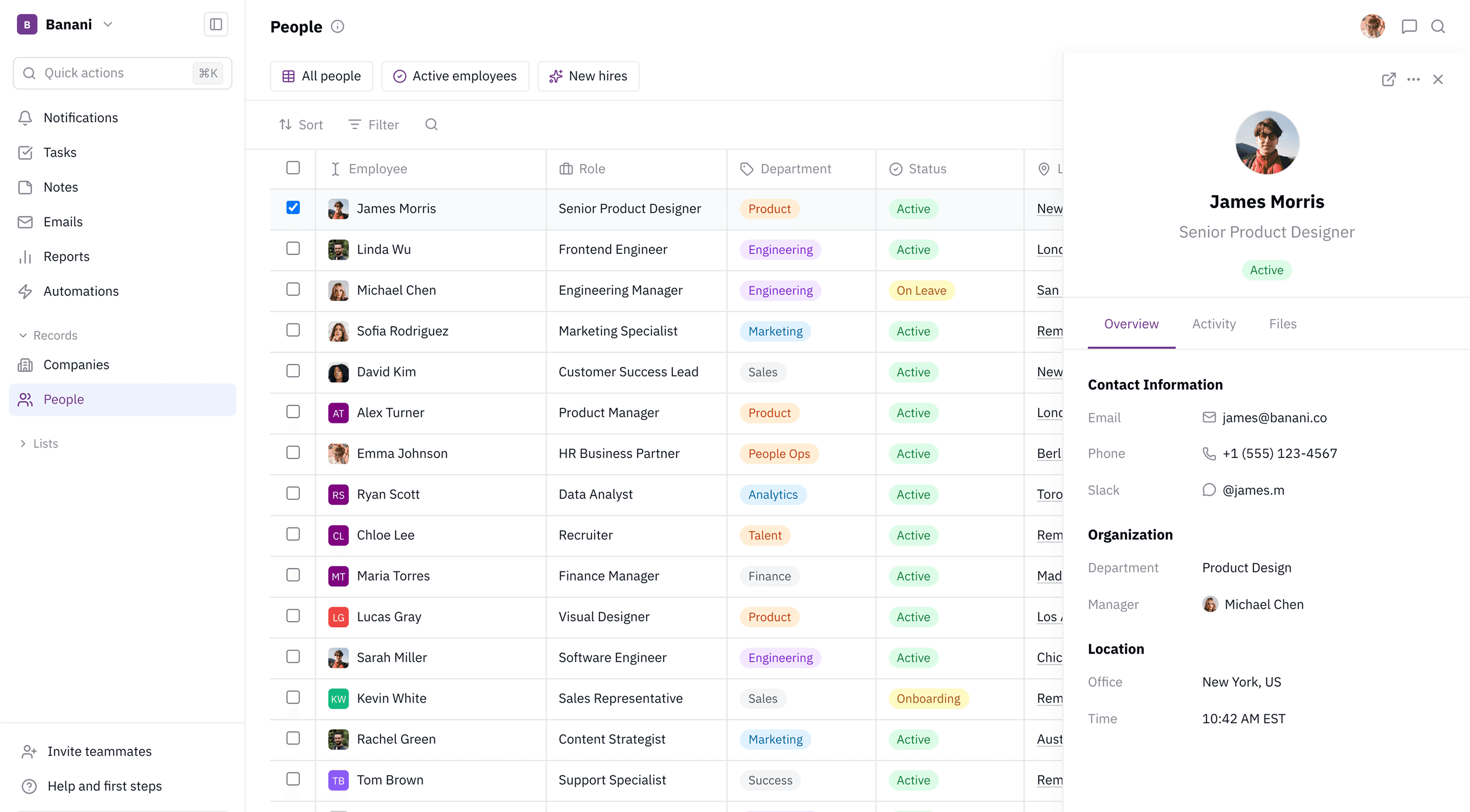
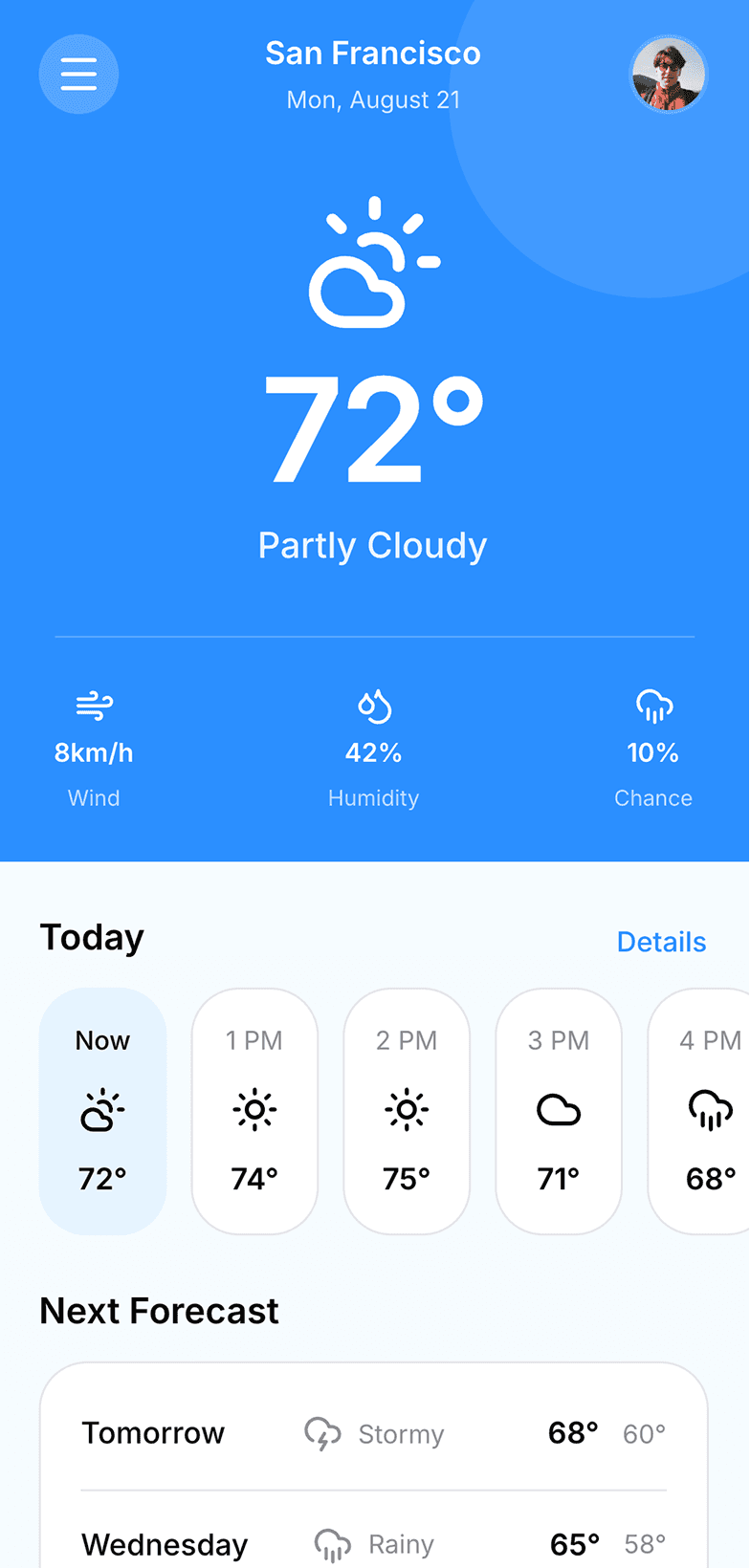
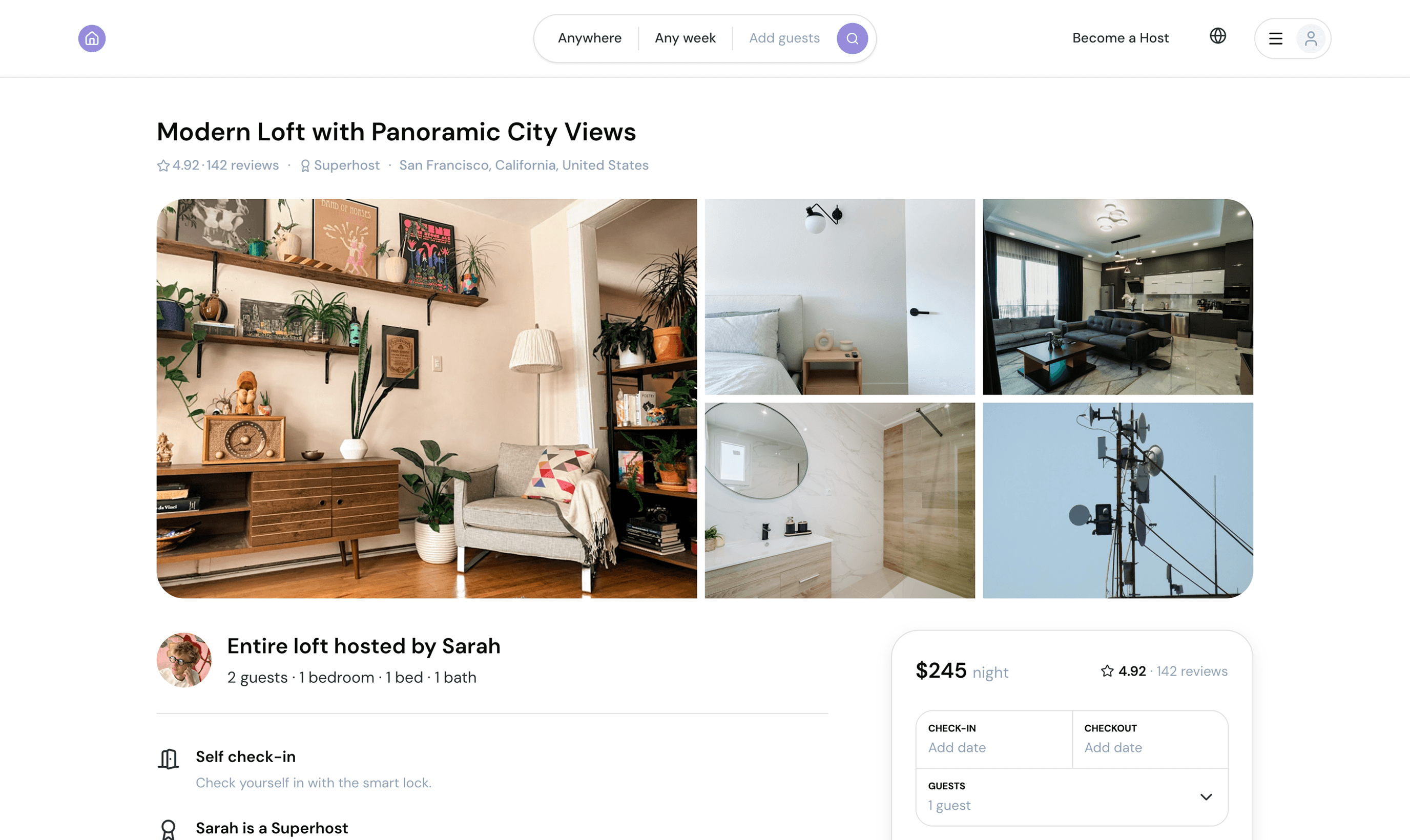
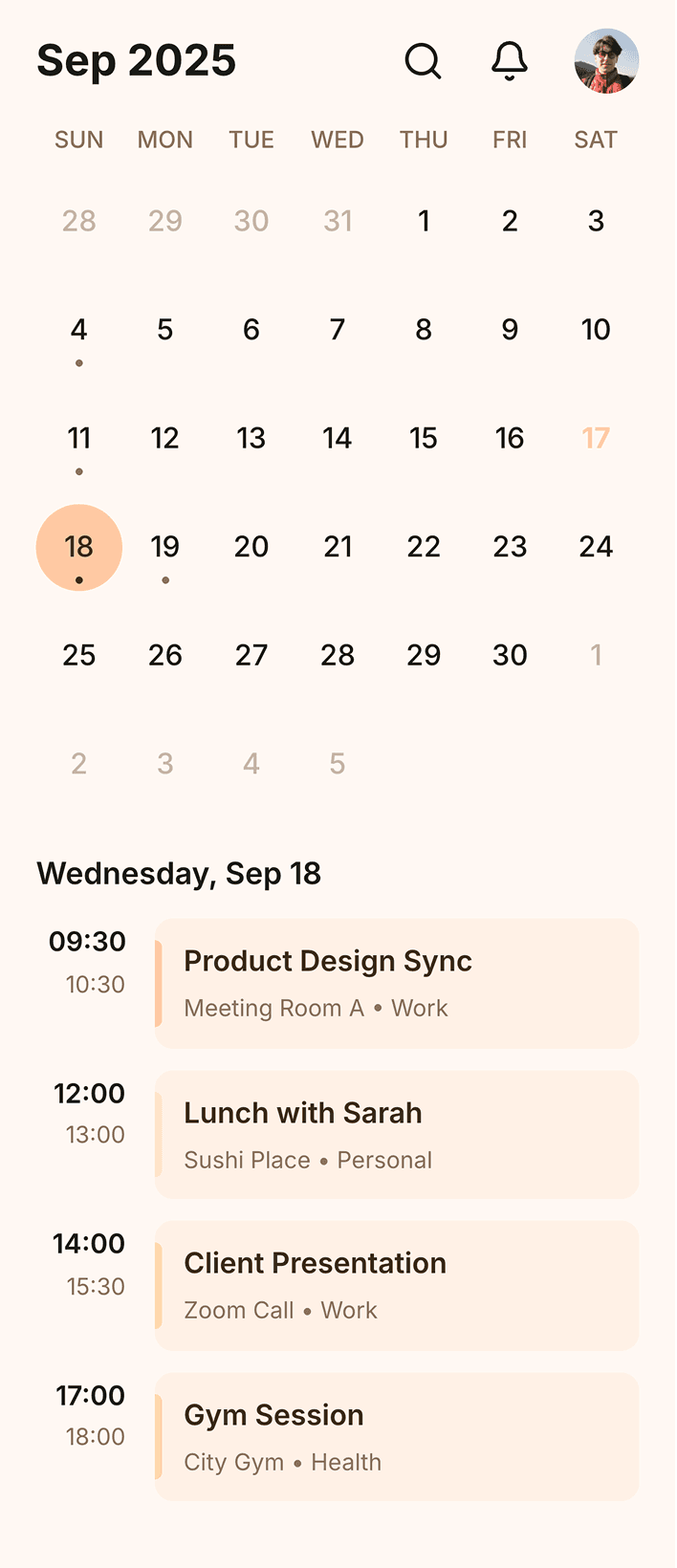
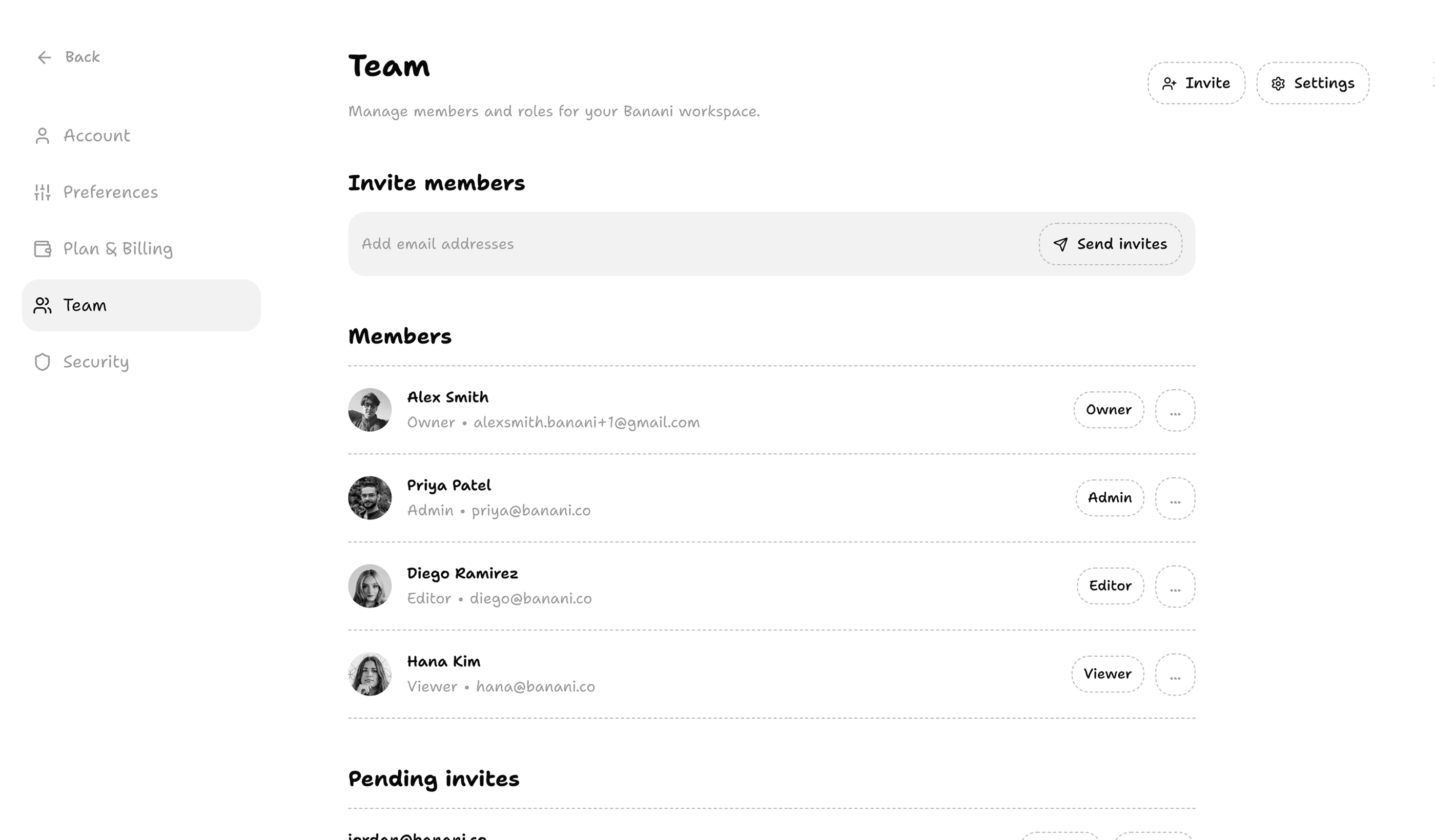
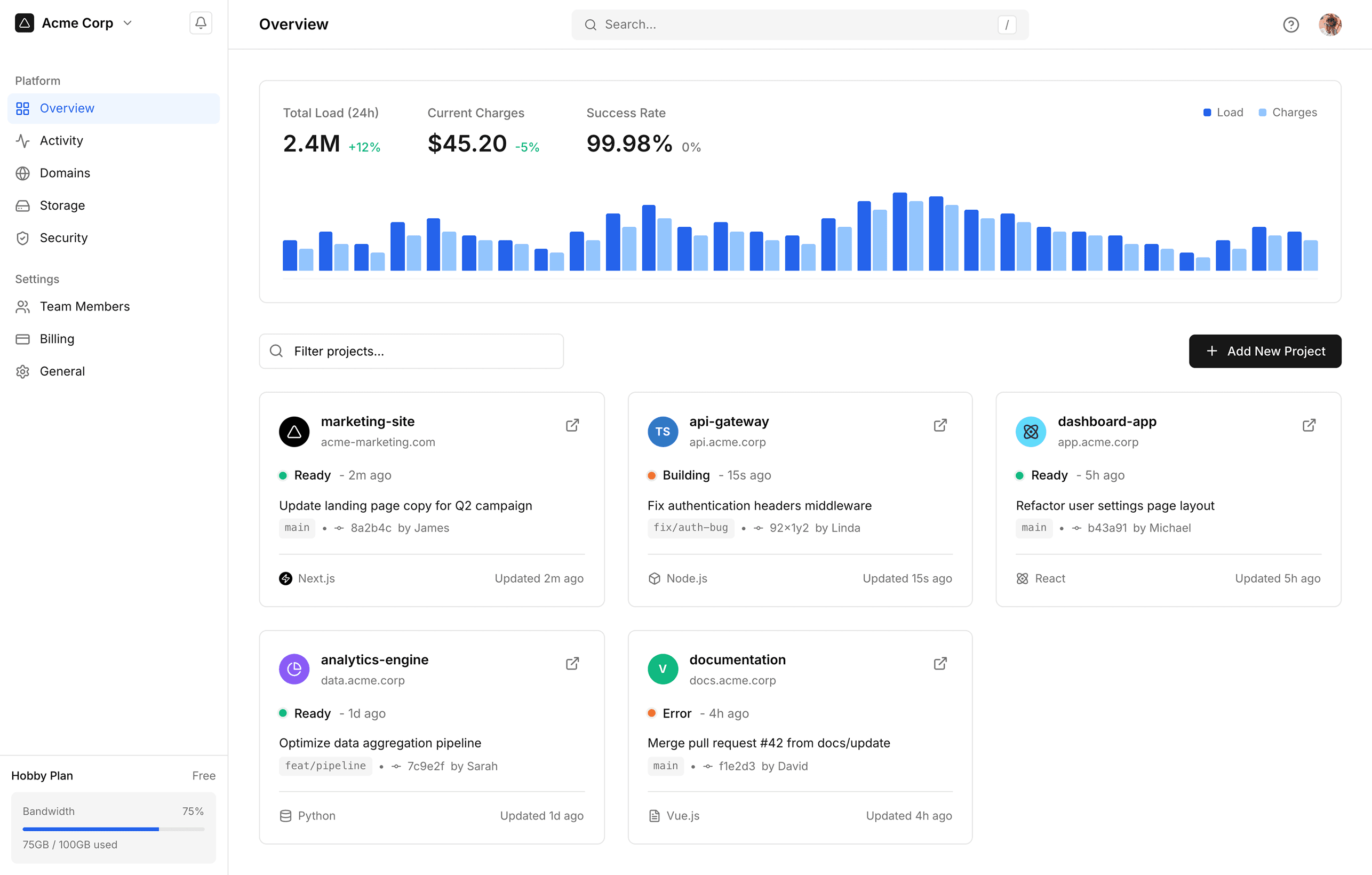
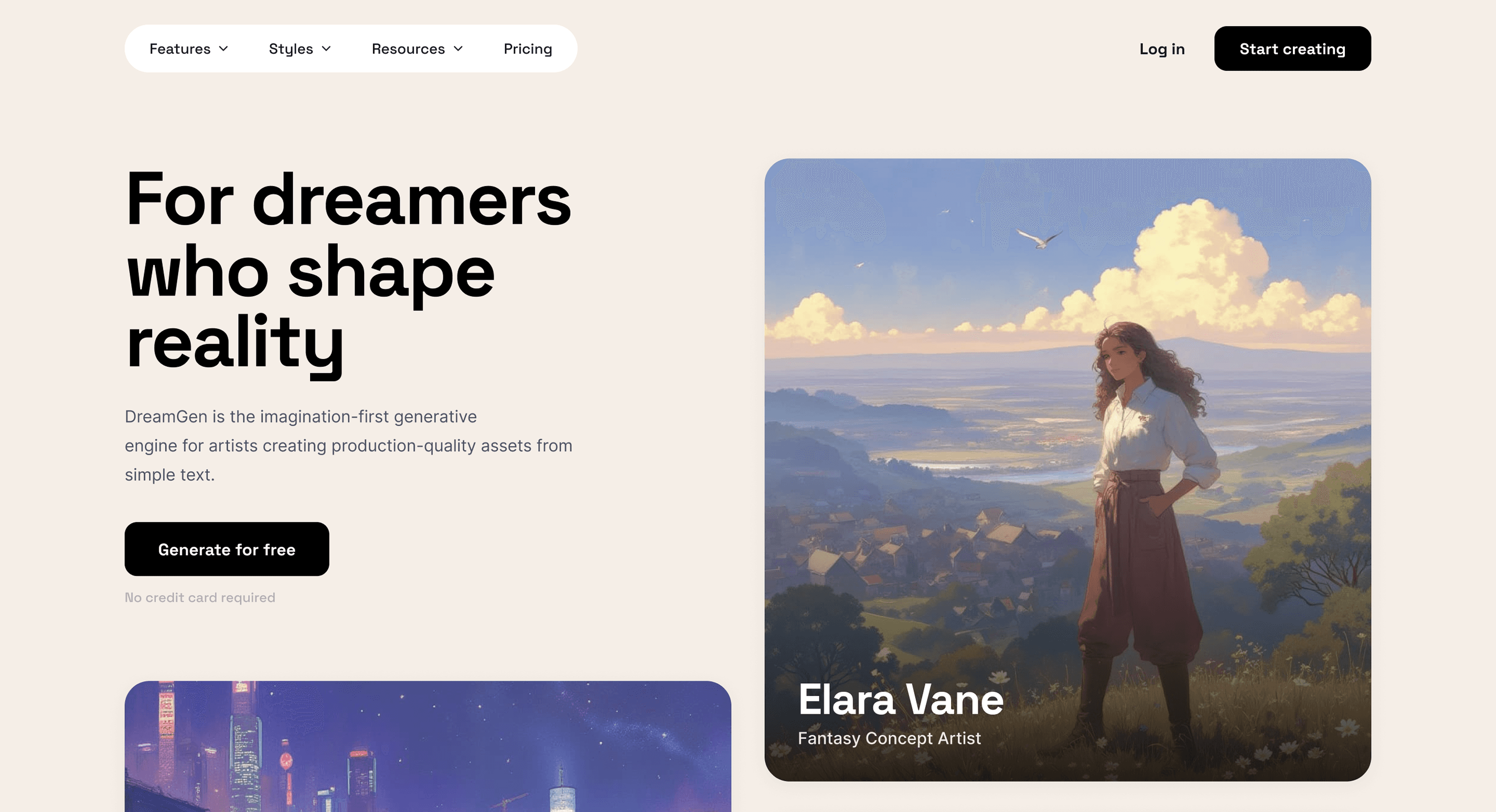
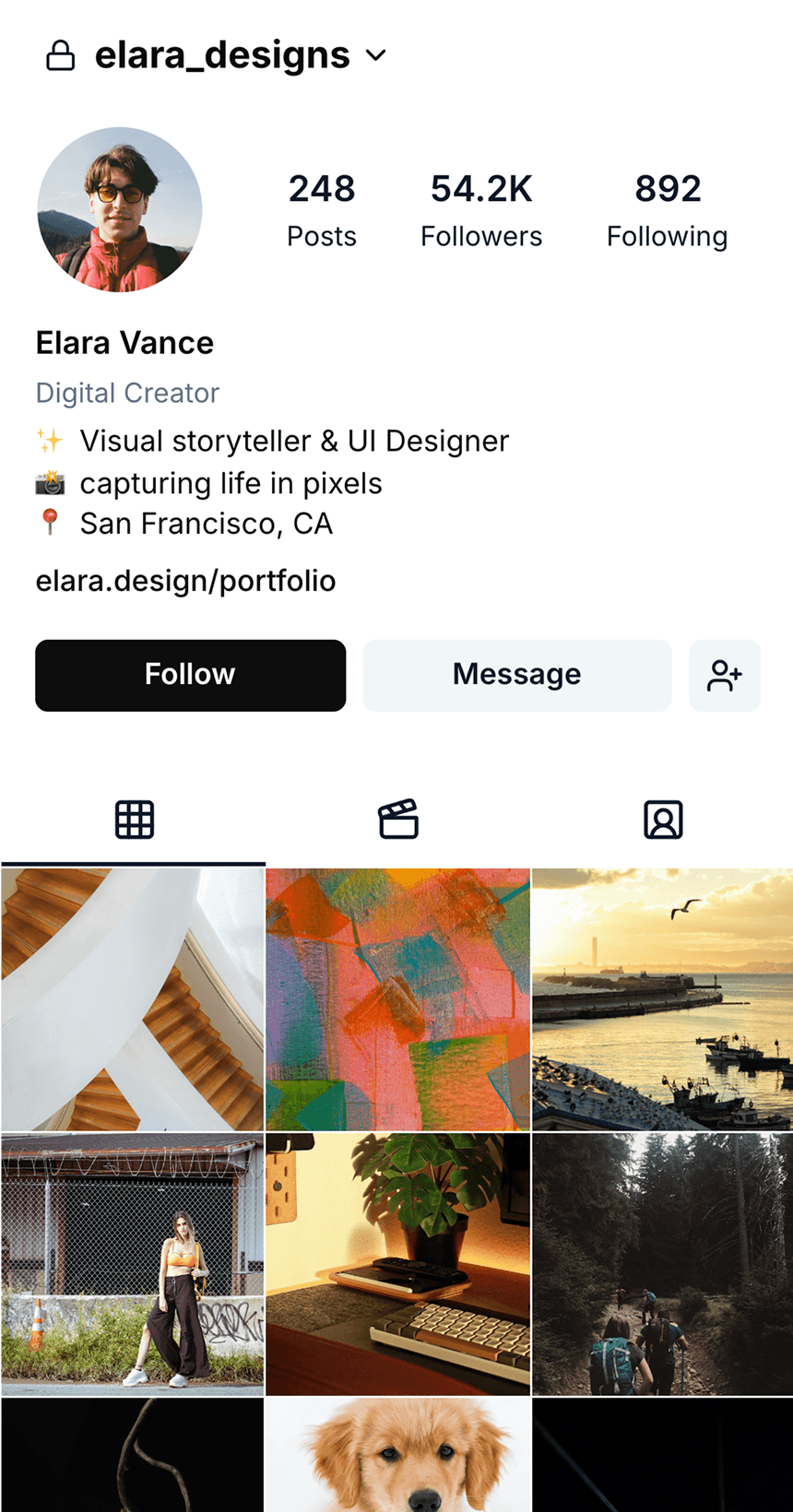

Start prototyping with AI
Use our vibe-prototyping tool to get to a presentable design in a matter of minutes. Generate your first AI prototype now!
Use our vibe-prototyping tool to get to a presentable design in a matter of minutes. Generate your first AI prototype now!
What is a design prototype?
Design prototypes consist of multiple UI design screens combined together to present your idea in a realistic way. You can click, screen, scroll, and even preview animations.
Design prototypes consist of multiple UI design screens combined together to present your idea in a realistic way. You can click, screen, scroll, and even preview animations.
How do you make a good design prototype?
A good design prototype clearly illustrates your product idea. It shows how different UI screens are connected, and what happens when you interact with specific elements.
A good design prototype clearly illustrates your product idea. It shows how different UI screens are connected, and what happens when you interact with specific elements.
How to create a design prototype?
With our AI prototype generator, it's easier than ever before. Type your idea, our AI will generate multiple UI designs and connect them together giving you an interactive prototype.
With our AI prototype generator, it's easier than ever before. Type your idea, our AI will generate multiple UI designs and connect them together giving you an interactive prototype.
What are app prototyping tools?
Prototyping tools help you create interactive "simulations" of web pages or apps by connecting a few UI design screens to create a realistic visualization of a website or app.
Prototyping tools help you create interactive "simulations" of web pages or apps by connecting a few UI design screens to create a realistic visualization of a website or app.

Find inspiring references
Browse and save screens of the best-designed apps. Save time on research.
Browse and save screens of the best-designed apps. Save time on research.