Things 3
Organize your life
iOS
Productivity
To-do
Things 3 App UI design
Things 3 App UI design
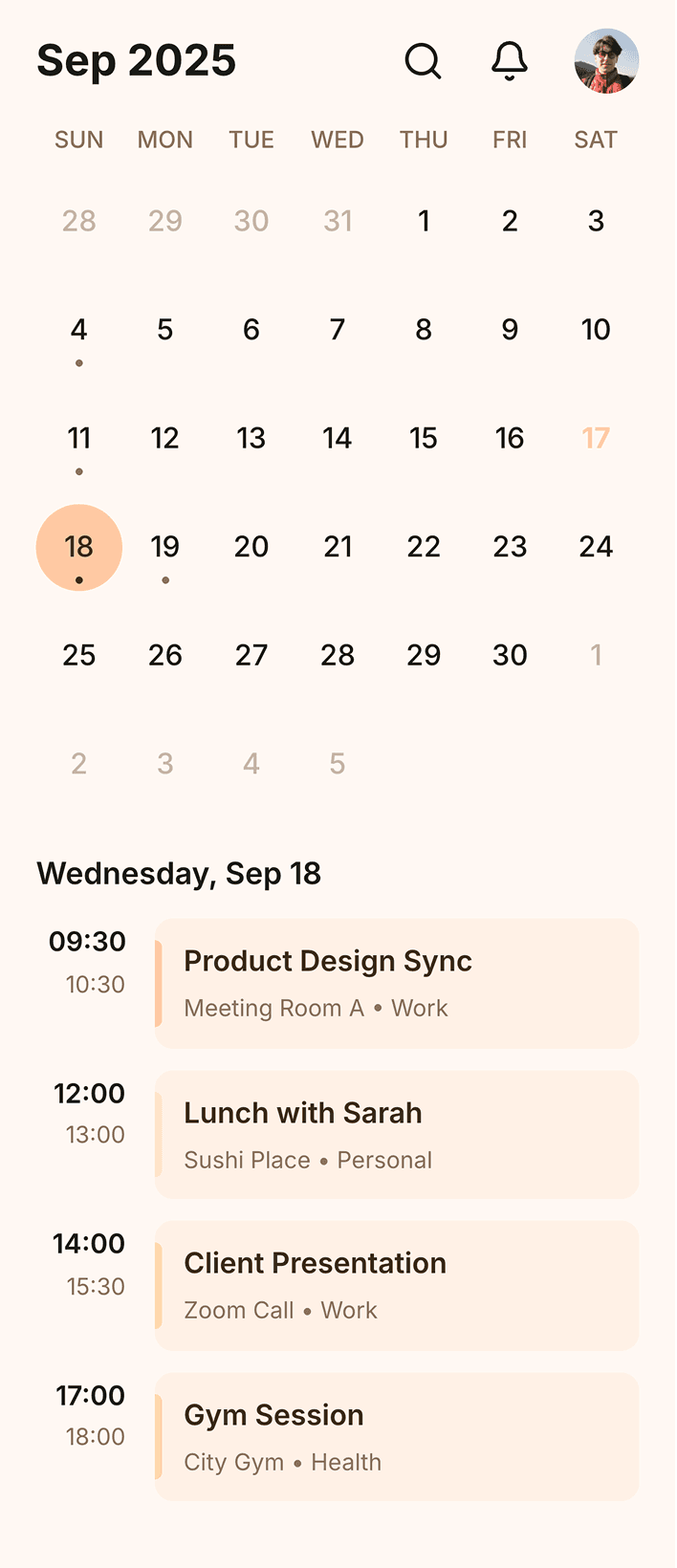
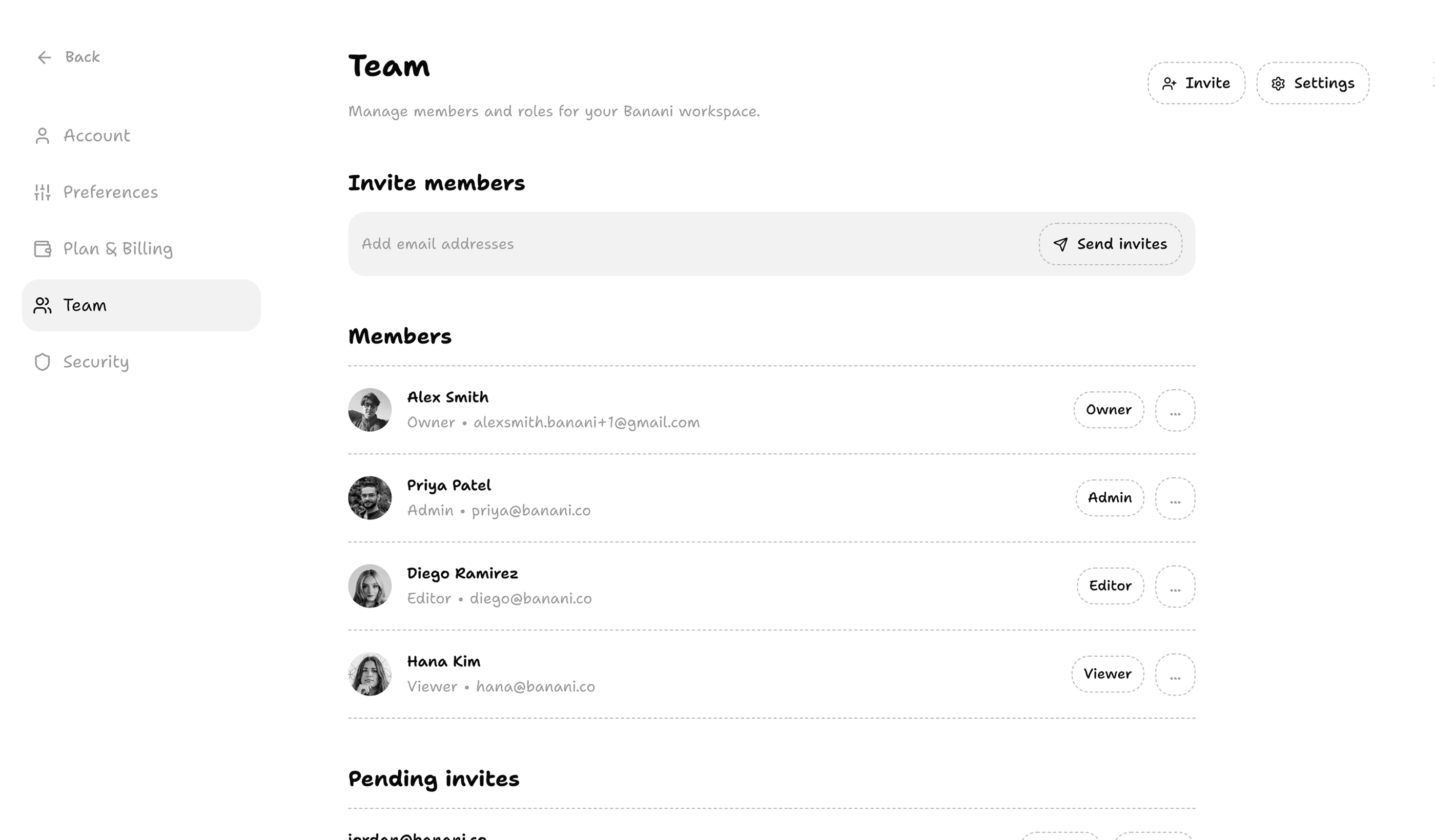
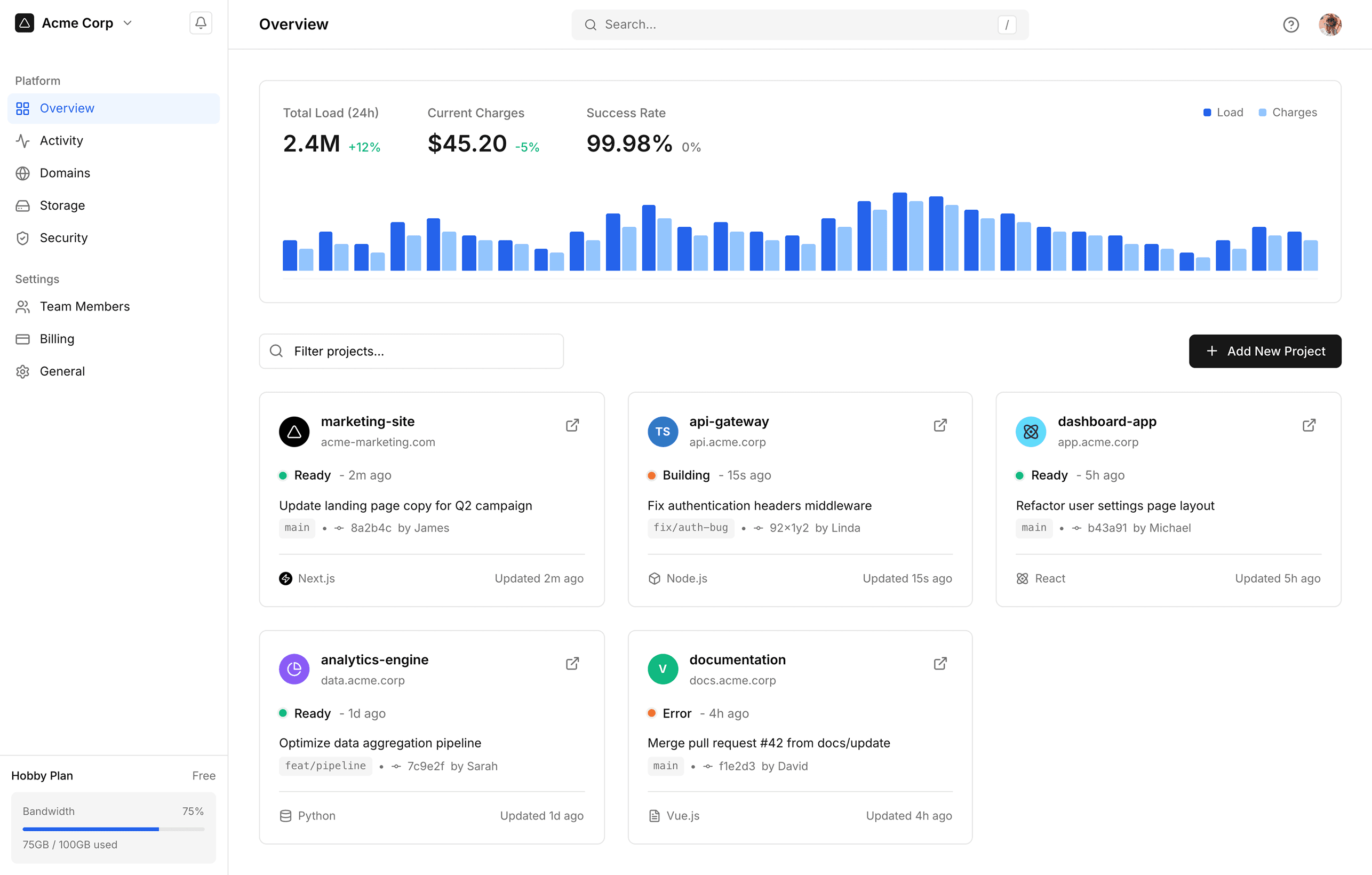
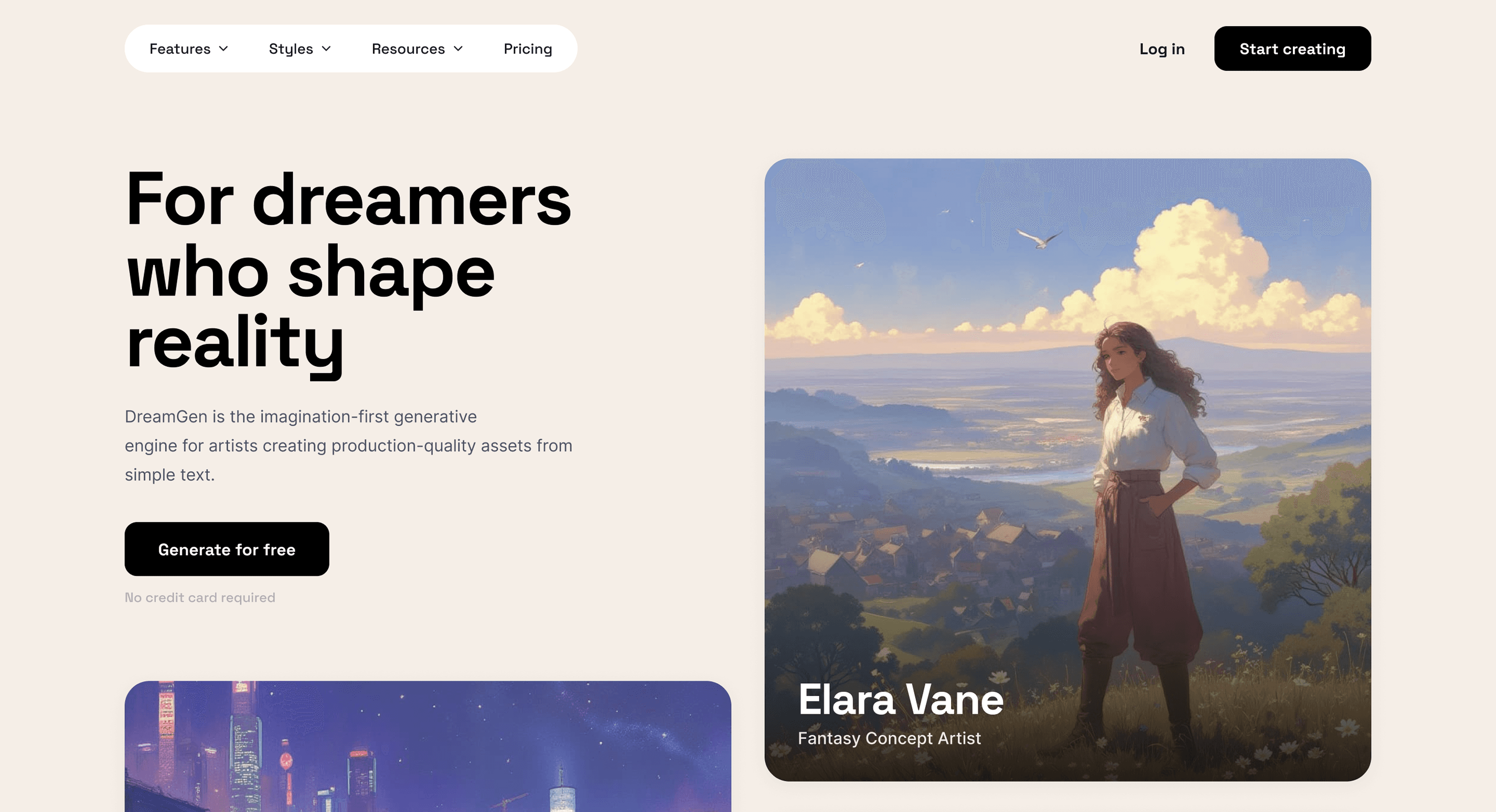
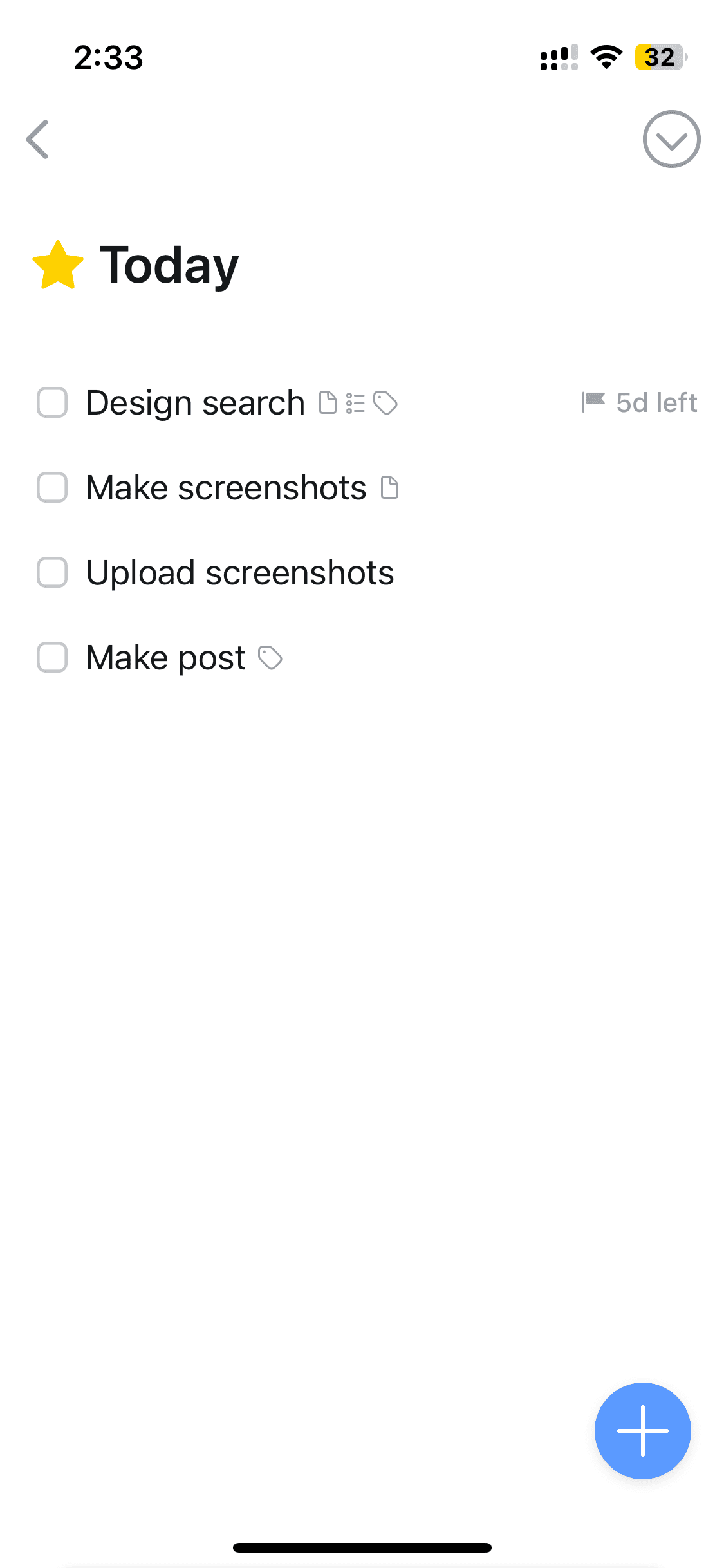
Things is a lightweight to-do app for iOS. It helps users manage tasks, projects, and deadlines with features for creating to-do lists, reminders, and projects.
Things is a lightweight to-do app for iOS. It helps users manage tasks, projects, and deadlines with features for creating to-do lists, reminders, and projects.
One of the most awarded and imitated task management app UI. Browse Things 3 app screens — login, search, tasks & more — on our free Mobbin alternative!
One of the most awarded and imitated task management app UI. Browse Things 3 app screens — login, search, tasks & more — on our free Mobbin alternative!
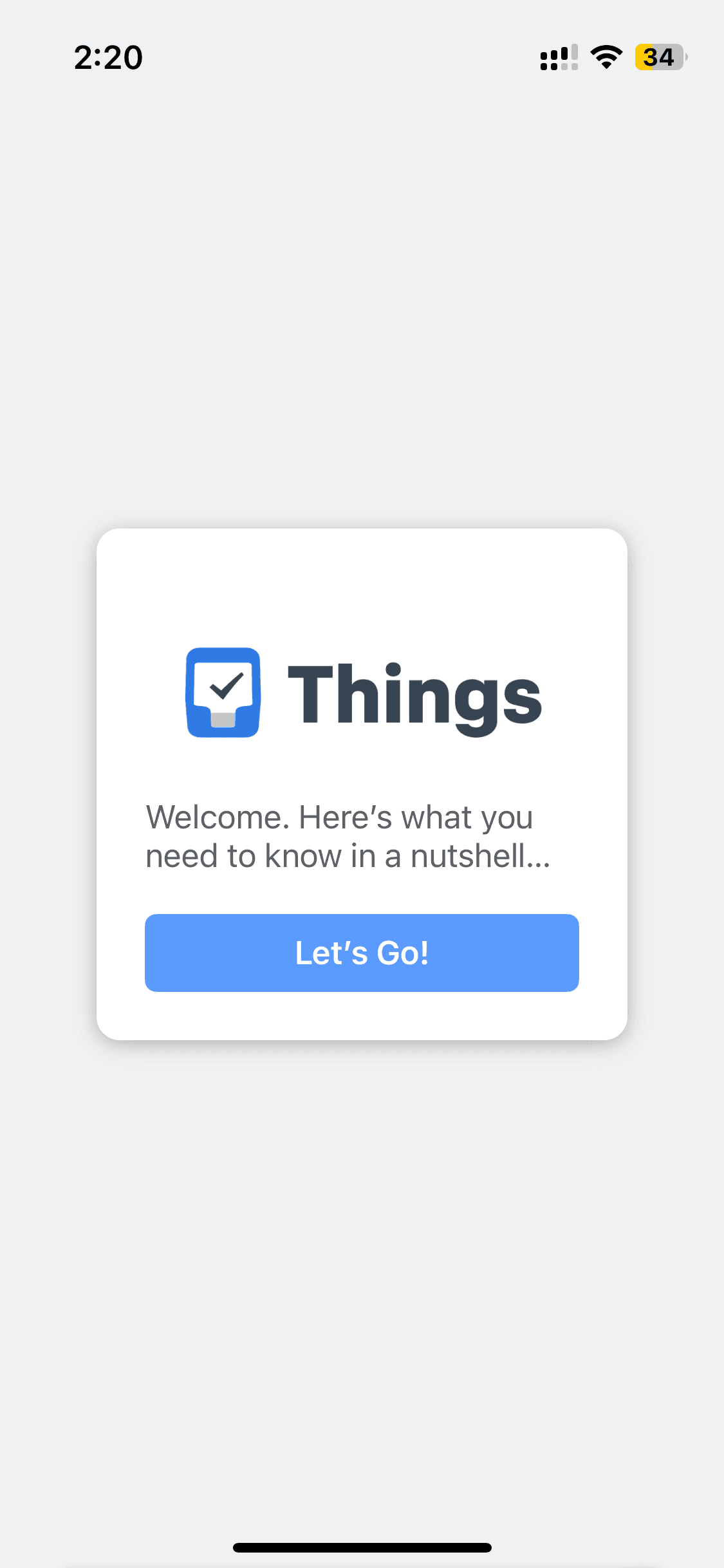
Onboarding
Onboarding
5 screens
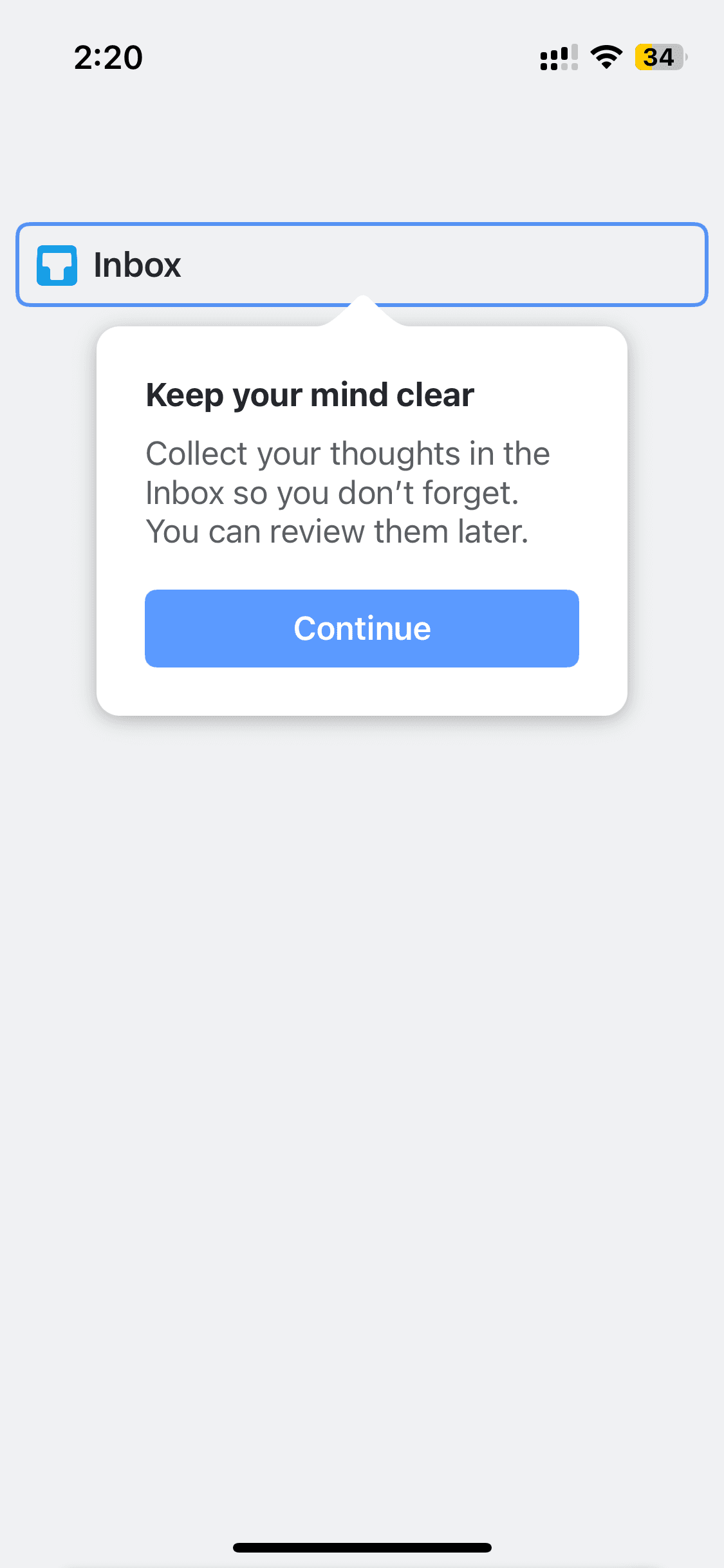
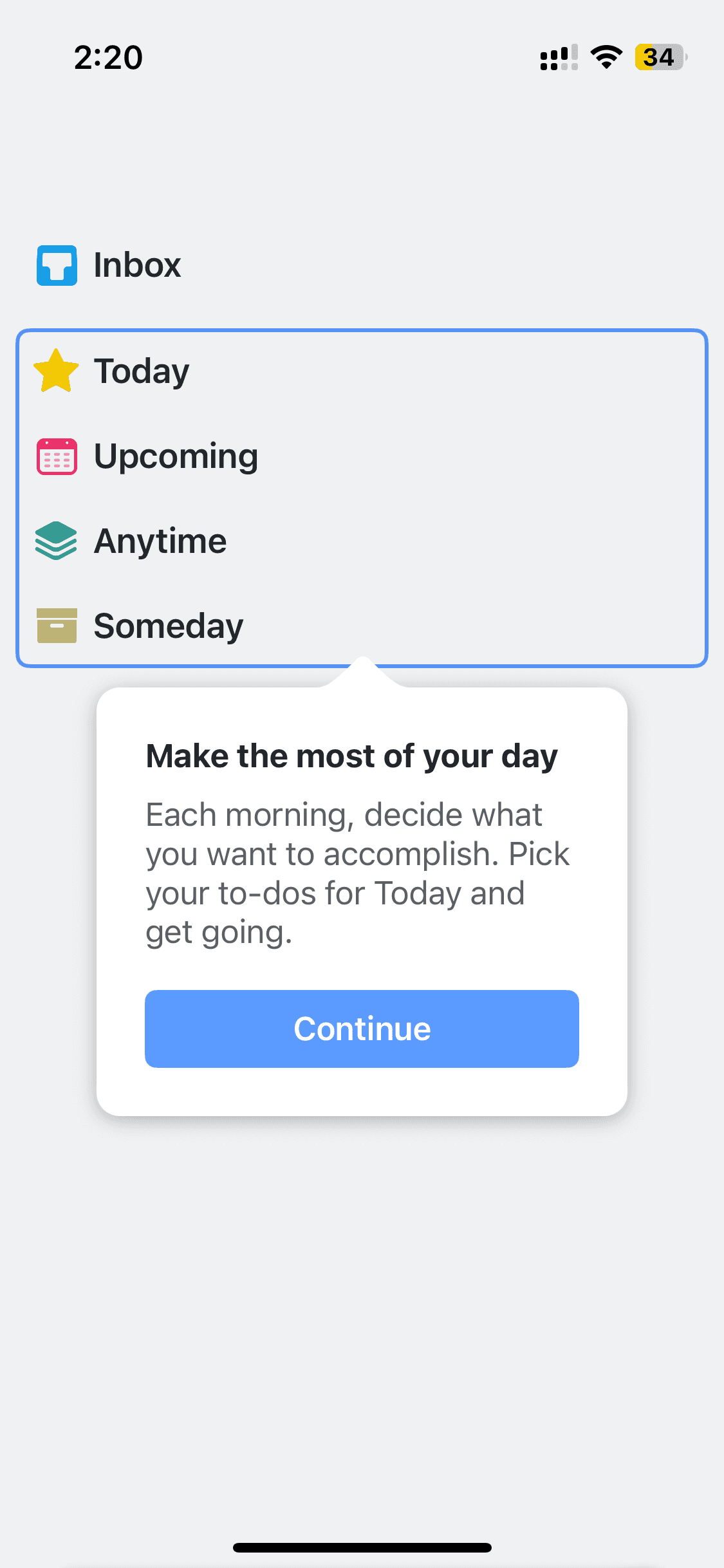
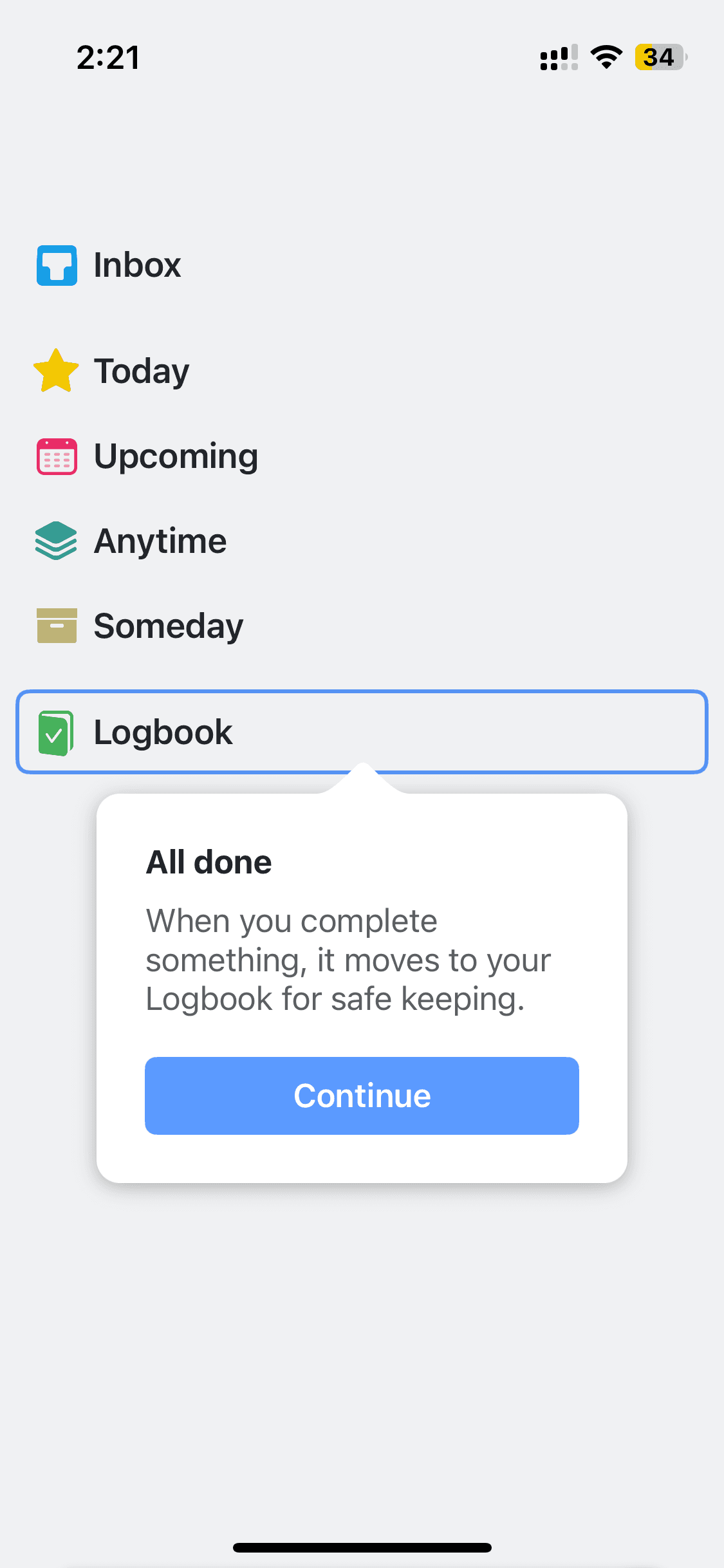
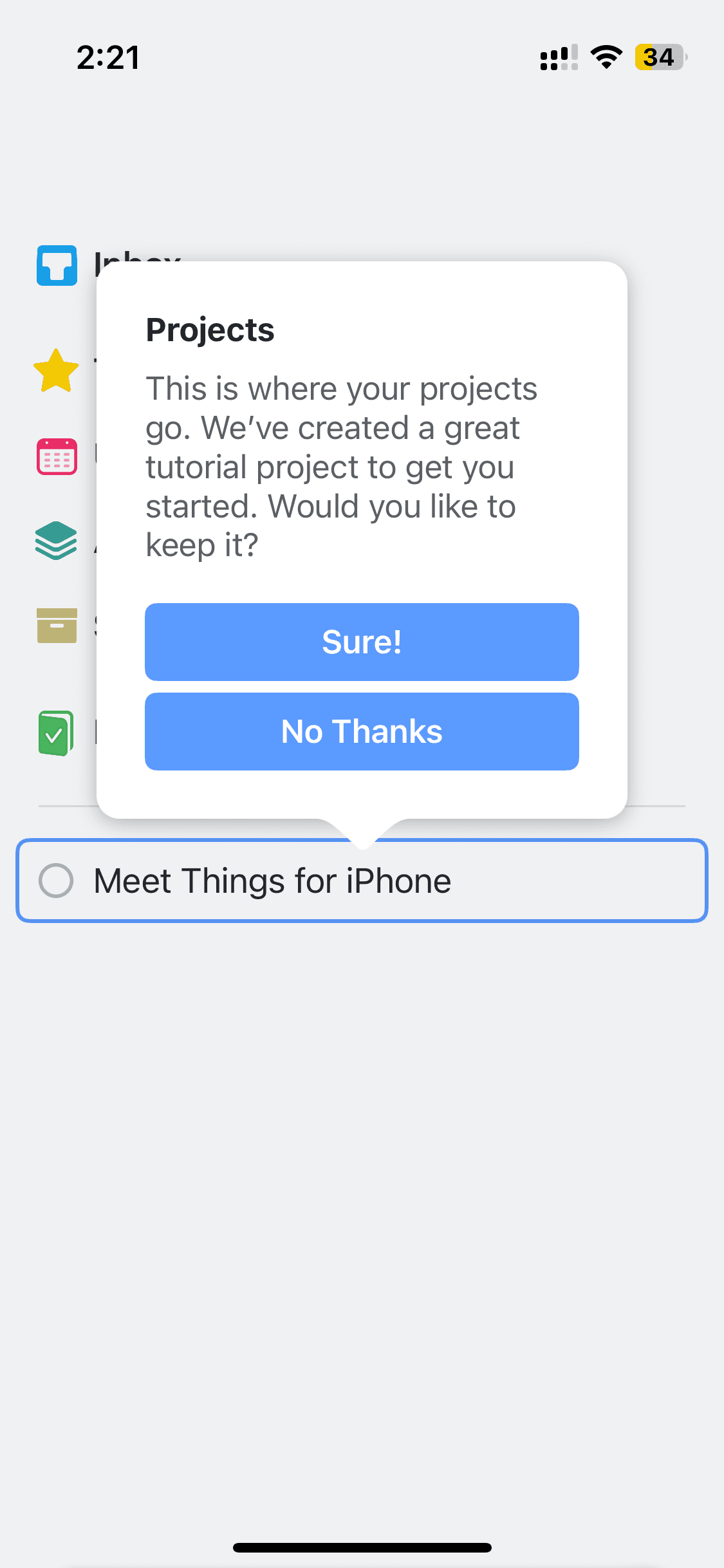
How to reference Things 3 screens with Banani AI?
1
Copy a UI Screen
Select to download or copy a UI screen you like.
Select to download or copy a UI screen you like.
2
Edit UI with AI
Upload in Banani and type the changes you want.
Upload in Banani and type the changes you want.
2
Get wireframes
Upload in Banani and type the changes you want.
3
Figma or Code Export
Export the new design as Figma or clean HTML/CSS.
Export the new design as Figma or clean HTML/CSS.
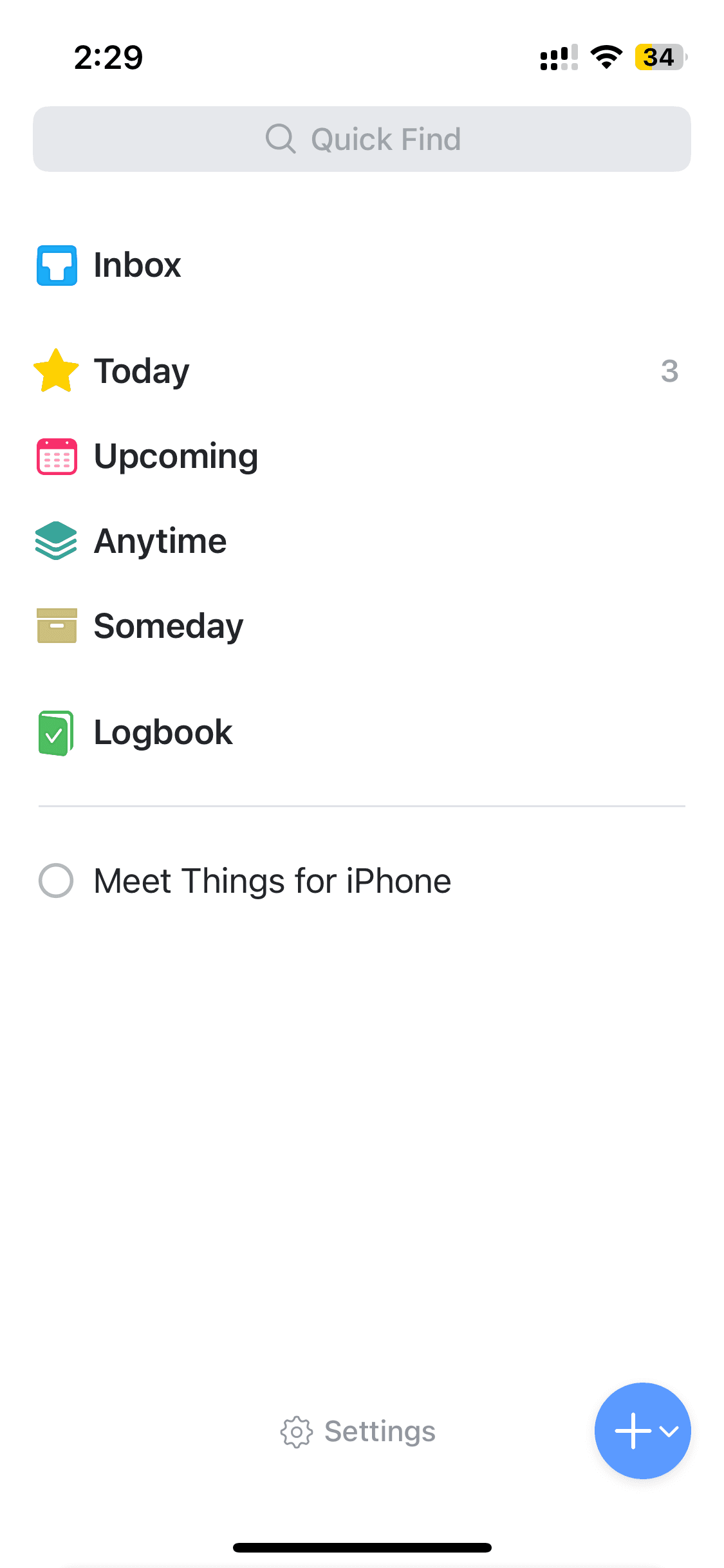
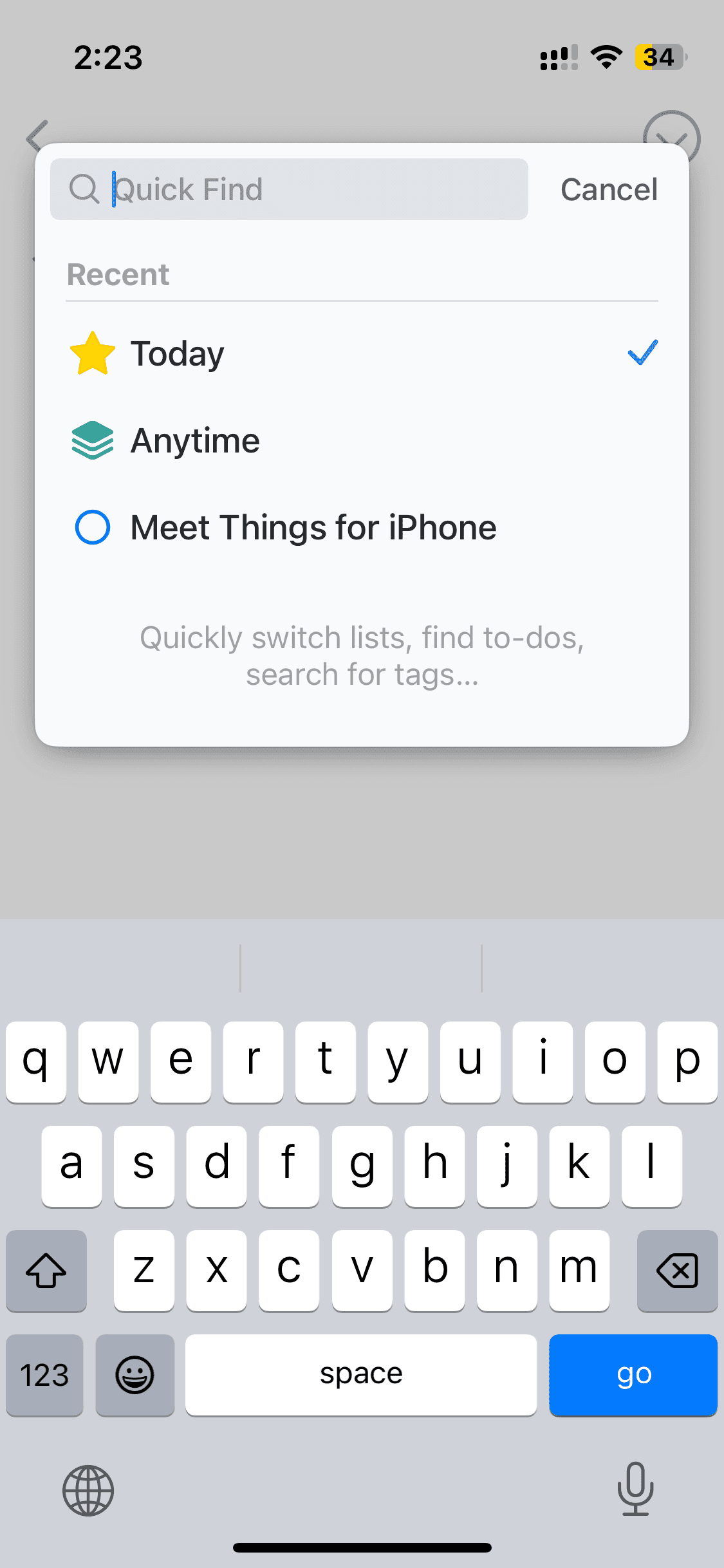
Home screen and search
Home screen and search
5 screens
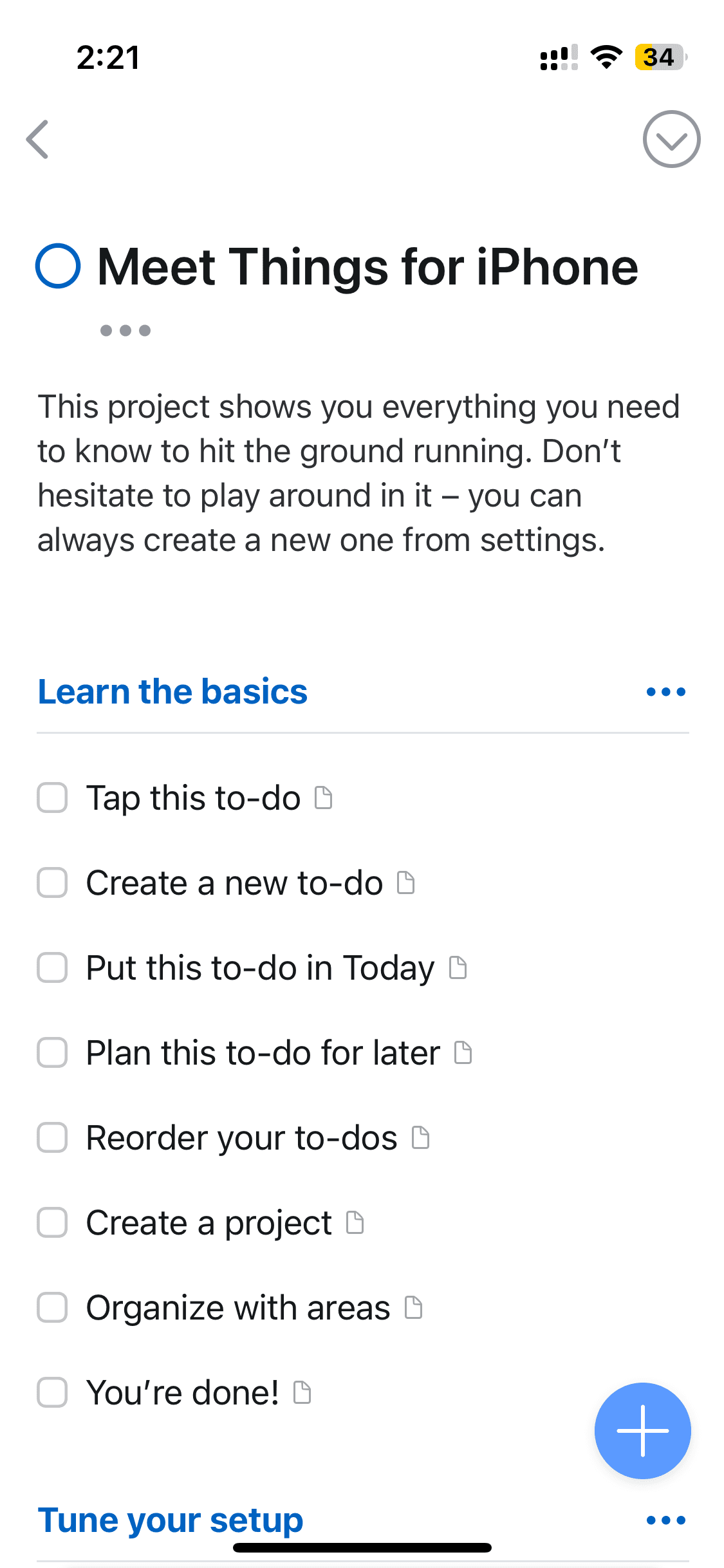
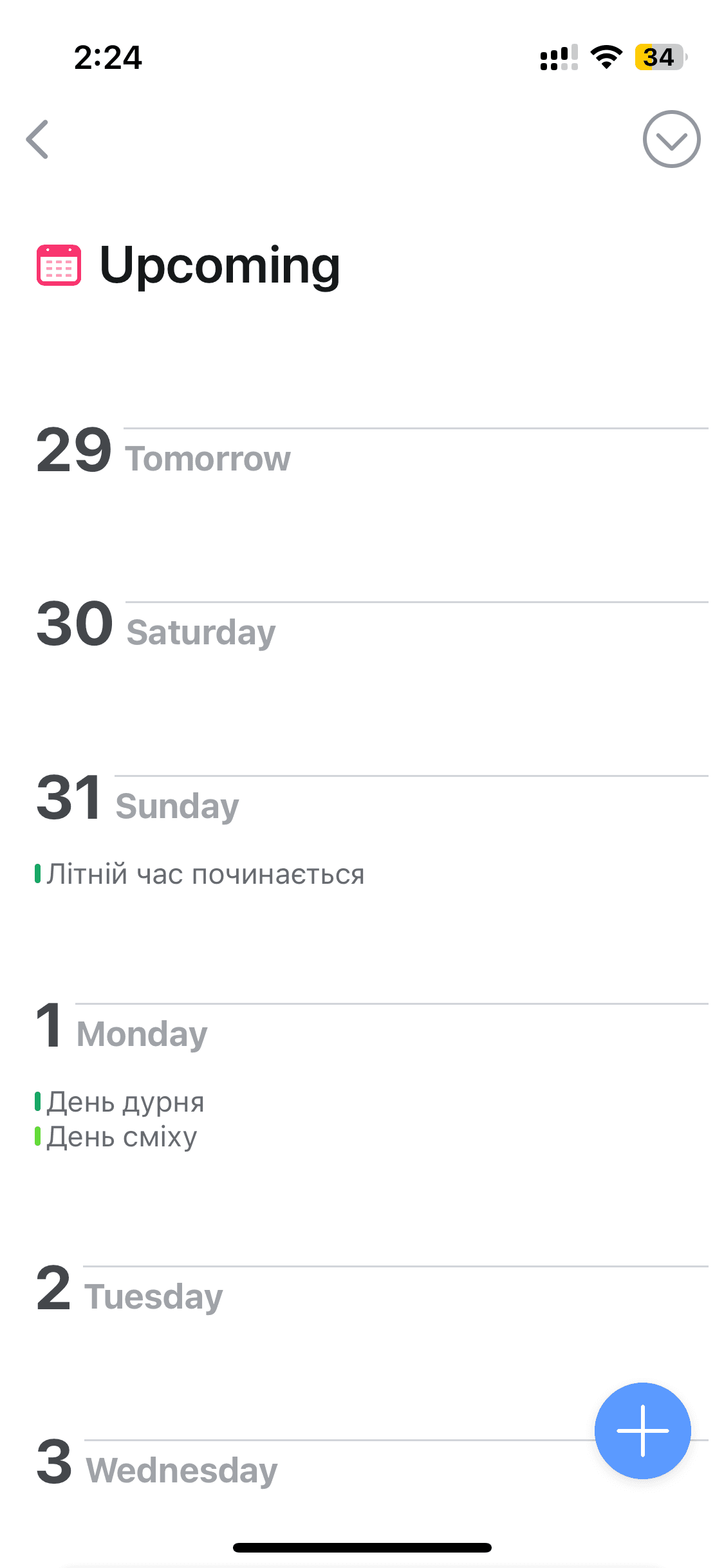
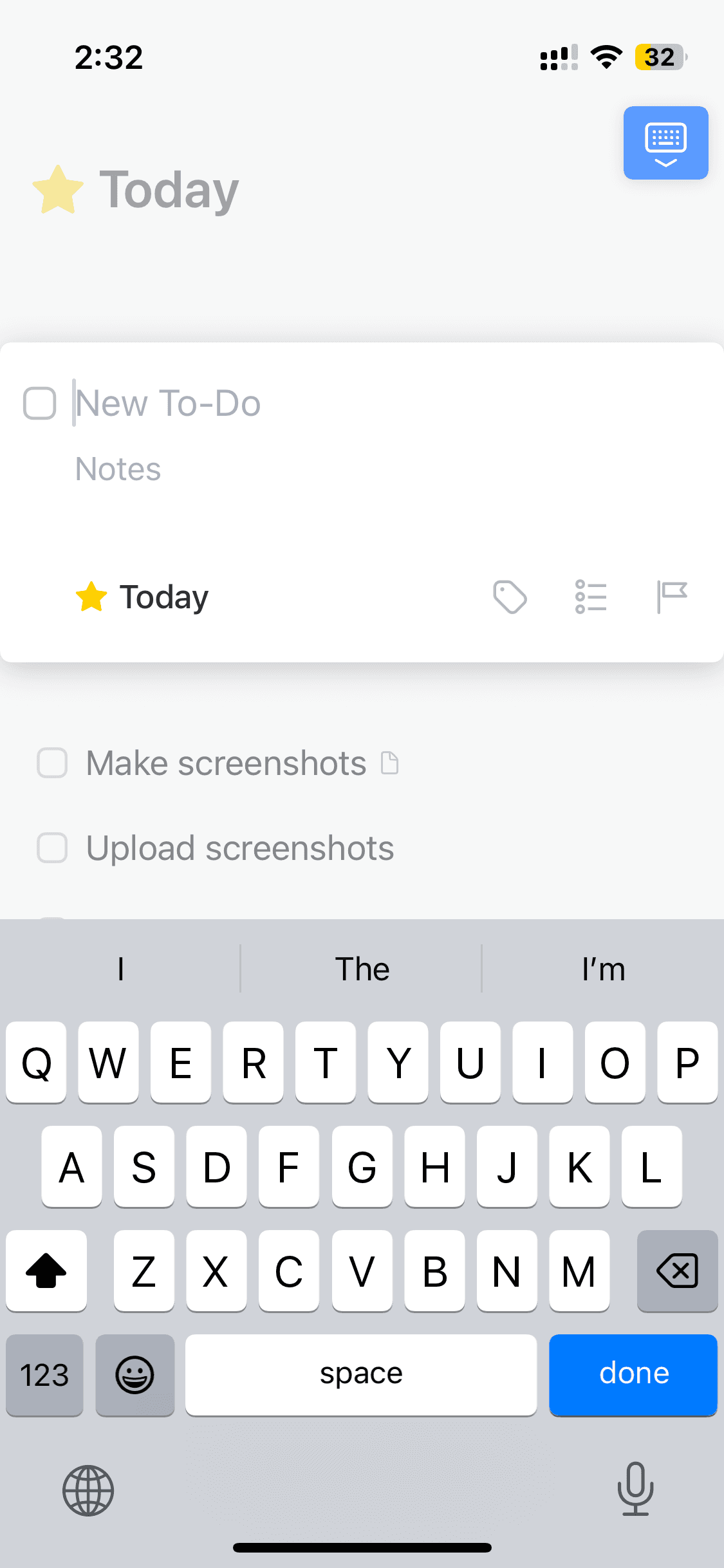
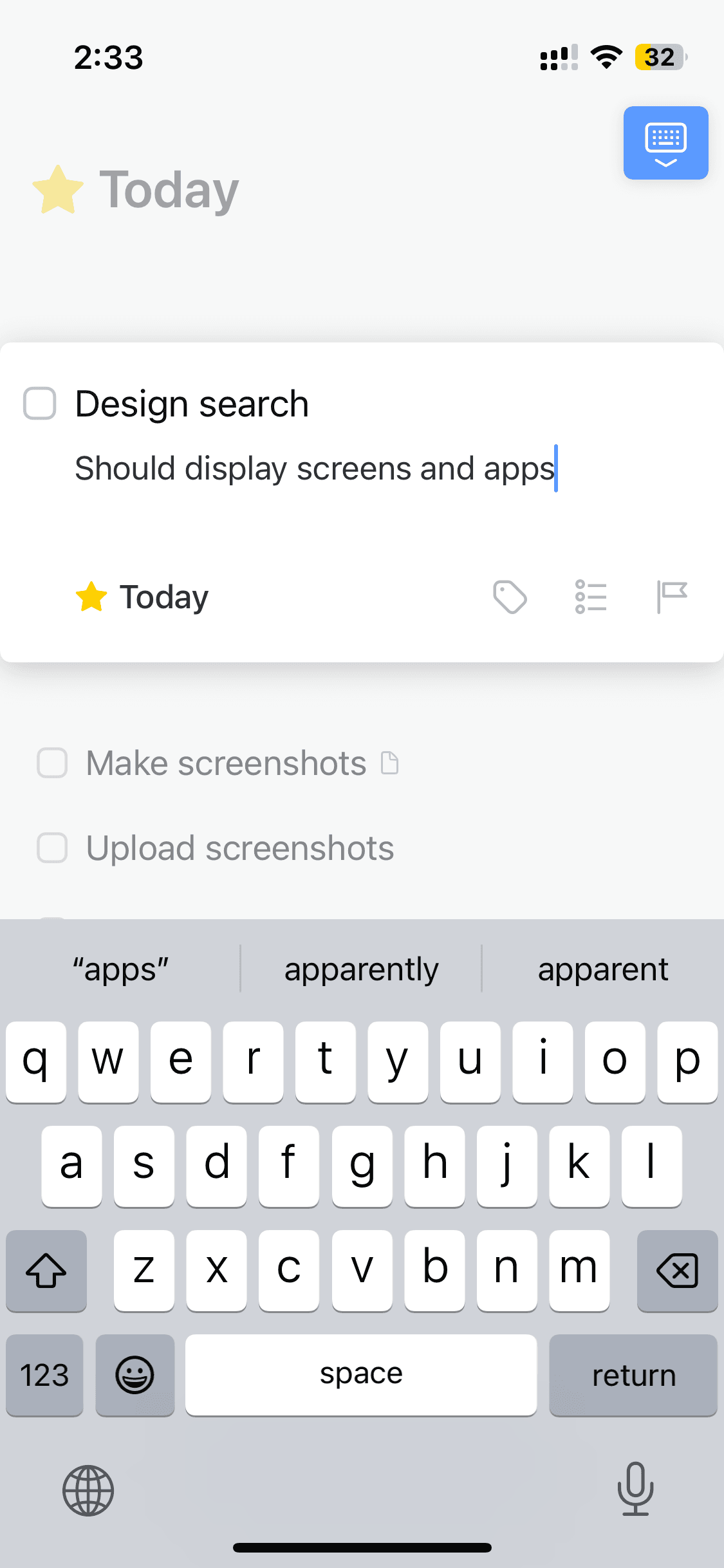
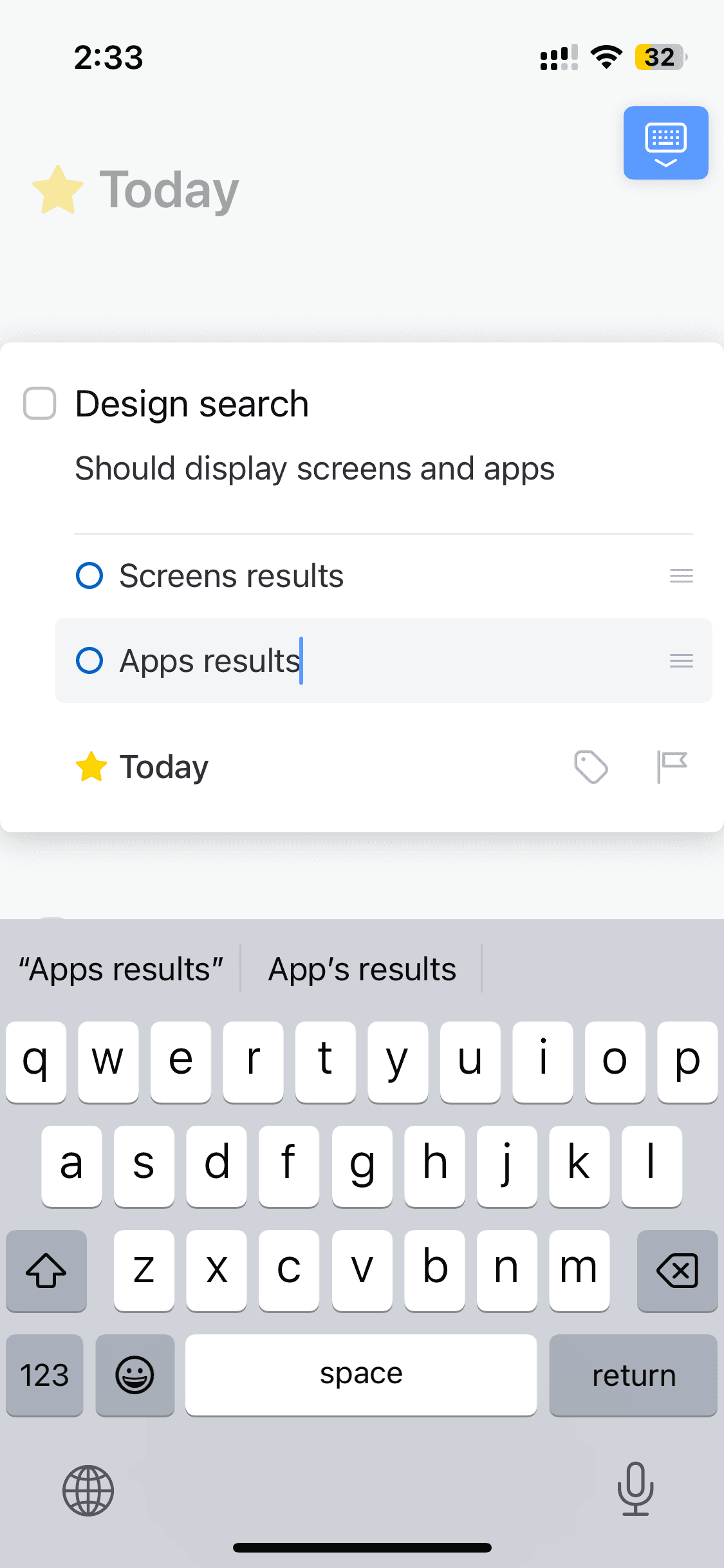
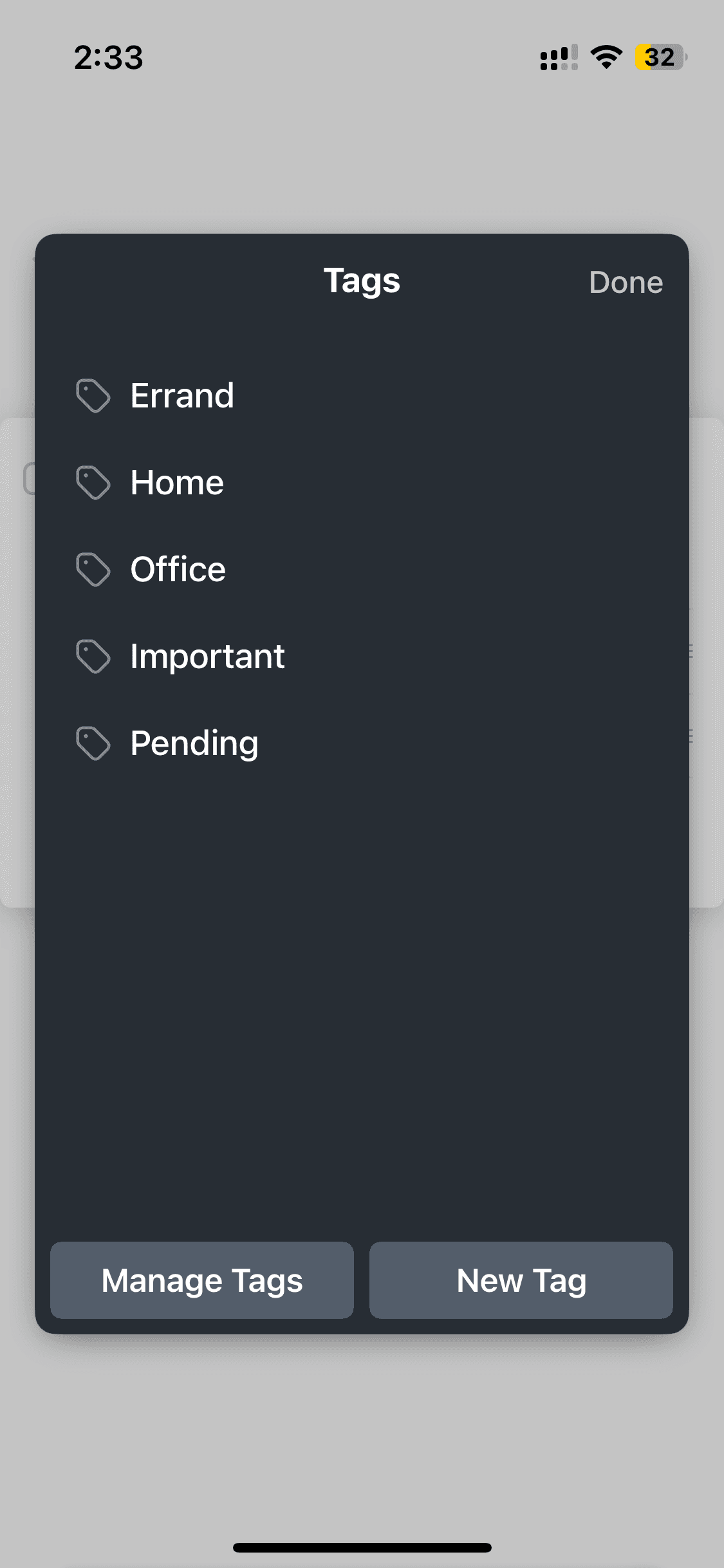
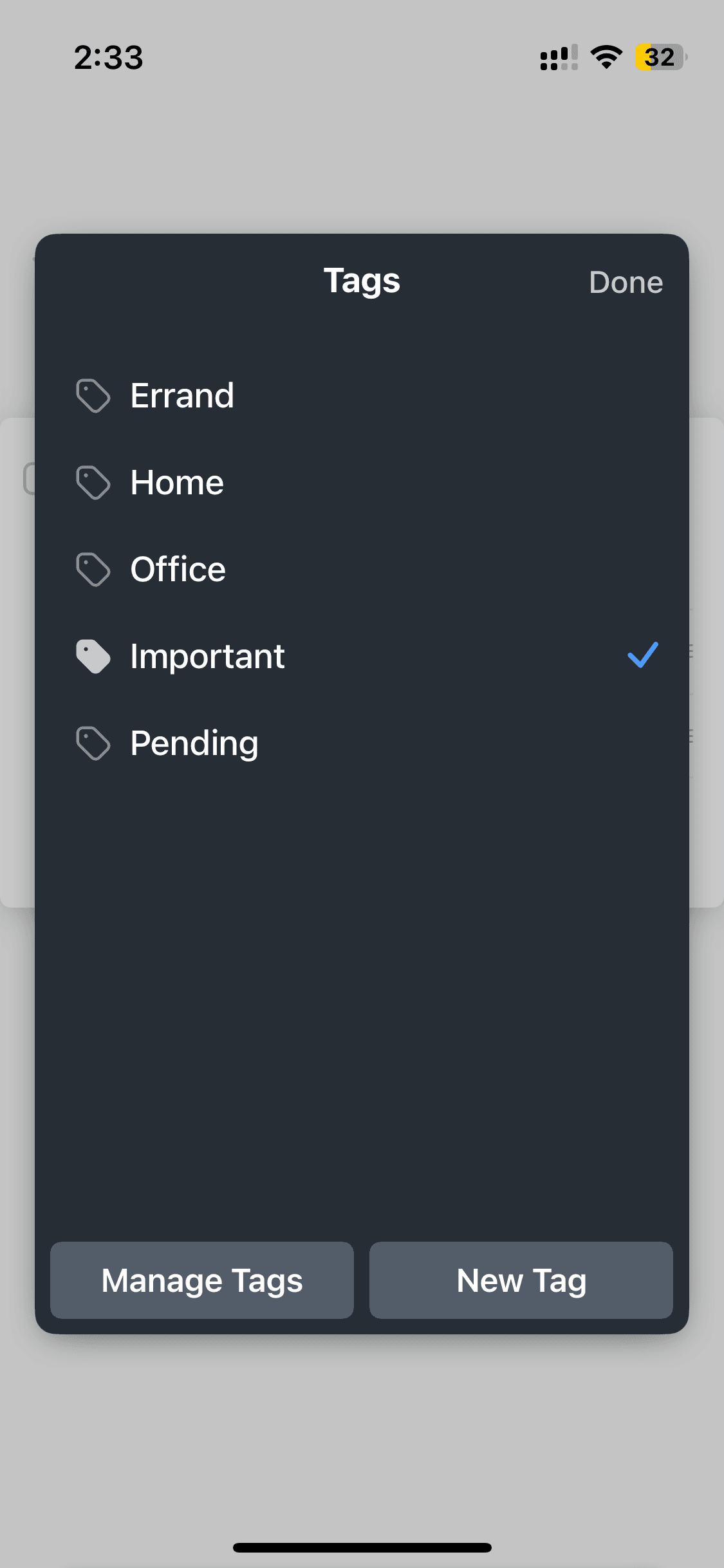
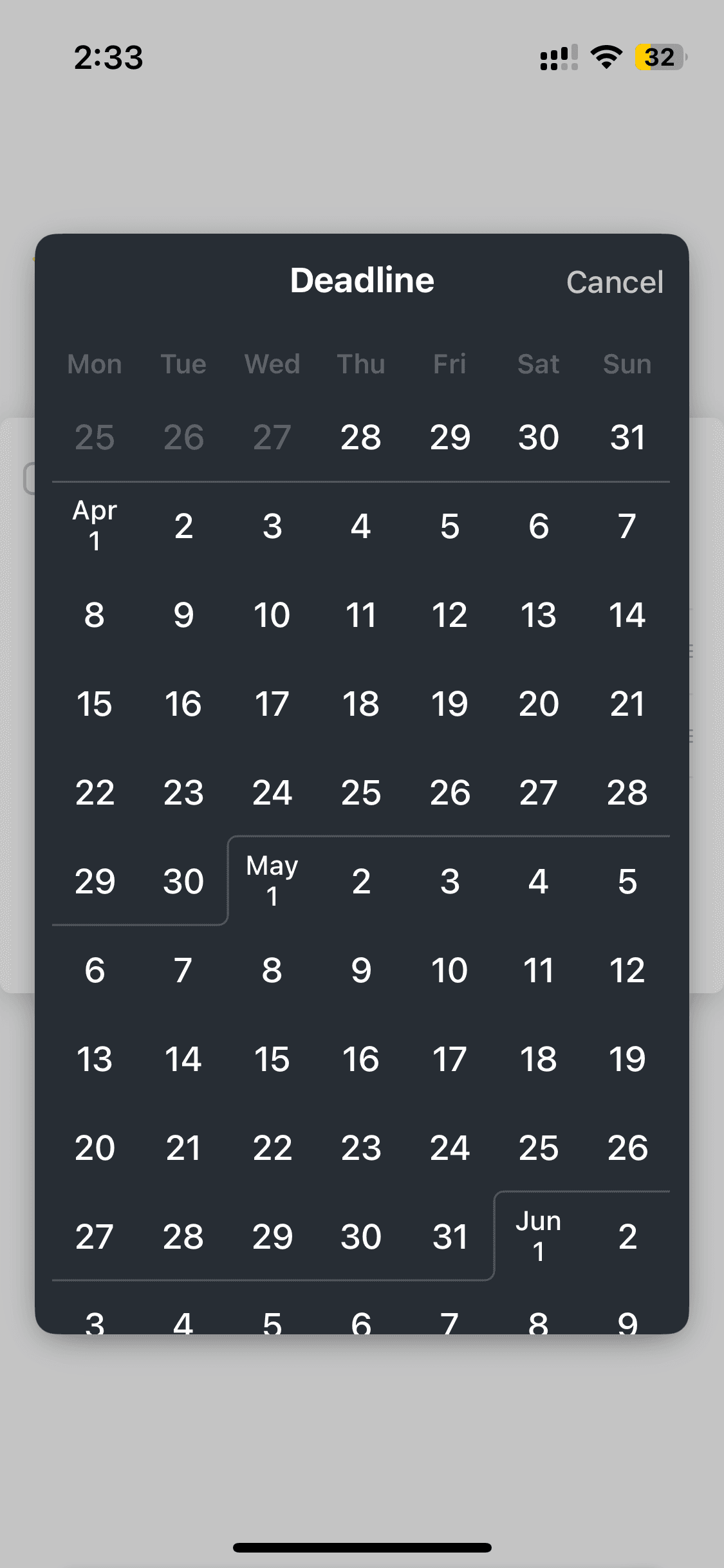
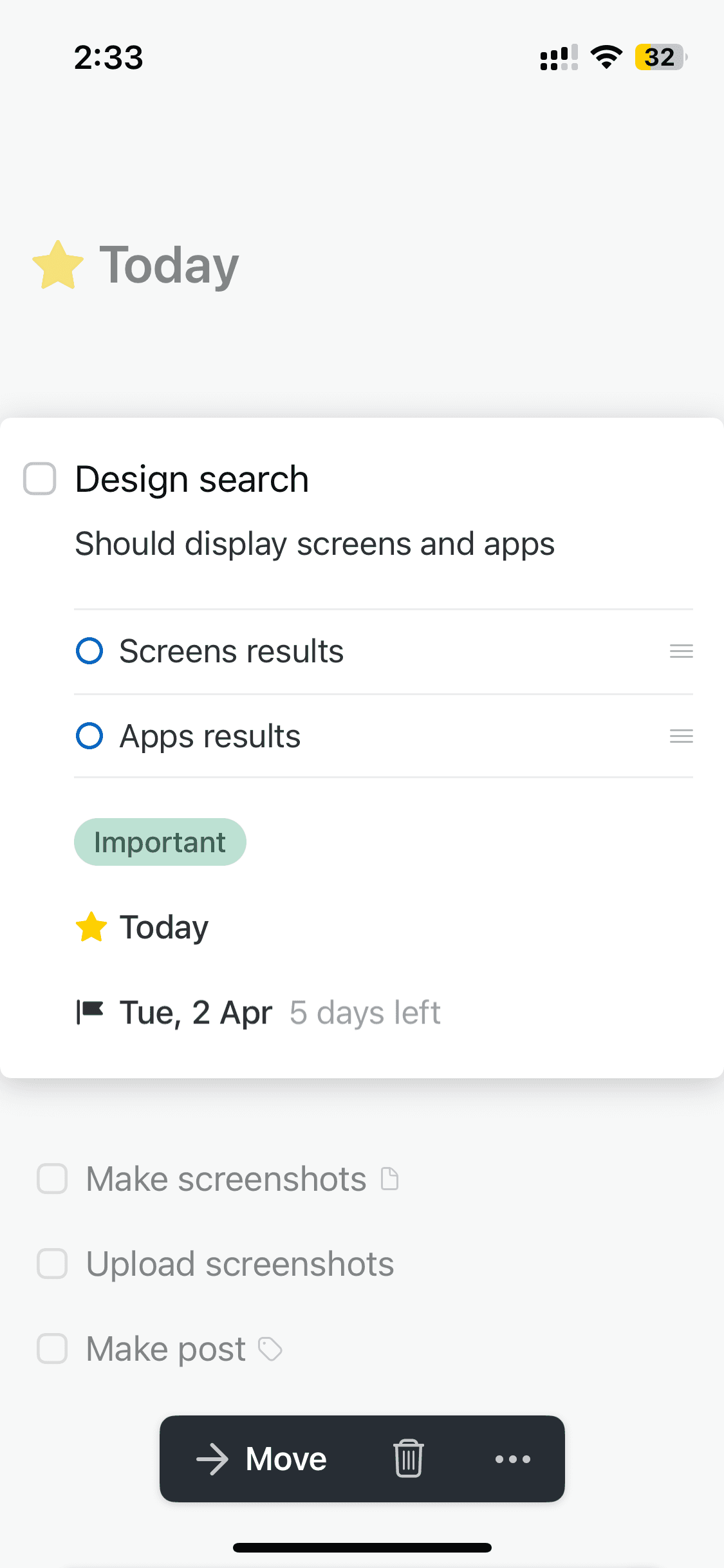
Creating new task
Creating new task
7 screens


Recently added
View all

Tinder
NEW
Meet New People & Date Singles
Calm
Sleep, Meditation, Relaxation

Threads
Share ideas & trends with text

Blinkist
Learn something new every day
ChatGPT
The official app by OpenAI

Airbnb
Vacation Rentals & Experiences
Things 3
Organize your life

Arc Search
Find it, Faster
FAQs on Things 3 UI
Why reference Things 3 UI for app design?
Things 3 won Apple's Design Award at WWDC 2017. It manages to make task management feel genuinely delightful and intuitive through micro-interactions, thoughtful typography, and a navigation structure that's deep but never confusing.
If you're designing a to-do app, a task manager tool, or any productivity product on iOS, Things 3 UI screens are classic references.
Things 3 won Apple's Design Award at WWDC 2017. It manages to make task management feel genuinely delightful and intuitive through micro-interactions, thoughtful typography, and a navigation structure that's deep but never confusing.
If you're designing a to-do app, a task manager tool, or any productivity product on iOS, Things 3 UI screens are classic references.
Is Things 3 UI available on Mobbin?
Yes, Things 3 screens are on Mobbin. But full flow access and downloads sit behind their paid plan. But you can access the complete Things 3 UI for free on a free Mobbin alternative, which also hosts dozens of other mobile iOS UI templates.
Yes, Things 3 screens are on Mobbin. But full flow access and downloads sit behind their paid plan. But you can access the complete Things 3 UI for free on a free Mobbin alternative, which also hosts dozens of other mobile iOS UI templates.
Why use Banani AI as a Mobbin alternative to view Things 3 screens UI?
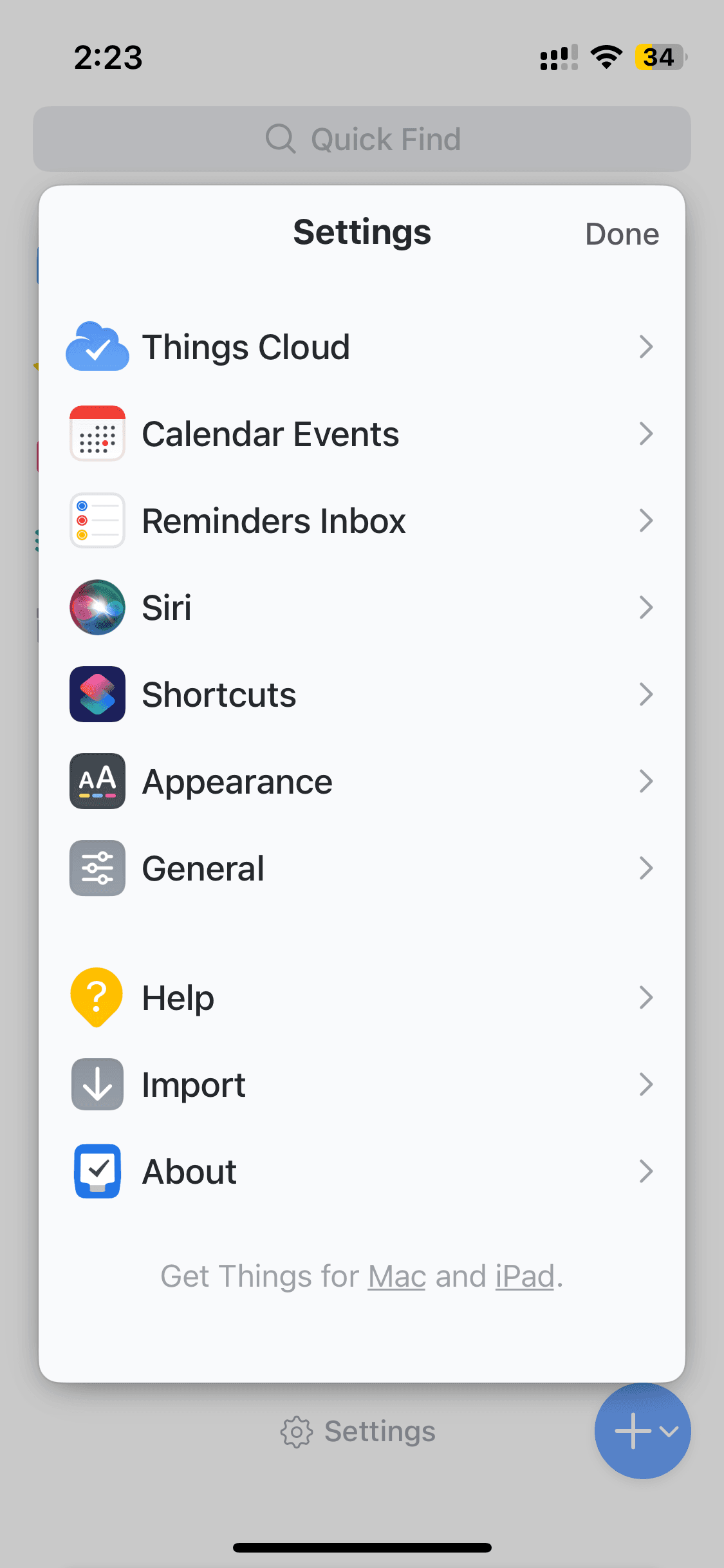
On Banani, Things 3's key interfaces — onboarding, home, search, and task — are free to browse, no account needed. Copy any screen, upload to Banani AI, and adapt the task design patterns for your own productivity app. You can also export your remixed Things 3 UI screens as Figma or HTML/CSS.
On Banani, Things 3's key interfaces — onboarding, home, search, and task — are free to browse, no account needed. Copy any screen, upload to Banani AI, and adapt the task design patterns for your own productivity app. You can also export your remixed Things 3 UI screens as Figma or HTML/CSS.